What to Measure in Your First Month of AItocha CX Support — and What to Ignore
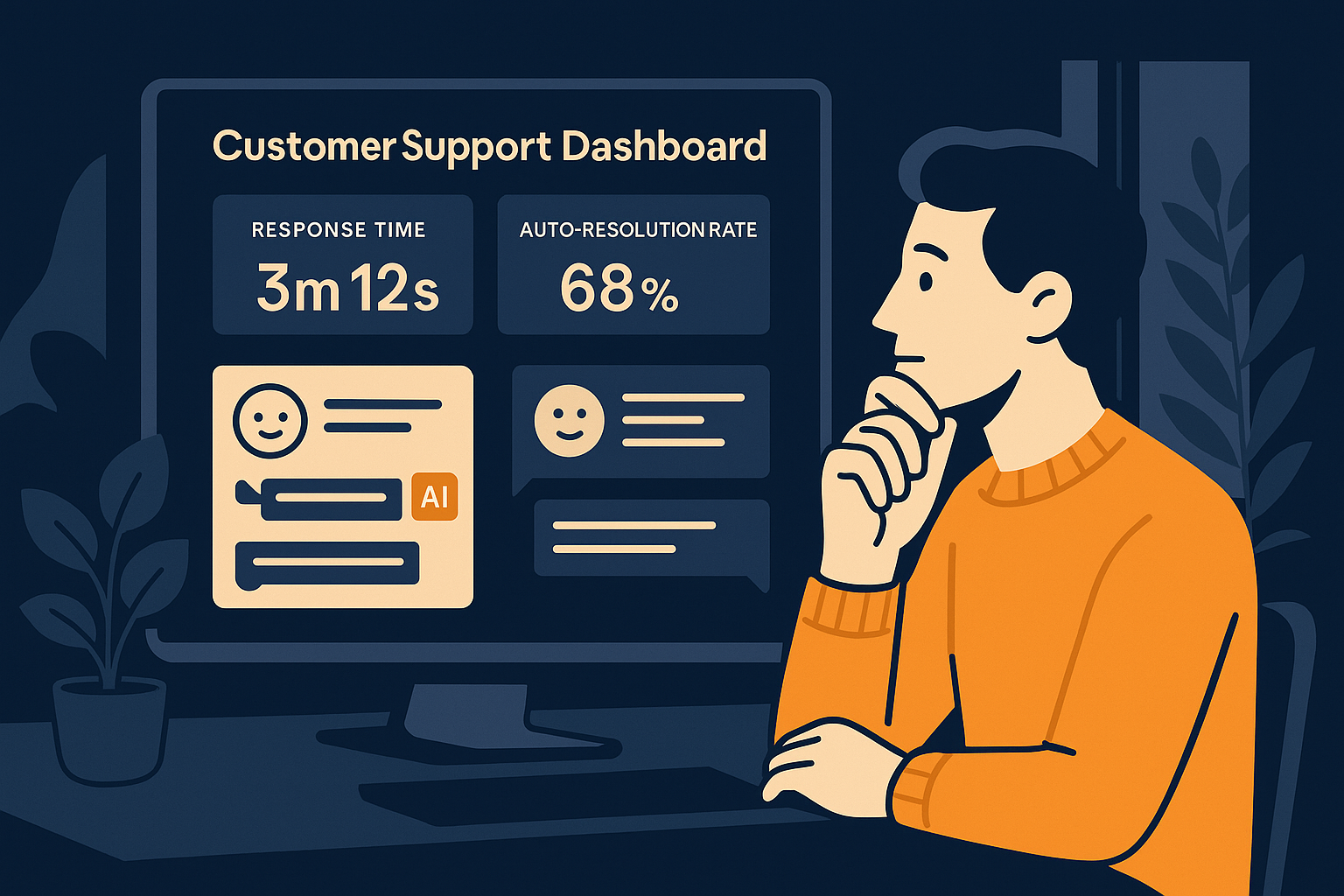
Imagine launching AItocha CX for your support team and seeing immediate automation but wondering which metrics truly reflect your progress. In the first month, your focus should be on measurable outcomes that align with your goals and the product's strengths — not just every data point you can grab. This guide will help you identify what to track and what to ignore to make your first month with AItocha CX productive and insightful.
Prioritize Auto-Resolution Rate as Your Key Success Indicator
One of the standout features of AItocha CX is its ability to automatically resolve 85% of inquiries. This metric isn’t just a number; it directly reflects how much of your support workload the AI is handling without human intervention. Focusing on your auto-resolution rate helps you gauge whether the AI is interpreting customer needs effectively and delivering instant solutions.
During your first month, track how this percentage changes as you refine your workflows and knowledge base. An increasing auto-resolution rate indicates better AI training and smoother customer interactions. Conversely, if the rate stagnates or declines, it may signal the need for adjustments in AI configuration or content updates. By honing in on this one statistic, you get a clear, actionable indicator of your AI support's impact.
For example, you might notice that certain question topics are not auto-resolving as frequently. This would be a sign to update or expand your AI's knowledge base in those areas. Also, tracking auto-resolution in different support channels can reveal which ones benefit most from automation and where human follow-up is still crucial.
Watch Your Average First Response Time Carefully
Another critical metric to monitor is the average first response time. AItocha CX boasts an impressive sub-one-second average, a benchmark that drastically outperforms traditional manual support. This near-instant response time can greatly improve customer satisfaction by quickly acknowledging inquiries, even if full resolution takes longer.
Keep an eye on this metric to ensure that your AI is maintaining rapid engagement. If the response time begins to creep up, it could indicate system issues or increased complexity in incoming questions that the AI struggles to parse. Maintaining a fast first response time sets the tone for positive customer experiences early in their interaction with your support team.
In practice, you might see that response times increase during peak hours or after deploying new AI scripts, signaling areas where performance can be improved. Setting alerts for unusual spikes in response time can help you react quickly before customer experience is affected.
Defer Deep Customer Satisfaction Scores Until After Month One
While it’s tempting to start measuring customer satisfaction metrics like NPS or CSAT immediately, the first month is often too early for meaningful insights here. Customers are still adjusting to interacting with AI-powered support, and your workflows are likely evolving rapidly. These factors can skew satisfaction results and make it difficult to separate AI performance from other variables.
Instead, focus on operational metrics like resolution rate and response time first. Once your AI support system stabilizes, then layering in satisfaction surveys will give more reliable feedback on how customers truly feel about their support experience with AItocha CX.
A common mistake is to act on customer satisfaction feedback too early, which can lead to premature changes that disrupt your AI’s learning curve. Waiting ensures feedback is based on a more mature support experience and yields actionable insights rather than noise.
Ignore Volume Spikes and Ticket Counts Early On
Changes in inquiry volume or total ticket counts in your first month can be misleading. Launching an AI support system often changes the way customers interact — they might send shorter questions or try more self-service options. This can cause fluctuations unrelated to your team’s performance or AI effectiveness.
Focusing too much on volume metrics early risks distracting your team from optimizing the AI itself. Instead, monitor volumes casually but prioritize the quality and speed of responses. After the initial adjustment period, volume trends will settle and become more useful for strategic planning.
For example, you might see a temporary increase in ticket counts as customers experiment with the new AI chat widget. This isn’t a failure but a typical phase where user behavior adjusts. Patience and focusing on resolution quality over quantity prevents unnecessary panic or misdirected effort.
Use AItocha CX Insights to Guide Iterations and Keep Expectations Realistic
Your first month with AItocha CX is a learning phase. Use the built-in analytics to track the key metrics discussed here, especially the auto-resolution rate and first response time. These numbers provide a clear picture of how well your AI support is performing and where to focus your tuning efforts.
Remember, it’s normal for some metrics to fluctuate early on as you configure the AI and train your team to work alongside it. Keep your expectations grounded, avoid chasing every minor detail, and let the data guide you through steady improvements. When you’re ready, the AItocha CX product page offers resources to deepen your understanding and enhance your AI support journey.
A practical tip is to schedule weekly reviews of your performance data with your team. Use these sessions to discuss what the numbers are telling you, prioritize fixes or knowledge base updates, and share observations from frontline agents. This collaborative approach accelerates improvements and builds confidence in the AI’s role.
Finally, keep in mind that AI support is a partnership between technology and people. Balancing automated efficiency with thoughtful human oversight ensures your customers receive the best possible experience from day one onward.