Enterprise Support Checklist: SLAs, RBAC, Audit Logs, and Multi-Site Management
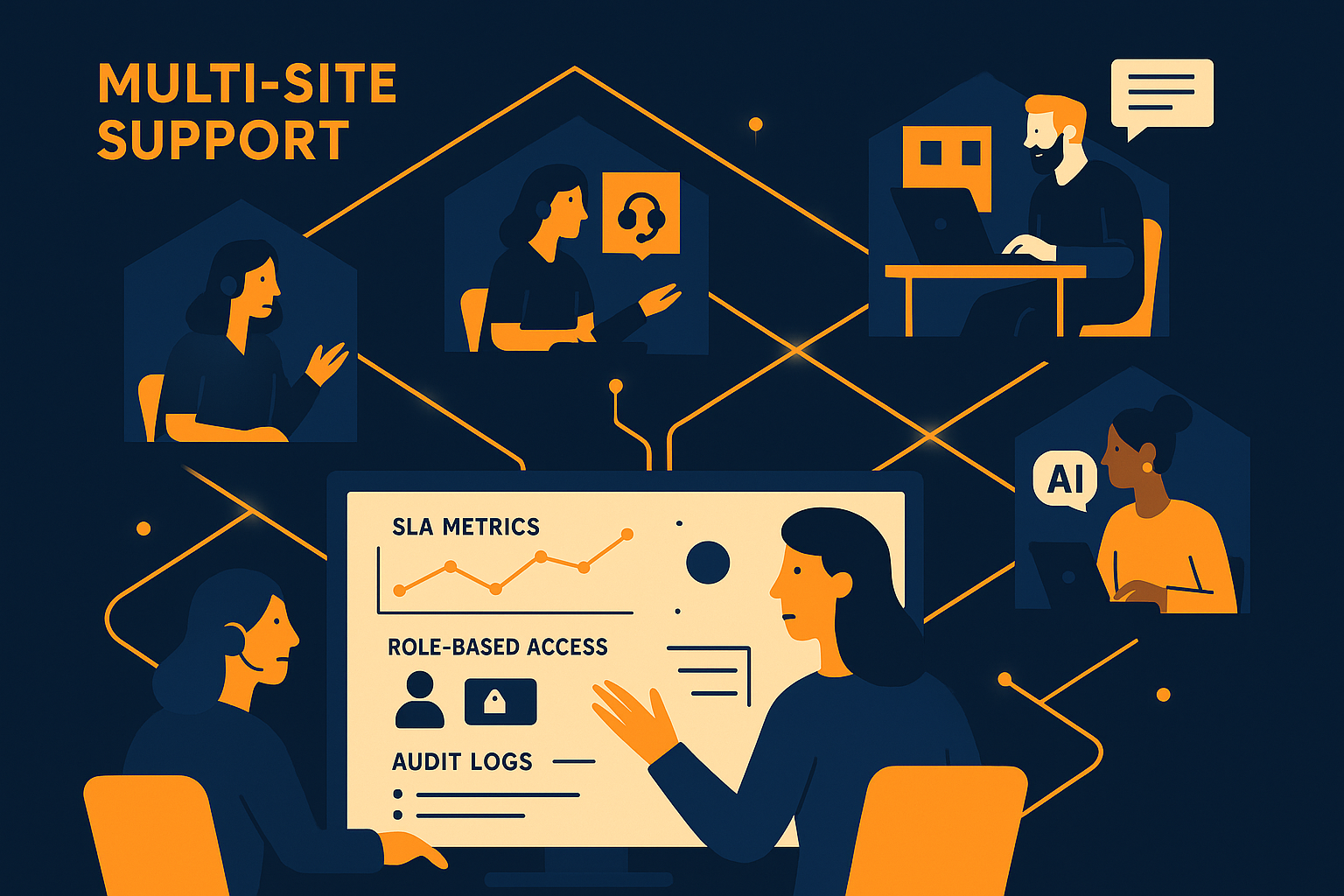
Imagine your enterprise support team juggling various customer issues across multiple locations, each with its own service contracts, access permissions, and compliance requirements. Ensuring consistent quality while maintaining control over who can access what and when can be a daunting task. This checklist will guide you through essential elements—SLA tracking, role-based access control, audit logs, and multi-site support—that help streamline enterprise support operations.
Tracking SLAs to Meet Customer Expectations
Service Level Agreements (SLAs) define the expected response and resolution times for support requests, making SLA tracking critical to enterprise support. Without automated tracking, manual monitoring can miss deadlines, leading to dissatisfied customers and potential contractual penalties. A robust SLA tracking system not only alerts your team as deadlines approach but also provides insights into recurring delays, enabling continuous improvement.
When you set up SLA tracking within your support platform, you can configure specific rules for different issue types, priorities, and customer tiers. This precision ensures your support team focuses attention where it matters most, maintaining service quality even as inquiry volume grows. For enterprises with complex contracts, detailed SLA tracking offers transparency and accountability, reinforcing customer trust and operational efficiency.
For example, imagine a situation where your highest-paying client requires a first response within 30 minutes, while a lower-tier customer’s SLA allows for up to 4 hours. Automated SLA tracking can highlight tickets approaching breach, prompting escalation or reallocation before customers notice delays. This proactive approach helps avoid SLA violations, preserving your company’s reputation and contractual integrity.
Implementing Role-Based Access Control (RBAC) for Security and Efficiency
Managing who has access to various parts of your support system is vital for security and organizational clarity. Role-Based Access Control (RBAC) allows you to define specific permissions based on roles within your team, ensuring sensitive information and critical functions are only accessible by authorized personnel. This limits risks arising from accidental or malicious actions and helps maintain compliance with data protection policies.
With RBAC, you can tailor access levels to align with job responsibilities. For example, frontline agents might handle ticket resolution, while supervisors have oversight capabilities, and administrators control configuration settings. This segregation reduces errors and optimizes workflow by preventing unnecessary access while empowering team members with the right tools. Incorporating RBAC into your support platform simplifies governance and audit readiness.
A common pitfall enterprises face is granting blanket permissions to agents, which can expose sensitive customer data or system controls unnecessarily. By carefully mapping roles and applying the principle of least privilege, you not only enhance security but also create clearer responsibility boundaries, making it easier to manage training and accountability.
Leveraging Audit Logs to Maintain Transparency and Compliance
Audit logs serve as chronological records of actions taken within your support system, capturing who did what and when. For enterprise environments, these logs are indispensable for troubleshooting, compliance audits, and ensuring accountability. They help you detect unauthorized access, track changes to configurations, and investigate incidents after they occur.
Maintaining comprehensive audit logs supports internal policies and regulatory requirements by providing traceability. When integrated with your role-based access control, audit logs offer a full picture of system usage and changes, which is crucial during security reviews or compliance checks. Having this historical data readily available reduces risk and enhances your organization's ability to respond effectively to support challenges.
In practice, audit logs can reveal patterns such as repeated failed login attempts or unexpected configuration changes. This information allows security teams to act quickly before minor issues escalate. Furthermore, logs assist in root cause analysis when service disruptions occur, enabling your team to implement fixes and prevent future incidents.
Managing Multi-Site Support: Synchronize and Scale
Enterprises often operate across multiple sites, each with distinct support needs and customer bases. Managing support operations across these locations requires a system capable of handling multi-site configurations without fragmenting your processes. Effective multi-site support enables your team to synchronize knowledge, share workload, and maintain consistent service standards across all locations.
Tools designed for multi-site support centralize ticket handling while respecting site-specific rules and access controls. This balance allows your enterprise to scale support operations smoothly, allocate resources dynamically, and provide localized assistance without sacrificing oversight. Whether your teams are co-located or distributed globally, multi-site support ensures operational cohesion and customer satisfaction.
Consider a company with offices in New York, London, and Tokyo. Each site might have different peak support hours and languages but needs to operate under unified policies. Multi-site support enables you to route tickets appropriately, enforce regional SLAs, and apply role-based permissions per location, all while maintaining a centralized dashboard for leadership. This approach streamlines workflows and reduces overhead that comes from managing disparate systems.
Integrating Enterprise Support Components with AItocha CX
Bringing SLA tracking, RBAC, audit logs, and multi-site management together creates a powerful support ecosystem that meets enterprise needs. AItocha CX offers a platform where these components integrate naturally, reducing complexity and improving your team’s effectiveness. For instance, SLA breaches can trigger role-specific alerts, while audit logs record all access and changes with site context.
Using a unified system simplifies training and adoption. Your agents work within one interface that respects their roles and site-specific rules, while your support managers gain visibility across all operations. Centralized audit logs and SLA reports help you monitor compliance and identify areas for improvement. This holistic approach transforms support from a fragmented task into a coordinated effort that supports enterprise goals.
By combining SLA tracking, RBAC, audit logs, and multi-site support, you can build a resilient enterprise support system that meets the demands of complex operations. Platforms like AItocha CX offer integrated solutions tailored for these needs, helping your team deliver reliable and secure support at scale.