Support Automation for Small Teams: What’s Realistic in Week One
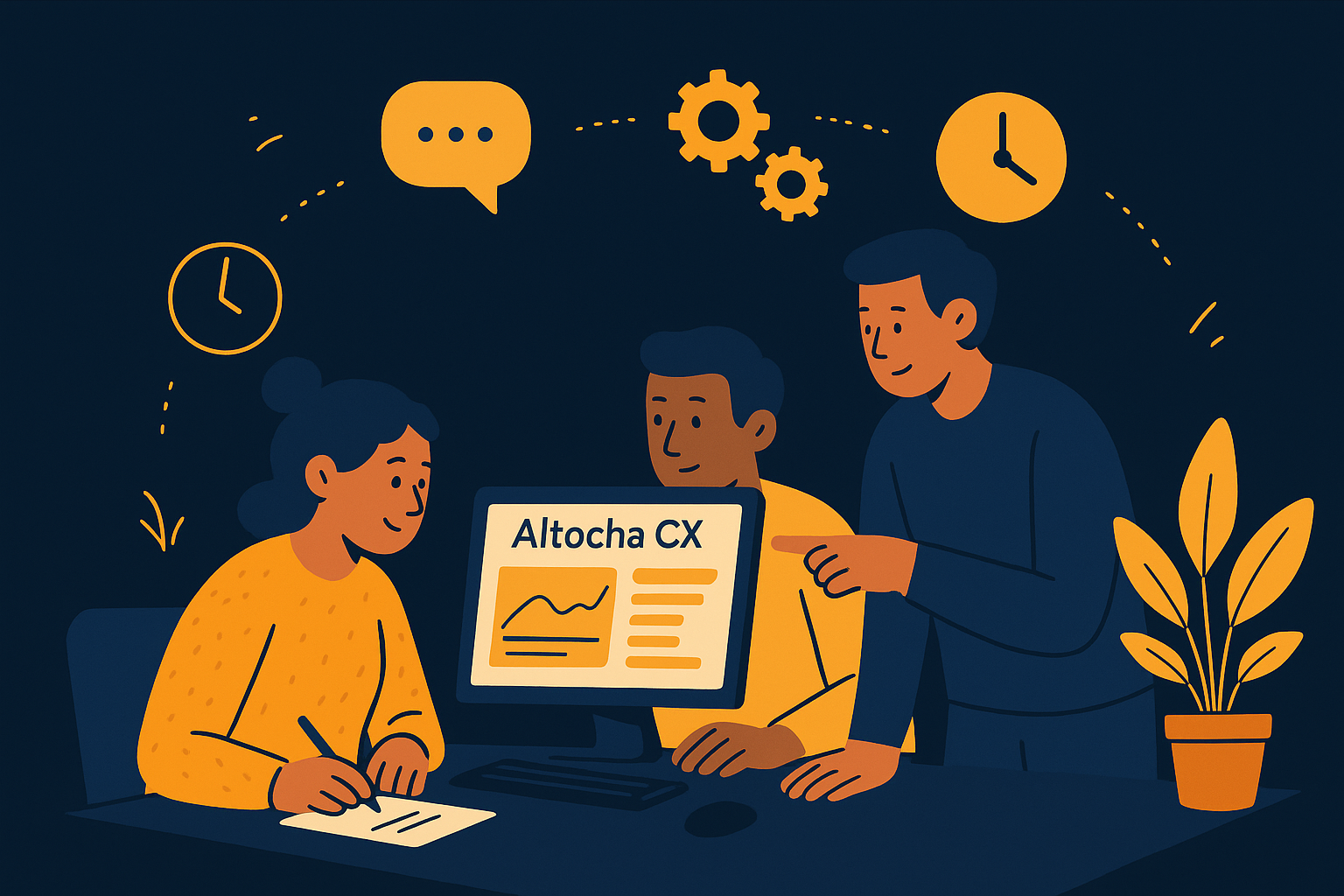
Imagine your small support team receiving dozens of customer inquiries daily, juggling multiple channels without a dedicated AI assistant. The shift to automation can feel overwhelming, but with AItocha CX, getting started need not disrupt your workflow. You can set up a self-serve support automation system in about five minutes, letting your team experience immediate benefits. This article explores what you can realistically expect to accomplish in your first week of adopting support automation, especially designed for small teams.
Quick Start: The Five-Minute Setup Advantage
One of the biggest hurdles small teams face when exploring support automation is the time investment required to get started. Lengthy onboarding processes and complicated configurations can cause frustration. AItocha CX addresses this with a self-serve setup that you can complete in roughly five minutes. This rapid implementation enables your team to begin automating basic tasks almost immediately, such as routing tickets or answering common questions. The intuitive interface is designed so that even team members without technical backgrounds can configure essential workflows without assistance.
This fast start is not just about speed; it also reduces the risk of disruption. Instead of dedicating days to setup and training, your team can begin testing automation features alongside their usual work. This approach ensures that support agents remain in control and can gradually adapt to the new system while customers receive quicker, more consistent responses. For example, a small business owner can create simple keyword triggers within minutes to automatically respond to inquiries about store hours or return policies, cutting down repetitive replies significantly from day one.
Realistic Early Automation Goals for Small Teams
In your first week, the most achievable goals revolve around automating routine inquiries and simple workflows. For example, AItocha CX can be configured to automatically answer frequently asked questions or provide instant responses to common support requests. This frees up your team’s time to focus on more complex issues that require a human touch. Additionally, automating ticket categorization helps ensure that queries reach the right agents faster, reducing response times.
Keep expectations practical: full automation of all support tasks is unlikely in the first week, but establishing these foundational automations sets the stage for gradual expansion. The early wins also help build confidence in the system among team members, encouraging wider adoption and deeper integration over time. For instance, a small e-commerce team might automate order status queries initially, then add automations for refund requests after observing customer interaction patterns and feedback during the first several days.
Balancing Automation with Personal Touch
While automation can improve efficiency, small teams must carefully balance it with personalized customer interactions. AItocha CX allows you to configure handoff points where conversations transition smoothly from AI to a human agent. In your first week, you can define clear triggers for escalation, ensuring that customers always have access to personal support when needed.
This balance is crucial because over-automation risks alienating customers who prefer speaking with a person. By focusing on automating repetitive tasks first and preserving human engagement for nuanced situations, your team can maintain a high-quality support experience while gaining operational efficiencies. For example, questions involving complex troubleshooting can be directed immediately to a human agent based on keyword detection or customer sentiment analysis, preventing frustration and maintaining trust.
Using Analytics and Feedback Early On
Another realistic objective in week one is setting up analytics to track automation performance. AItocha CX provides dashboards to monitor key indicators like resolution rates and common issue types. By reviewing this data regularly, your team can identify which automations work well and where adjustments are needed.
Collecting customer feedback through automated surveys or follow-up messages also helps measure satisfaction and discover improvement areas. Early engagement with analytics ensures that your support automation evolves based on real insights, making subsequent weeks more productive and aligned with your team’s and customers’ needs. For instance, noting a high number of escalations on a particular topic may indicate a need to refine your AI responses or add new knowledge base content, something you can act on quickly within the first week.
Training Your Team and Avoiding Common Pitfalls
In addition to technical setup, dedicating time during the first week to train your staff on how to best interact with the automation platform is essential. Even with a simple interface, team members benefit from understanding how AItocha CX handles queries and when to step in manually. This training can prevent common pitfalls such as over-relying on AI for complex issues or ignoring AI suggestions altogether, which can delay resolution times.
Encourage your team to view support automation as a tool to augment their work rather than replace it. For example, agents can use AI-provided conversation summaries to quickly grasp context before responding, saving valuable time. Regular check-ins during week one to share feedback and questions about the automation experience foster smoother adoption and help fine-tune the system faster.
Getting the Most from Your First Week with AItocha CX
To maximize the benefits during your initial days, involve your entire support team in the setup and testing process. Encourage open communication about what automations feel helpful and which might need tweaking. Since AItocha CX offers a straightforward setup, your team can experiment with different workflows without heavy dependence on IT or external consultants.
- Complete the self-serve setup in about five minutes to start quickly
- Automate responses to common FAQs to save agent time
- Set clear escalation triggers to balance automation with human support
- Monitor early analytics to refine automation strategies
- Gather customer feedback to guide continuous improvement
- Train your team on effectively using automation tools
- Regularly review automation handoffs to optimize customer experience
By focusing on these activities, your small team can realistically introduce meaningful support automation within the first week. This pragmatic approach avoids the pitfalls of over-ambition and positions your team for ongoing success. To learn more about practical implementation details, visit the CX product page.
Embracing support automation does not mean sacrificing quality or overwhelming your team. With the right tools and expectations, even small teams can begin achieving efficiency gains and improved customer experiences right away.