Managing Multi-Brand Support Efficiently with AItocha CX
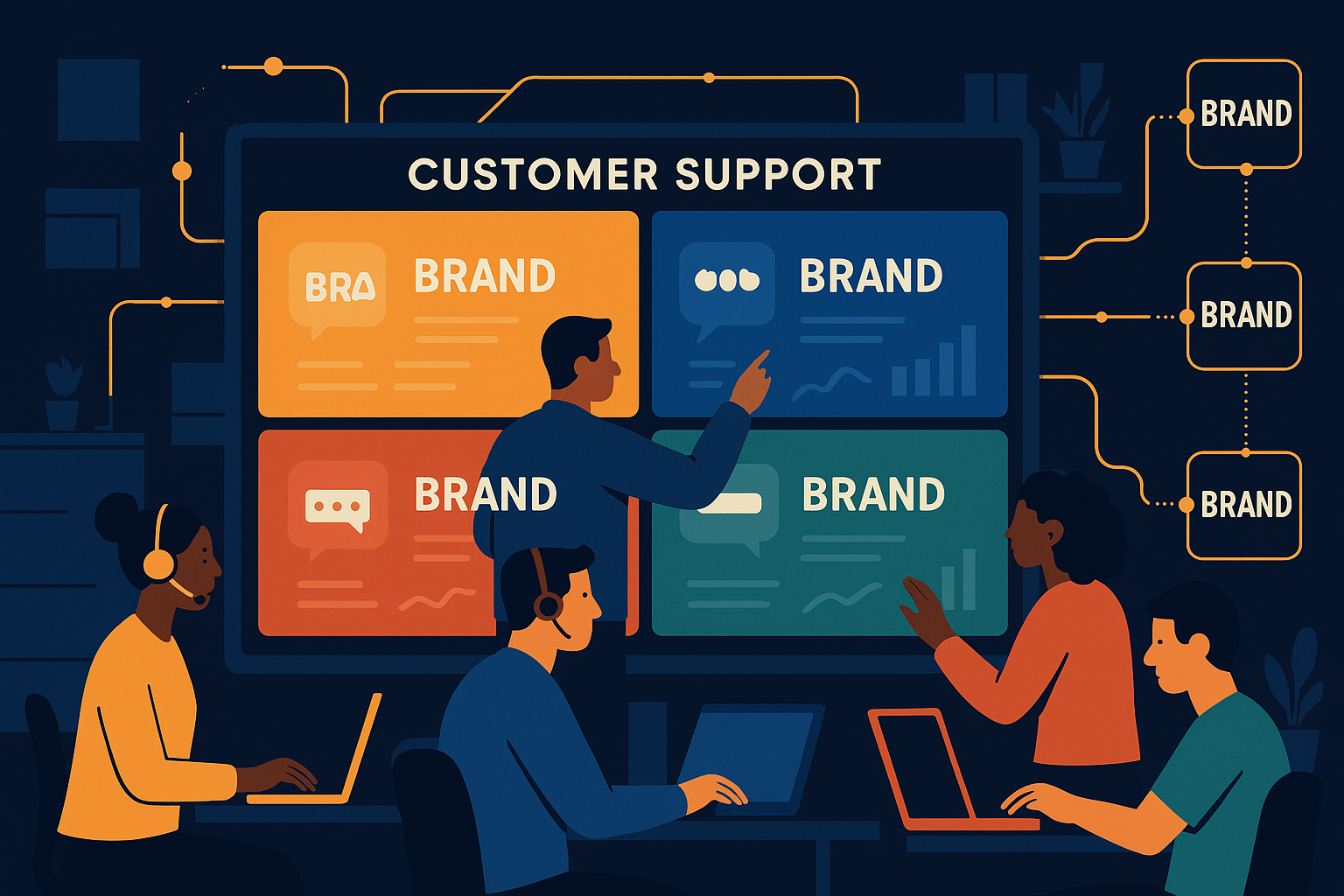
Imagine a support team juggling inquiries from five different franchise locations, each with its own product lines and customer expectations. Managing such diverse demands from a single system can quickly become chaotic without the right tools. Agencies and franchises need a solution that keeps each brand’s data separate yet accessible under one roof, ensuring efficient and secure handling of customer support.
The Challenge of Multi-Brand Support Management
When agencies or franchises handle support for multiple brands, they face unique challenges. Different brands often require distinct workflows, data privacy standards, and access controls. Support agents may need to focus on a specific brand without being overwhelmed by unrelated data. Without clear boundaries, the risk of data leakage or misrouting tickets increases, which can damage customer trust and brand reputation.
Furthermore, managing user permissions across brands manually is time-consuming and error-prone. Agencies need a system that can isolate brand data yet allow for centralized oversight, enabling supervisors to monitor support quality and metrics without compromising security. AItocha CX addresses these challenges with features tailored to multi-brand environments.
For example, a franchise operating in both retail and service sectors might have very different customer expectations and privacy requirements. Without a system that carefully separates data and workflows, agents could accidentally see or mix information, leading to confusion and potential compliance issues. Recognizing these nuances early and implementing the right tools prevents costly mistakes and builds customer confidence.
Multi-Site with Data Isolation: Keeping Brands Separate but Unified
AItocha CX’s multi-site architecture allows agencies and franchises to operate several brands from a single platform while keeping each brand’s data completely isolated. This means support tickets, customer information, and workflows remain siloed per brand, preventing accidental cross-access or data leaks between franchises or clients.
In practice, this lets your team switch contexts quickly without logging into multiple tools or facing confusing data overlaps. Each brand can maintain its unique support style and SLA requirements while benefiting from the efficiency of a consolidated system. This approach reduces overhead and simplifies reporting by aggregating data only when appropriate at higher management levels.
Consider an agency managing tech support for a chain of electronics stores alongside a separate franchise of health clinics. The multi-site setup ensures that agents assigned to the electronics brand only access those customers’ tickets, while clinic-specific agents see their own customer data, all within the same AItocha CX instance. This setup cuts down training time and prevents accidental data exposure, a common risk when juggling multiple brands without clear separation.
Role-Based Access Control: Tailoring Permissions to Your Team’s Needs
Role-based access control (RBAC) is crucial when multiple brands share a support platform. AItocha CX provides precise permission settings that define what each user can view, edit, or manage based on their role and assigned brands. For example, an agent may access only the tickets and knowledge base of a single franchise location, while a manager can oversee multiple sites but without unnecessary access to sensitive administrative controls.
This feature not only strengthens security but also improves focus by filtering the support experience to relevant content. It reduces the chance of human error and streamlines training, since agents work exclusively within their designated brand environments. Implementing RBAC also supports compliance with data privacy regulations by restricting access to customer information appropriately.
A common mistake agencies make is assigning overly broad permissions to agents, which may seem to speed up onboarding but risks exposing sensitive data or overwhelming agents with irrelevant information. With AItocha CX’s RBAC, you can create granular roles—such as brand-specific agent, multi-brand supervisor, or limited read-only auditor—that align tightly with operational needs. This clarity in permissions fosters accountability and minimizes internal security risks.
Centralized Monitoring and Reporting Across Multiple Brands
Managing separate brands doesn’t mean foregoing centralized control. AItocha CX enables supervisors and administrators to generate reports and monitor performance across all sites while respecting data isolation and access controls. This ensures you have a holistic view of your customer support operations without compromising brand boundaries.
With consolidated dashboards and customizable analytics, you can identify trends, bottlenecks, or staffing needs across your agency or franchise network. This bird’s-eye view supports informed decision-making and helps allocate resources more strategically, balancing support quality with operational efficiency.
For instance, a support director might notice that one brand’s average ticket resolution time is lagging behind others. Using the centralized reporting tools, they can drill down into that brand’s workflows and agent performance without accessing other brands’ sensitive data. This nuanced insight allows targeted coaching or process adjustments that improve the overall customer experience across your portfolio.
Practical Setup Tips for Agencies and Franchises Using AItocha CX
To make the most of AItocha CX’s multi-site capabilities, start by clearly defining your brand sites within the system. Assign agents and managers roles carefully based on their responsibilities and brand ownership. Make use of the role-based access control to limit data visibility and editing rights appropriately.
- Create distinct sites for each franchise or brand within AItocha CX.
- Assign user roles with brand-specific permissions to ensure data isolation.
- Use centralized reports to track support metrics across your network.
- Train agents on brand-specific workflows and knowledge bases.
- Review access permissions regularly to maintain security as teams evolve.
Additionally, consider scheduling regular audits of your multi-site setup to confirm that data isolation remains intact as your agency grows. Involve your support agents in feedback sessions to identify pain points related to switching between brands or accessing resources. These insights can guide adjustments in role assignments or training materials, resulting in smoother daily operations.
By following these steps, your agency or franchise can support multiple brands efficiently from a single system. This not only saves time and reduces complexity but also ensures your customers receive consistent and secure service tailored to their specific brand needs. For more details on how to implement these features, the AItocha CX product page offers comprehensive guidance.