Routing Rules That Work: Navigating Real Support Queues with AItocha CX
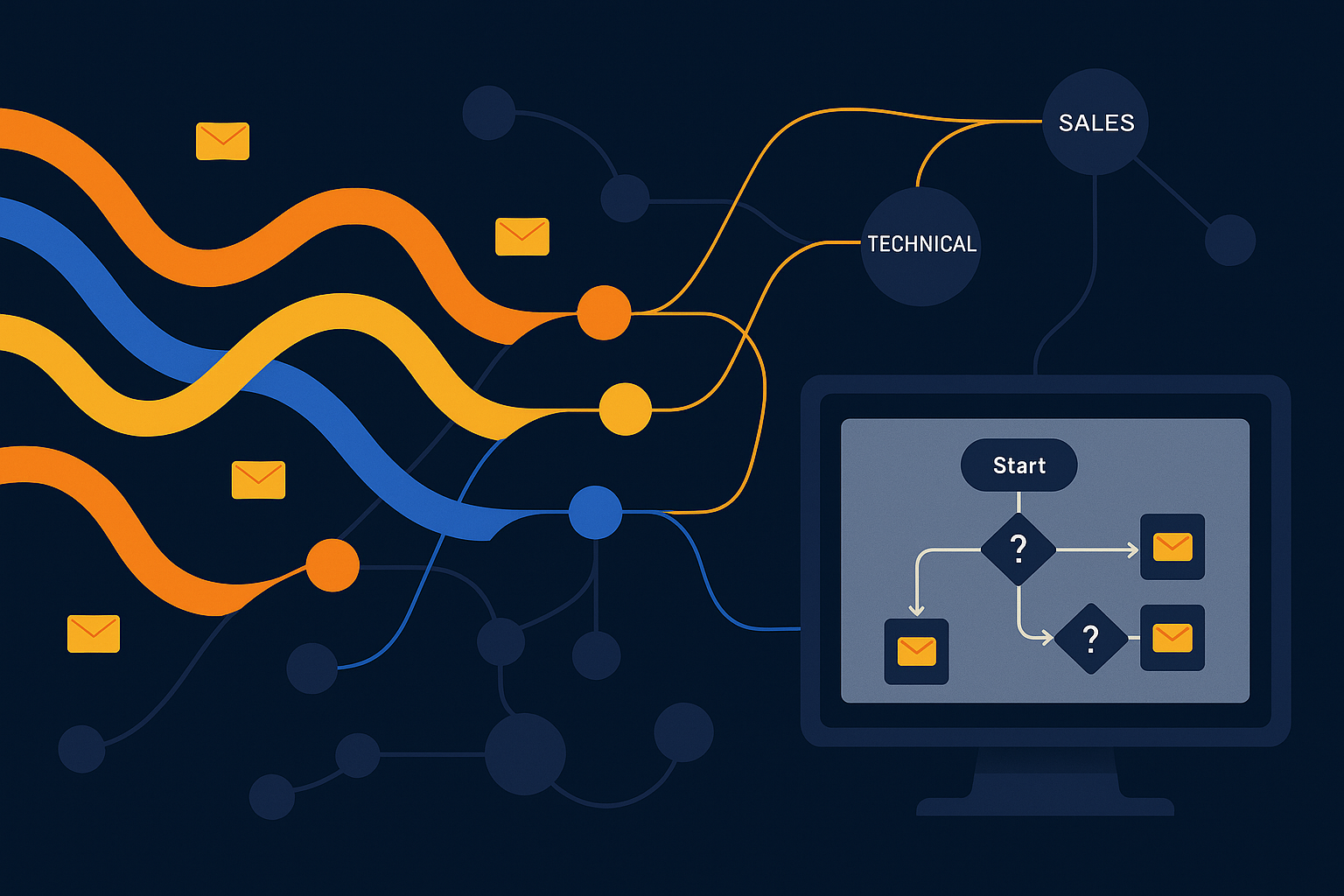
Imagine your support team managing dozens of requests simultaneously, each needing to be directed to the right expert quickly. Without precise routing rules, tickets pile up, customers wait longer, and your team struggles to keep pace. This is where robust routing logic becomes crucial, especially when faced with the complexities of live support queues.
The Challenge of Real Support Queues
Support queues aren’t static; they fluctuate as requests arrive, agents log in or out, and skills are matched. Routing rules that look perfect on paper often falter in these conditions, leading to misdirected tickets or overloaded agents. You need a system that adapts dynamically to changes, ensuring each customer finds the right support quickly without manual intervention.
One common hurdle is balancing skill-based routing with real-time availability. If a specific skill set is required but no agent is currently free, rigid rules might stall tickets or force inefficient workarounds. The solution lies in flexible, automated workflows that can reroute intelligently based on agent status and queue load.
For instance, imagine a surge of support tickets needing language-specific agents during an unexpected event. Without adaptive routing, tickets might stack up in queues waiting for specialists who are momentarily unavailable. A responsive routing system can detect this and temporarily assign tickets to generalists, ensuring no customer waits too long. This kind of real-time flexibility is essential for delivering consistent support.
Leveraging Skill-Based Teams and Queues
Segmenting your support staff into skill-based teams helps ensure expertise matches customer needs. This organization enhances resolution quality and reduces handoffs, but it demands a routing engine capable of recognizing and prioritizing skills within active queues. Your routing rules must consider not just the requested skill but also current workload and agent availability.
With AItocha CX, skill-based routing is baked into the system. The platform can dynamically assess agent queues and assign tickets accordingly, preventing bottlenecks and maintaining balanced workloads. This means your team spends less time triaging and more time solving problems, improving both efficiency and customer satisfaction.
A common mistake teams make is setting rigid skill requirements without fallback options, leading to lengthy wait times when specialists are busy. AItocha CX lets you configure graceful degradation in routing—tickets first go to the highest-skilled agents available, but if none are free, they can be reassigned to capable generalists. This approach keeps the queues moving and customers happier.
No-Code Workflow Automation Simplifies Complexity
Complex routing logic often intimidates teams, especially when it involves multiple conditions or fallback scenarios. AItocha CX offers no-code workflow automation that lets you design, test, and deploy routing rules visually, without writing a single line of code. This approach empowers your team to iterate quickly and adapt to changing support demands.
For example, you can build workflows that first attempt to route a ticket to an agent with a specialized skill, then automatically redirect it to a generalist queue if no such agent is available. This layered logic ensures no ticket gets lost or ignored, even during peak times or unexpected absences.
In practice, this means your team can quickly adjust routing for seasonal spikes or promotional campaigns without needing developer help. For example, if a new product launches, you could update the workflow to prioritize tickets related to that product and route them to trained experts. The no-code interface makes these updates straightforward and reduces downtime.
Additionally, visualizing routing workflows helps identify and fix logical gaps that may cause tickets to fall through or loop endlessly. This clarity is invaluable for maintaining operational efficiency as your support environment grows more complex.
Maintaining Routing Rules Amid Real-Time Changes
In live support environments, agents join or leave queues, skills evolve, and the volume of incoming requests can spike unpredictably. Your routing rules must be resilient, updating automatically to these fluctuations to maintain smooth operations. AItocha CX continuously monitors queue states and applies routing logic that reflects current realities, not just static configurations.
This real-time adaptation reduces delays and prevents overload on individual agents or teams. As a result, customers experience faster resolutions, and your support team can trust the system to handle ticket distribution efficiently.
Consider how in periods of high demand, such as during a holiday sale, your routing rules might automatically redirect new tickets to backup agents or shift priority based on agent availability. AItocha CX’s automated monitoring enables these adjustments without manual oversight, which is critical for sustaining service levels under pressure.
Furthermore, the system's insights can alert your team to persistent bottlenecks or skill shortages, guiding staffing and training decisions proactively rather than reacting after issues have impacted customers.
Designing Effective Routing Rules: A Practical Approach
When crafting routing rules that endure the challenges of live queues, consider these best practices:
- Start with clear definitions of agent skills and ensure your team is organized accordingly.
- Use no-code automation tools to create flexible workflows that include fallback and escalation paths.
- Continuously review queue performance data to identify bottlenecks or misrouted tickets.
- Test routing rules in a controlled environment before full deployment to catch unintended behaviors.
- Train your team on managing and updating workflows as support demands evolve.
For example, you might discover that tickets requesting a rare technical skill often wait too long because the corresponding agents are overburdened. By analyzing queue data and revising routing rules to distribute these tickets more evenly or escalate after a set time, you can improve response times significantly.
By following these steps and leveraging AItocha CX’s capabilities, you create routing rules designed to survive the unpredictability of real-world support. This approach minimizes manual adjustments and keeps your customer experience consistent — even as your support environment shifts. For more details, visit the CX product page to explore how these features come together in practice.