Support Coverage Without Night Shifts: What 24/7 Actually Costs to Run
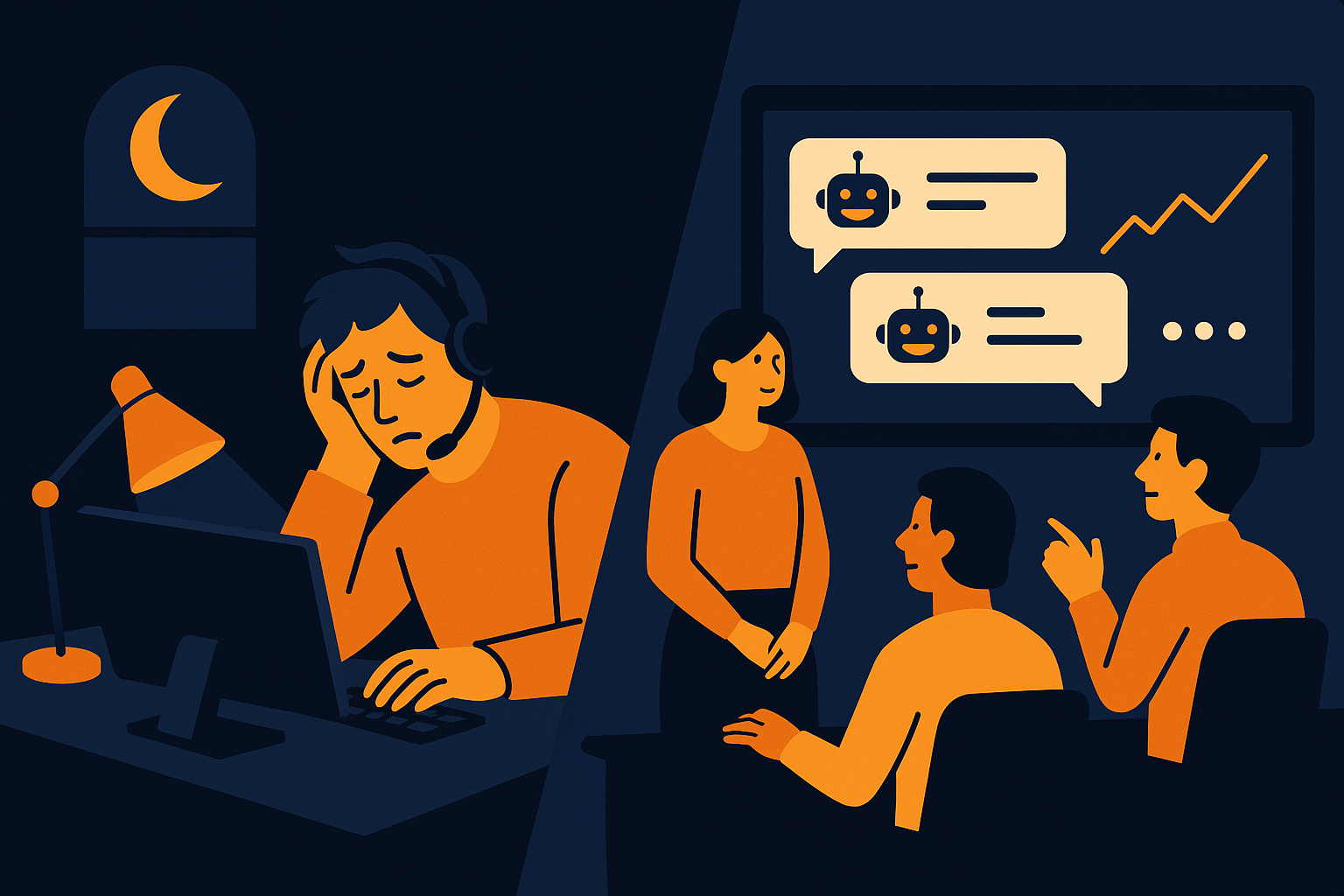
Imagine your customer support team at 10 p.m., a time when fatigue sets in and response times can lag. Providing true 24/7 support often means scheduling night shifts, which can lead to burnout and increased operational costs. But how much does running round-the-clock coverage actually cost, and are there alternatives to keep your support effective without the downsides of continuous human shifts? These questions are critical as customer expectations evolve and businesses seek sustainable ways to maintain service quality around the clock.
The Hidden Costs of Traditional 24/7 Support Shifts
Running a support team that covers every hour requires substantial investment beyond just salaries. Night shifts typically demand higher wages due to unsociable hours, plus additional benefits to retain staff willing to work overnight. This leads to inflated labor costs and scheduling complexities. Moreover, employee burnout can increase turnover rates, causing recruitment and training expenses to rise. These factors combined make traditional 24/7 support a costly endeavor that not every business can sustain without sacrificing quality or budget.
In practice, many companies find that night shifts suffer from reduced productivity. For example, an agent working a midnight shift might handle fewer tickets per hour compared to a daytime counterpart, due to fatigue and circadian rhythm impacts. Additionally, scheduling is complicated by the need for fair shift rotations, compliance with labor laws, and accommodating employee preferences, which can limit flexibility and add administrative burden. These operational challenges often go unnoticed until costs and service quality issues arise.
How AItocha CX Enables 24/7 Coverage Without Night Shifts
AItocha CX offers a solution that provides always-on support without relying on overnight human shifts. By leveraging AI-powered automation, your support can remain available around the clock, handling routine inquiries and triaging issues efficiently. This approach reduces the dependence on live agents during off-hours while maintaining a high level of responsiveness.
The integration of AItocha CX means your team can focus on complex cases during regular hours, while the AI manages the volume outside of them. For instance, simple questions about order status, store hours, or refund policies can be answered instantly by the AI, ensuring customers aren’t left waiting overnight. This setup not only improves customer experience but also allows your team to rest without sacrificing support availability.
Measuring the Financial Impact: 40% Support Cost Reduction
One of the most compelling benefits of AItocha CX’s approach is the potential to cut support costs by an average of 40%. This reduction comes from automating repetitive tasks and decreasing the need for night shift labor. When AI handles common questions and initial troubleshooting, your human agents can work more efficiently during standard hours, reducing overhead.
To illustrate, imagine a hypothetical support team where a significant portion of inquiries come during off-hours. Automating these with AItocha CX drastically reduces the need to staff those shifts, directly lowering wage expenses and benefits costs. Although this example is illustrative and not a reported result, it highlights how automation can free resources. The efficiency gains also mean fewer full-time equivalents are required overall, enabling businesses to allocate budgets to other growth areas without compromising support quality.
Balancing Customer Expectations With Operational Efficiency
Customers today expect quick responses at any time, but that doesn’t necessarily mean one-size-fits-all staffing. Using AItocha CX, you can offer always-on support that triages and resolves many queries instantly while escalating complex issues to your team during business hours. This balances customer satisfaction with the practical constraints of running a support center.
In practice, this means customers receive immediate acknowledgment of their inquiry, even if a detailed resolution requires human involvement later. For example, an AI-powered chatbot might confirm a reported issue and collect necessary details overnight, then smoothly hand off to a human agent the next day with all context intact. Managing expectations in this way prevents frustration over delayed responses while optimizing resource allocation.
Implementing 24/7 Support Without Night Shifts: Practical Steps
If you’re considering transitioning to a support model without night shifts, start by assessing your current ticket volume and identifying peak times. Next, deploy AItocha CX to handle after-hours inquiries, ensuring it is trained with your knowledge base for accurate responses. Monitor its performance regularly and adjust workflows as needed.
- Evaluate current support coverage and costs to identify off-hours demand
- Integrate AItocha CX for after-hours automation tailored to your common inquiries
- Train AI with your up-to-date support knowledge base and FAQs
- Set clear escalation paths for complex issues to hand over to human agents efficiently
- Communicate realistic service expectations to customers about after-hours support
- Track cost savings and customer satisfaction metrics to measure impact and optimize
By following these steps, you can create a support environment that delivers true 24/7 availability and reduces operational stress. For example, some teams start by automating only weekend night coverage, then gradually expand after-hours AI support as confidence grows. This phased approach minimizes disruption and helps fine-tune AI responses to your customers’ needs. Ultimately, this approach helps your team avoid the fatigue of night shifts while still providing excellent customer care and achieving significant cost savings.
Preparing Your Team for the Shift to AI-Supported 24/7 Coverage
Transitioning to AI-supported 24/7 coverage requires careful change management within your support team. Agents may initially feel concerned about automation replacing their roles or altering workflows. Open communication about the technology’s purpose—to assist rather than replace—can ease these concerns. Providing training on how to collaborate with AItocha CX ensures agents leverage the tool effectively, focusing on complex issues while AI manages routine tasks.
Additionally, involving your team in defining escalation rules and monitoring AI performance fosters ownership and trust. Regular feedback loops help identify areas where AI responses could improve or where human intervention is critical. By preparing your team properly, you create a partnership between humans and AI that maintains high support standards without the burden of night shifts.