Refreshing Your Professional Photos After a Haircut, Glasses, or a Few Years
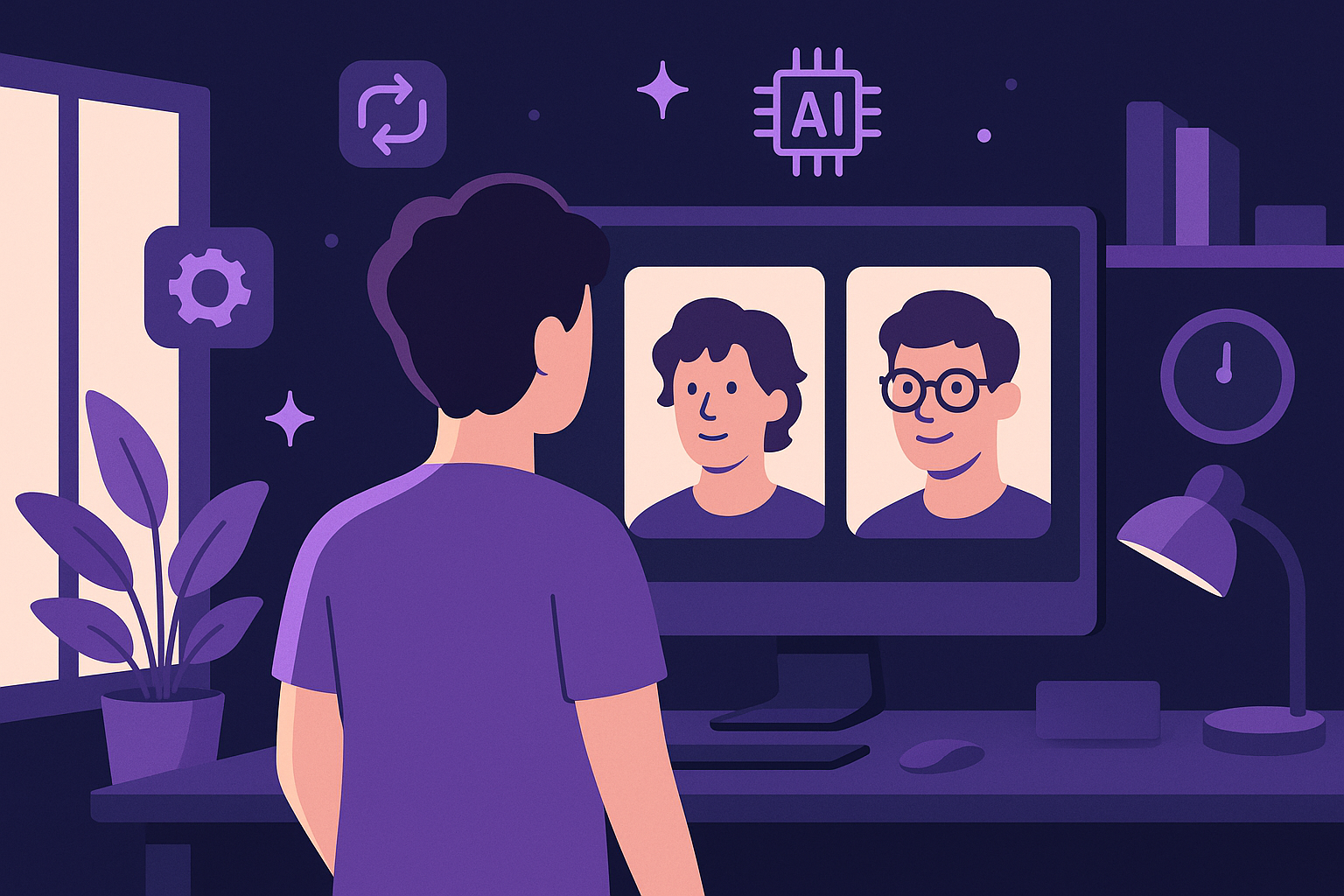
Imagine you've just stepped out of the barber's chair with a sharp new haircut or swapped your old glasses for a stylish new frame. Your professional photos, however, still show the look from months or even years ago. This disconnect can leave your online profiles feeling outdated and less authentic. Refreshing your photos to match your current appearance is more important than ever for maintaining a polished personal brand.
Why Updating Your Professional Photos Matters
Your professional image is a key part of how you present yourself to colleagues, clients, and potential employers. When your photos don’t reflect your current look—whether it’s a new hairstyle, glasses, or simply the natural changes over a few years—it can create a subtle sense of disconnect. Authenticity online builds trust, and having recent photos helps ensure that trust is not compromised.
Moreover, in professional settings like LinkedIn profiles or company websites, consistency between your photo and your real-life appearance can make networking and meetings feel smoother. It prevents surprises and shows you put thought and effort into your presentation. However, organizing a traditional photoshoot every time your look changes is often impractical and costly.
For example, a consultant might change their hairstyle or start wearing glasses between projects, and having photos that lag behind can make introductions a bit awkward. Updating your photo ensures that new contacts immediately recognize you, facilitating better rapport from the outset. Not updating can sometimes even cause hesitation, as people may wonder if the profile is outdated or managed by someone else.
How AItocha Photos Simplifies Photo Refreshes
With AItocha Photos, updating your professional images after a haircut, new glasses, or over time is straightforward and efficient. The platform allows you to retrain or fine-tune your AI model anytime, meaning you can easily reflect changes in your appearance without starting from scratch.
This reusability of your trained model changes the usual photo update dynamic. Instead of commissioning a full new photoshoot or relying on generic stock images, you harness AI to produce new professional portraits that feel cohesive with your original set but capture your latest look. This approach saves significant time and budget while maintaining brand consistency.
A practical scenario might be a marketing manager who updates their hairstyle and decides to refresh their LinkedIn headshot. By uploading a few new selfies reflecting the haircut and retraining their model, they receive a batch of updated images that maintain their established style and tone, ready for immediate use. The AI's ability to maintain lighting and color consistency means these new photos won’t look out of place alongside previous ones on websites or social platforms.
Steps to Refresh Your Look in AItocha Photos
Refreshing your photos is a guided process designed to fit into your schedule. Here’s how you can update your portraits to align with your new haircut or eyewear:
- Take new selfies highlighting your updated hairstyle or glasses in good lighting.
- Upload these images to your existing AItocha Photos model.
- Retrain or fine-tune your model using these photos to capture your latest appearance.
- Generate updated portraits featuring your new look, ready for professional use.
A common mistake to avoid is submitting selfies with dramatically different lighting or background from your original photos; while some variation is fine, keeping elements similar helps the AI produce consistent results. For example, if your original training photos were taken in natural daylight, try to replicate that environment for the new ones. This consistency helps maintain the unified look of your photo set.
Once retrained, you can generate a variety of poses and expressions without needing to reshoot, saving you time and preserving your professional image across platforms. This flexibility also means you can prepare photos for different uses, from LinkedIn profiles to speaker bios, all reflecting your current appearance.
Maintaining Consistency Over Time with a Reusable AI Model
One of the standout features of AItocha Photos is that your trained model is reusable. This means you don’t lose your investment in the style and quality of your portraits when you update your look. Instead, the AI adapts to changes by retraining with fresh images, preserving a coherent visual identity over time.
This continuity can be especially valuable for professionals who want to maintain a signature style in their photos—such as subtle lighting, background, or framing choices—while still reflecting minor appearance changes. The model’s reusability lets you fine-tune without starting over, saving both time and resources.
For instance, a freelancer who updates their look semi-annually can refresh their portfolio images with minimal disruption. The AI model preserves the professional vibe they've established, avoiding the inconsistency that often comes with multiple disparate photoshoots. Keeping a consistent online presence builds credibility and recognition in your industry.
Practical Tips for Capturing Great Update Photos
To get the best results when refreshing your AItocha Photos model, consider a few practical tips:
- Use natural, even lighting to avoid harsh shadows or glare, especially around glasses.
- Frame your head and shoulders clearly with a neutral or soft background.
- Wear your new glasses or style your hair as you would for a professional setting.
- Take several selfies from slightly different angles to give the AI more data to work with.
- Consistency in your expression helps preserve your personal brand tone.
Avoid rushing your selfies—take your time to adjust positioning and expression for each shot. These details contribute to the AI’s ability to generate polished and authentic portraits that accurately represent your updated look. If possible, review your photos for clarity and consistency before uploading.
Also, remember that updating your photos periodically, even without major changes, can help signal to your network that your profile is active and current. Small tweaks, like updating your hairstyle or glasses, can be smoothly captured with AItocha Photos' retraining capabilities.
If you want to explore this flexible photo updating process further, the Photos product page offers detailed steps and resources to get started with AItocha Photos. AItocha Photos is designed to keep your professional image current with ease and reliability.