Proactive Messages That Help Instead of Interrupt
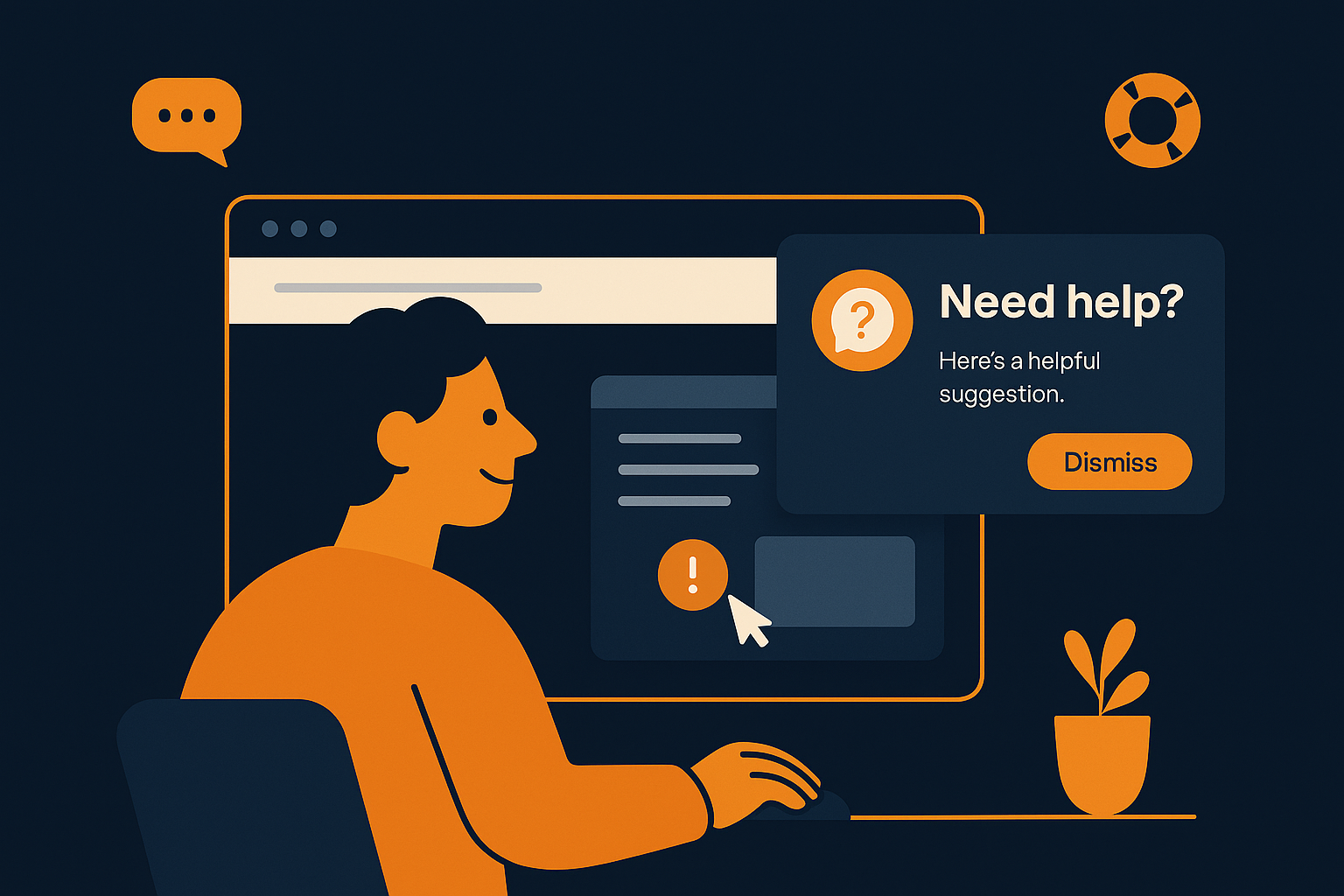
Imagine visiting a website where a support message pops up just as you’re about to leave, offering a solution tailored to your exact problem. Instead of feeling interrupted or annoyed, you feel helped and valued. This is the promise of proactive messaging—but only when it’s done right. Many companies struggle to find the balance between reaching out early enough to assist and avoiding intrusive interruptions that disrupt the user experience.
Understanding Proactive Engagement Triggers
Successful proactive messaging starts with the right triggers. These are signals from user behavior or context that indicate when a timely, relevant message could genuinely assist the customer. For example, if a visitor lingers on a complex product page or hesitates at checkout, a well-timed prompt can answer questions before frustration builds. The key is ensuring triggers are meaningful and not random interruptions.
Within AItocha CX, these proactive engagement triggers are designed to detect such moments, allowing your support team to offer help when it’s most needed. This targeted approach respects the customer’s journey and avoids the common pitfall of spamming users with generic messages. Consider a visitor who opens a FAQ page multiple times without finding an answer; a trigger could prompt a message directing them to a live chat or related guide.
By defining clear trigger conditions, you avoid overwhelming users with messages that aren’t helpful. This precision supports an experience where customers feel supported rather than surveilled or pressured, which is crucial to building trust and positive relationships.
Balancing Helpfulness and Disruption in Messaging
Even the best triggers won’t deliver value if the messages themselves interrupt in unwelcome ways. Proactive messages should feel like a helpful nudge rather than an intrusive popup demanding immediate attention. This requires carefully crafted content and timing, so the message integrates smoothly into the customer’s experience.
For instance, if a user is filling out a long form, popping up a message mid-entry could distract or even cause data loss. Instead, waiting until they pause or abandon the page before offering help respects their focus. Similarly, messages should avoid covering critical navigation elements or calls to action, as this can lead to frustration.
Another common mistake is sending too many proactive messages in a short period. This can feel like nagging and degrade the overall experience. Setting frequency limits helps keep interactions welcome and useful. When done right, proactive messaging can reduce support tickets by resolving questions early and maintaining customer satisfaction.
How AItocha CX Enables Smart Proactive Messaging
AItocha CX leverages customizable proactive engagement triggers to identify precise moments when customers might appreciate assistance. This AI-powered system analyzes user behavior patterns in real-time, allowing your team to offer contextually relevant messages without manual guesswork.
For example, the system can detect when a customer remains on a product page for an unusual amount of time or revisits the cart multiple times without checking out. Based on these insights, AItocha CX can automatically trigger messages offering assistance or information tailored to the customer’s apparent needs.
This flexibility means you can create complex rules that combine multiple triggers, such as time spent on page plus inactivity, to increase the likelihood that your message arrives at the ideal moment. AItocha CX’s interface also enables easy monitoring and adjustment of these triggers to respond to changing user behavior patterns.
Practical Tips for Crafting Effective Proactive Messages
When designing proactive messages, focus on clarity, brevity, and relevance. A concise message that directly addresses the customer's likely question or concern is more effective than lengthy explanations. Use friendly, conversational language that matches your brand voice to create a welcoming tone.
- Address a specific pain point or question the user might have
- Offer actionable help, such as a link to a help article or a chat option
- Include a clear way to dismiss the message easily
- Avoid interrupting critical tasks like payments or form submissions
- Use personalization when possible to make messages feel tailored
For instance, instead of a generic "Need help?" prompt, try a message like "Have questions about your order? I can help!" This approach invites engagement without pressure. Additionally, including a simple 'X' to close the message respects user control, reducing annoyance if the message isn’t needed.
Testing different phrasing, timing, and triggers through AItocha CX helps find the best fit for your audience. Over time, this data-driven approach improves both engagement rates and overall customer satisfaction.
Integrating Proactive Messaging Smoothly Into Your Support Workflow
Proactive messages work best when they are part of a broader, thoughtfully designed support strategy. Instead of isolated prompts, consider how these messages fit into your team’s workflows and customer journeys. For example, a proactive message might preempt common tickets, reducing overall support volume and freeing your agents to focus on complex issues.
Imagine a support team juggling multiple inquiry channels: a well-configured proactive message can catch questions before they turn into tickets, improving efficiency. AItocha CX integrates these triggers with your existing support tools to maintain context and continuity, ensuring customers don't have to repeat themselves if they escalate to live support.
Furthermore, proactive messaging can help smooth transitions between automated and human support. For example, a message could inform users when a human agent is about to join the conversation, setting expectations and reducing frustration. Thoughtful integration like this strengthens the overall customer relationship.
If you want to explore how to implement this approach in your support system, starting with the AItocha CX product page is a good first step to understanding the platform’s capabilities and customization options.