Choosing the Right Channel: Chat, Email, SMS, or WhatsApp in Customer Conversations
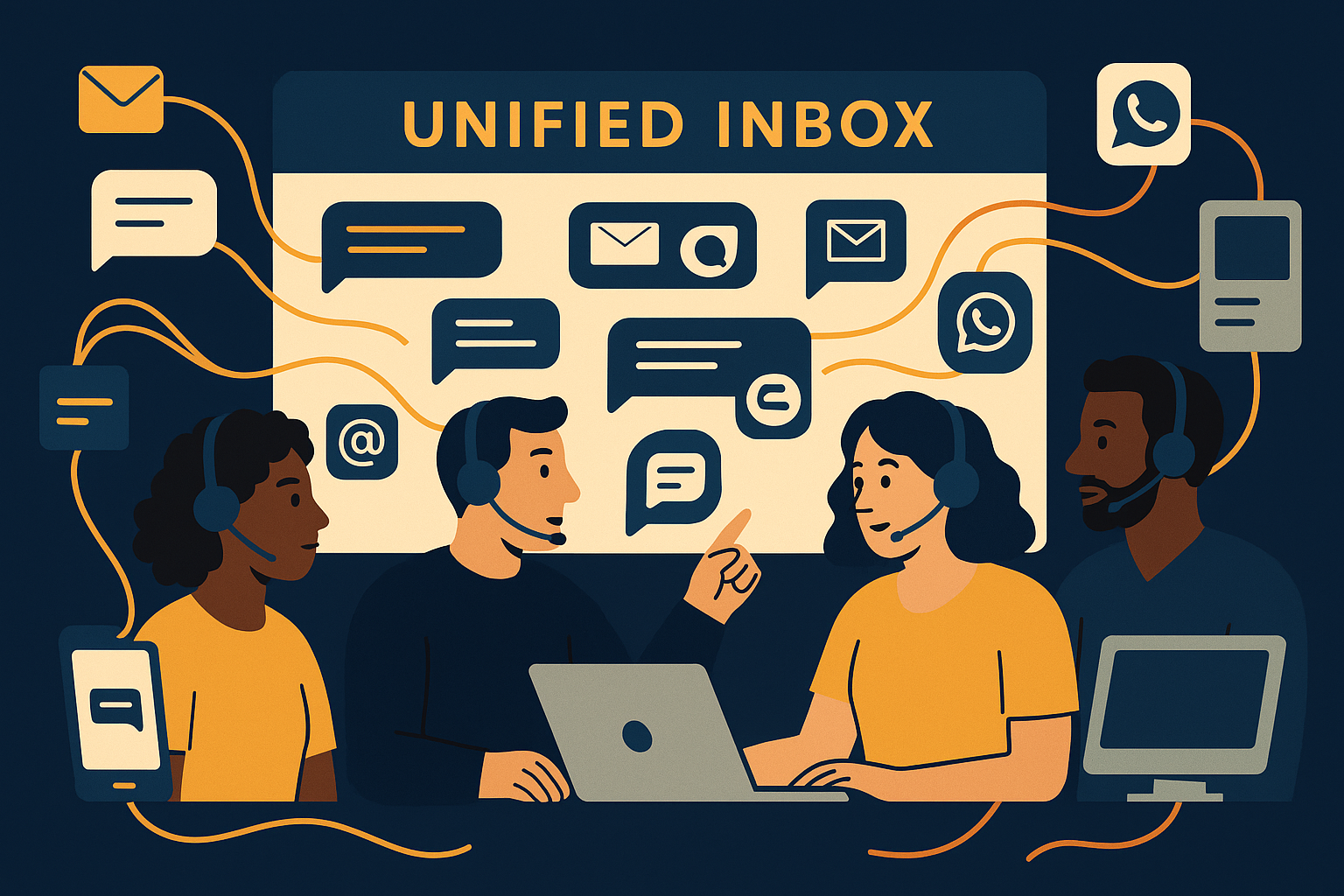
Imagine your support team facing a daily flood of messages that arrive via chat, email, SMS, and WhatsApp. Each channel carries its unique tone, urgency, and context, making it crucial to choose the right one to respond effectively. This decision impacts customer satisfaction, response times, and agent workload. Getting it wrong can lead to missed messages, frustrated customers, and inefficient use of your team's time.
Understanding Each Channel’s Strengths and Limitations
Chat offers immediacy and real-time interaction, perfect for quick questions or troubleshooting. It helps your team provide instant assistance, reducing wait times and improving user experience for those who prefer live conversations. However, chat demands continuous agent availability and can lead to multitasking challenges.
For example, when a customer is navigating a website or app and encounters a technical glitch, a live chat can quickly connect them with a support agent to resolve the problem. But if your team is stretched thin and cannot consistently monitor chat, customers can end up waiting or dropping off, defeating the channel's purpose.
Email, on the other hand, suits detailed inquiries that require thoughtful, documented responses. It’s asynchronous, allowing agents time to research and craft answers. Its permanence also benefits legal or compliance contexts. Yet, email’s slower pace may frustrate customers needing rapid solutions.
In practice, billing questions or account disputes often require a detailed exchange over email where attachments or screenshots may be included. This channel lets your agents maintain thorough records while giving customers time to articulate their issues without pressure.
SMS captures customers who prefer concise, direct messages on their mobile devices. It's often used for alerts, reminders, and short confirmations. Its simplicity is an asset but limits the depth of conversation and lacks rich media features. WhatsApp, widely popular globally, combines SMS's immediacy with richer multimedia, enabling images, voice notes, and more conversational engagement.
Imagine sending a delivery confirmation or appointment reminder via SMS—it’s straightforward and likely to reach the customer quickly. Conversely, WhatsApp can be used to send a picture of a product replacement or a voice note explaining a refund process, providing a more personal touch. Understanding these nuances helps in choosing the right tool for each customer interaction.
Balancing Customer Preference with Operational Efficiency
Your customers’ preferred channels vary by demographic and context. Younger audiences might favor WhatsApp or chat, while others rely on email or SMS. Matching channel choice to customer expectations builds rapport and loyalty.
For instance, a millennial customer might expect a quick WhatsApp message for support, while an older customer might feel more comfortable with email. Ignoring these preferences can lead to dissatisfaction or missed communication opportunities.
From the operational side, managing multiple channels separately increases complexity and risks inconsistent responses. A unified inbox that consolidates chat, email, SMS, and WhatsApp messages lets your team handle conversations more efficiently, reducing friction and potential errors.
Imagine a support supervisor observing the team juggling five different inboxes and struggling to keep track. With a unified inbox system, all channel messages appear in a single feed, making it easier to assign tickets, monitor performance, and ensure no message slips through the cracks.
By viewing all channels in one place, agents can prioritize replies and maintain context across platforms, enhancing service quality without overwhelming your team.
When to Choose Chat: Real-Time Issues and Immediate Clarifications
Use chat for scenarios demanding instant interaction, such as troubleshooting technical problems or guiding customers through complex processes. It allows quick back-and-forth dialogue that can resolve issues faster than email threads.
Consider a customer trying to set up a new device or software feature. A chat session lets your agent walk them through the steps in real time, clarifying misunderstandings instantly and preventing frustration.
If your team has resources to monitor chat continuously, this channel can significantly reduce resolution times and increase customer satisfaction by eliminating wait periods.
Email’s Role: Detailed Communication and Documentation Needs
Reserve email for communications that benefit from thorough, well-documented responses, like account updates, billing inquiries, or feedback collection. Its asynchronous nature fits customers who expect slower-paced but comprehensive answers.
For example, when a customer disputes a charge, an email thread allows your support agent to provide detailed explanations, attach receipts, and create a record of the conversation that both parties can reference later.
Email also works well for follow-ups after live interactions or when attaching files and detailed instructions. It provides a clear record for both customers and your team.
Using SMS and WhatsApp: Quick, Mobile-Friendly Updates and Conversations
SMS and WhatsApp excel when reaching customers on their mobile devices with brief, actionable messages. SMS is ideal for alerts, confirmations, and reminders due to its simplicity and broad reach.
For example, sending an SMS reminder about an upcoming appointment can reduce no-shows, while a WhatsApp message might be used to confirm order details with a photo to ensure accuracy.
- Use SMS for concise notifications and time-sensitive alerts.
- Choose WhatsApp for engaging conversations that benefit from images or voice.
- Consider customer preferences and consent, especially for SMS to comply with regulations.
- Monitor channel effectiveness through your unified inbox to optimize workflows.
Overall, selecting the right channel depends on message complexity, urgency, customer habits, and available support resources. Leveraging a unified inbox like AItocha CX allows your team to manage these channels cohesively, improving both efficiency and customer experience. This consolidated view means agents spend less time switching contexts and more time resolving issues, leading to better outcomes for your customers and your team alike.