Contact Profiles: The Context an Agent Needs Before They Reply
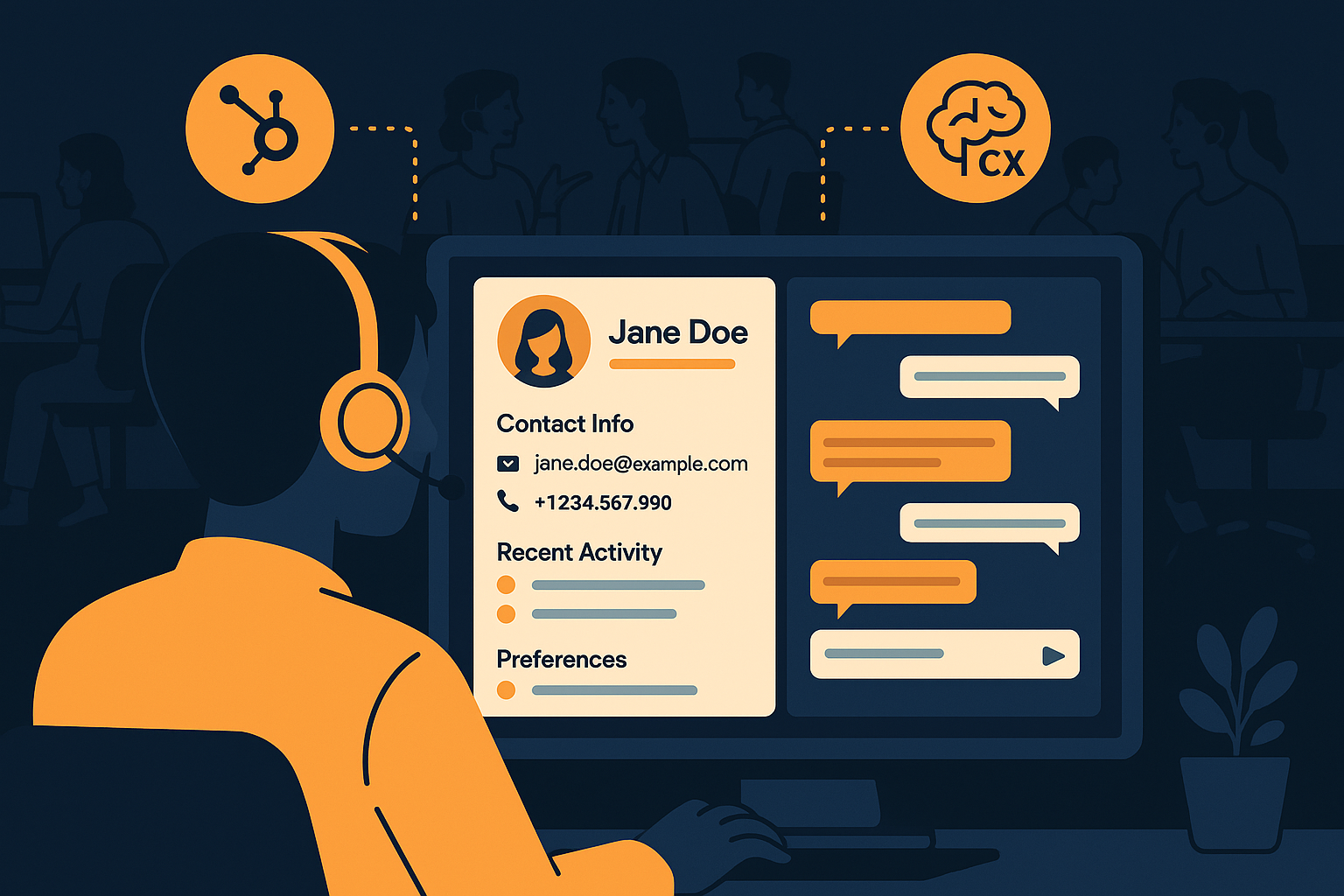
Imagine your support team juggling multiple customer inquiries daily. Without quick access to the right context, agents spend precious minutes piecing together who the customer is and what their history entails. This delay can lead to frustration on both sides of the conversation. Contact profiles solve this problem by consolidating essential customer information in one place, enabling agents to respond swiftly and with relevant knowledge.
Why Contact Profiles Matter for Support Agents
Contact profiles do more than just list a customer’s name and contact details. They provide a snapshot of the customer's journey, preferences, and interaction history. This context empowers agents to tailor their responses effectively, avoiding repetitive questions and improving the overall customer experience. For example, knowing whether a customer has open tickets or past unresolved issues can shape a more empathetic and efficient reply.
Additionally, when the agent understands the customer's relationship with your company, such as loyalty program status or recent purchases, they can proactively offer solutions or upsell opportunities. This kind of personalized interaction builds trust and satisfaction, which is crucial in today's competitive market. Without contact profiles, agents rely on memory or ask customers to repeat information, creating friction and longer resolution times.
In practice, an agent receiving a support ticket from a frequent buyer can immediately acknowledge recent orders, anticipating questions about delivery or product setup. This context turns an ordinary exchange into a smooth, customer-centered experience. Conversely, lack of such information often leads to generic responses and multiple message exchanges just to gather basic facts, extending resolution times unnecessarily.
Integrating HubSpot CRM Sync for Real-Time Context
One of the challenges in maintaining accurate contact profiles is synchronizing data across platforms. By integrating HubSpot CRM sync into your support workflow, you ensure that the customer information your agents see is up-to-date and comprehensive. This integration pulls relevant CRM data directly into your support interface, reducing manual lookups and errors.
With this setup, your team can see recent deals, contact notes, and communication history without switching systems. The benefit is twofold: it speeds up agents' access to critical context and maintains a single source of truth for customer data. This streamlined approach reduces response times and enhances the consistency of support provided across different channels and agents.
A common mistake is having CRM data siloed away from support tools, forcing agents to juggle multiple tabs or platforms, which slows down their workflow. The HubSpot CRM sync feature eliminates this inefficiency by automatically updating contact profiles as new CRM information becomes available. This real-time synchronization is especially valuable during high-volume periods when every second counts.
For example, if a customer recently upgraded their subscription, that information appears instantly in the contact profile. Agents can immediately tailor their responses and avoid redundant offers or misaligned advice. This continuous update cycle enhances the accuracy of context throughout the customer lifecycle, supporting better decision-making in every interaction.
How to Structure Contact Profiles for Maximum Impact
Creating effective contact profiles requires thoughtful organization of data. Key elements to include are: recent interaction summaries, ticket history, purchase records, and any notes on customer preferences or issues. Visual cues such as flags for urgent tickets or VIP status help agents prioritize and personalize responses quickly.
Moreover, integrating behavioral data, like website visits or product usage patterns, can further inform your team's approach. However, avoid overwhelming agents with too much information at once. The goal is to present concise, relevant context that aids decision-making without cluttering the interface. Regularly review and update profile content based on agent feedback to ensure it remains practical and actionable.
In practical terms, a well-structured profile might open with a clear summary line, such as “Customer has 3 open tickets, last interaction 2 days ago,” followed by sections detailing past orders and support notes. This segmentation helps agents quickly scan for the most pertinent data without digging through long logs. Using tags or color codes for priority levels saves valuable seconds, guiding agents toward urgent matters immediately.
Teams should also guard against stale data cluttering the profiles. Outdated information can mislead agents or cause unnecessary follow-up questions. Establishing protocols for regular data cleanup and archiving old tickets or notes ensures that contact profiles remain focused and relevant. These maintenance practices support faster, more confident agent responses over time.
Leveraging AItocha CX to Enhance Contact Profiles
AItocha CX elevates the value of contact profiles by embedding them directly into the conversation interface. Agents can access synchronized contact data, including HubSpot CRM information, without interrupting their workflow. This integration fosters a more fluid interaction between agents and customers, reducing friction caused by switching windows or searching for information.
The CX product page highlights how AItocha CX’s real-time data syncing and unified inbox features complement contact profiles. By centralizing information, AItocha CX enables agents to respond faster and with more accuracy, ultimately enhancing customer satisfaction. Additionally, AI-powered suggestions based on contact history help agents anticipate needs and craft more relevant replies.
In a hands-on scenario, an agent working within AItocha CX sees immediate updates from HubSpot CRM as a chat begins, including notes on recent complaints or promised callbacks. The platform's AI can surface suggested responses or flag high-priority customers based on that context, guiding agents toward the best next step. This combined approach reduces cognitive load and speeds up resolution times.
Furthermore, AItocha CX's unified inbox consolidates messages from various channels, ensuring that contact profiles are accessible regardless of where the inquiry originates. This omnichannel accessibility preserves context and prevents customers from having to repeat themselves when switching communication methods, which is a common frustration in customer support.
Best Practices for Teams Using Contact Profiles
To get the most out of contact profiles, support teams should train agents to leverage the data effectively. Encourage agents to review profiles before replying and to update notes after interactions. Consistency in data entry ensures profiles remain trustworthy and useful for everyone on the team.
- Keep profiles concise but informative to avoid overwhelming agents.
- Regularly audit data synchronization between your CRM and support tools.
- Use visual indicators for priority customers or complex cases.
- Solicit agent feedback to refine profile content and layout.
- Integrate AItocha CX to unify contact information with your support workflow.
In addition to these points, it's important to foster a culture where agents understand the value of detailed, accurate profiles. This means rewarding thorough documentation and providing coaching on how to use customer context to improve interactions. Teams that take this approach typically see better morale and higher customer satisfaction scores.
Also, consider scheduling regular review sessions where agents share tips on using contact profiles effectively, uncovering common pain points or missing information. These sessions encourage continuous improvement and ensure that contact profiles evolve to meet your team's needs. When combined with the technical capabilities of AItocha CX, these best practices create a strong foundation for consistent, context-rich support.
By adopting these practices, your team can transform contact profiles from static data repositories into dynamic tools that improve response quality and speed. This investment in context pays off in reduced handling times and happier customers, setting your support operation up for sustainable success.