From Selfie Upload to Finished Pack: Navigating Your AItocha Photos Workflow Step by Step
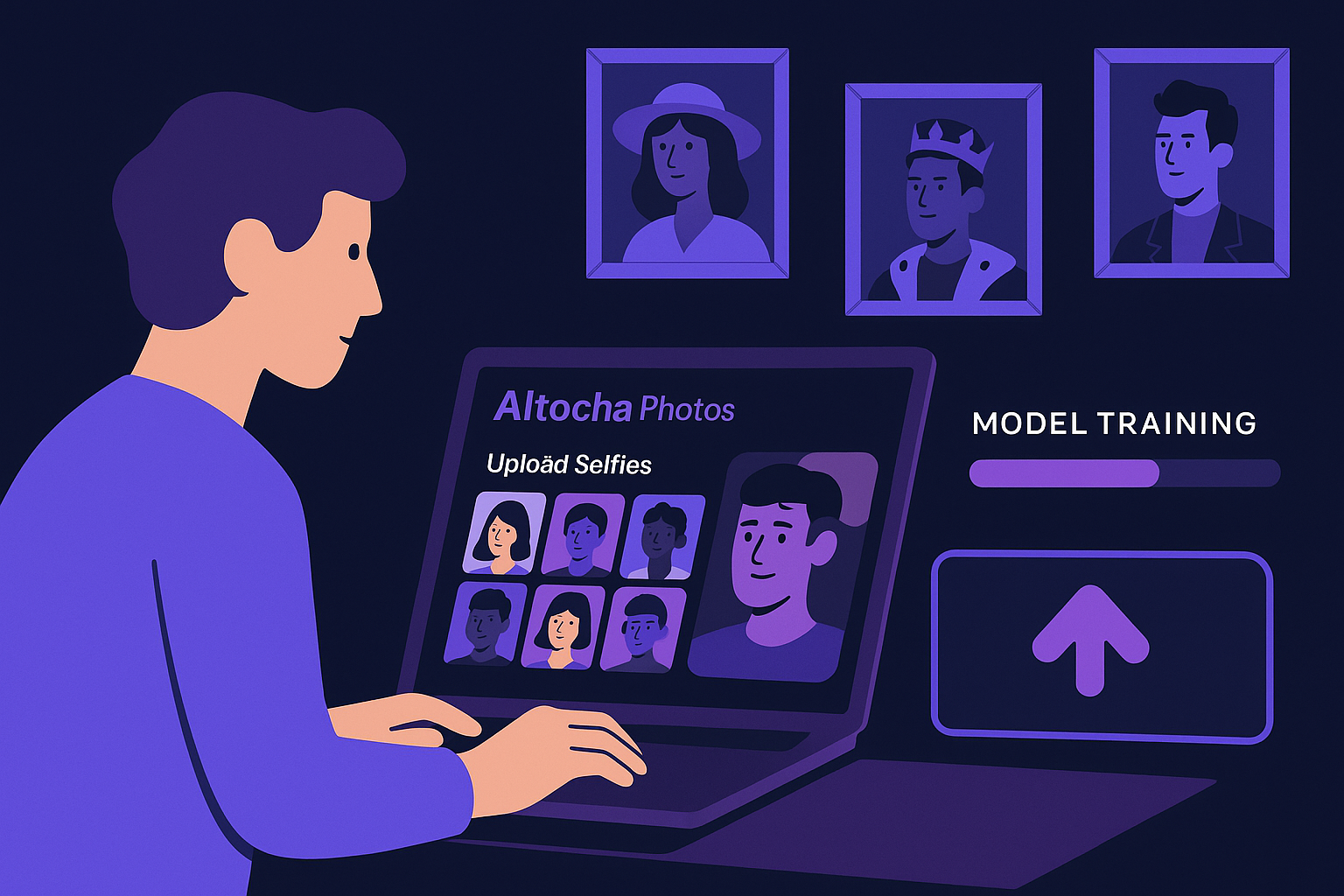
Imagine spending around 20 to 30 minutes training an AI model using 15 to 30 selfies, and then receiving a collection of over 40 themed photo packs that look uniquely like you. This workflow is not only efficient but tailored for creators who want personalized AI-generated portraits. Understanding each step in this process ensures you get the best possible results from AItocha Photos.
Uploading Your Selfies: The Foundation of Your AI Model
The first crucial step in the AItocha Photos workflow is uploading your selfies. You'll need to provide between 15 and 30 photos to build a comprehensive base for the AI to understand your features. This variety helps capture different angles, lighting conditions, and expressions, which contributes to a more accurate and versatile AI model. When selecting selfies, consider including images with natural lighting and clear views of your face to maximize the quality of training data.
For example, including photos taken outdoors during the day alongside some indoor shots can help the AI adapt to different lighting scenarios. Avoid selfies with heavy makeup or extreme filters as these may distort your natural features and impact model accuracy. Common mistakes include uploading too few images or too many similar angles, which can limit the AI's learning scope. Paying attention to these details sets a solid foundation for your personalized AI model.
Once your photos are uploaded, the system prepares them for the next phase—training. This step is essential because it directly influences how well the AI can generate images that resemble you across various styles and settings. Taking the time to carefully curate your selfie set means you can expect a more authentic and consistent set of AI-generated portraits in the packs.
Training the AI Model: The 20-30 Minute Window
Training your personal AI model is the core of the AItocha Photos experience. This process typically takes about 20 to 30 minutes, during which the AI analyzes the selfies you've provided to learn your distinct features and facial characteristics. This period may feel like a brief wait, but it’s when the system carefully constructs an understanding of your face to ensure accurate photo generation.
During training, it’s helpful to be in a stable internet environment to avoid interruptions that could extend the process unnecessarily. Imagine you start training in the morning; you can use that time to plan your usage scenarios or select which themed packs you might want to explore first. Also, note that rushing through uploading low-quality photos can lengthen the training or reduce output quality, so balance speed with preparation.
During training, staying patient pays off. The system's ability to create high-quality images depends heavily on this phase’s thoroughness. After training completes, you’ll have a customized AI model ready to generate multiple themed photo packs that reflect different aesthetics or moods, all while maintaining your likeness.
Exploring over 40 Themed Packs: A Variety of Styles and Uses
One of the standout features of AItocha Photos is access to more than 40 themed packs. Each pack contains AI-generated photos that explore different styles, settings, or moods. This variety lets you select images that best fit your needs, whether for professional headshots, social media profiles, or creative projects.
For instance, a professional might choose a pack featuring formal attire and clean backgrounds for LinkedIn photos, while an artist could opt for creative or fantasy-themed packs to showcase personality on social channels. The packs cover a wide spectrum: casual, business, artistic, seasonal, and more, offering versatility without requiring multiple photoshoots.
The diversity of themed packs allows you to experiment with looks that range from formal to casual, artistic to natural. Having such options means you don’t need separate photoshoots for each style you want. Instead, your AI model can generate these variations, saving you time and resources while expanding your creative possibilities.
Selecting Your Favorites: Tips for Curating AI-Generated Photos
After your model generates the themed packs, the next step is to review and select your favorite images. This curation phase is important because it lets you choose photos that truly represent you and suit your intended use. Take your time to examine the poses, expressions, and aesthetics across different packs.
A practical approach is to shortlist images for different purposes—for example, select several photos for professional profiles, a few for casual social media, and some for creative presentations. This organized selection helps when you need images quickly for various platforms. Keep an eye out for details like lighting consistency and natural facial expressions to avoid images that look overly artificial or staged.
Consider how each photo might work in various contexts—professional profiles, personal branding, or even creative portfolios. Don’t hesitate to experiment with different packs to find unexpected favorites. Remember, your selections can be shared, stored, or used as needed, so picking images that resonate with your style and purpose will maximize the value of your AItocha Photos experience.
Managing Your AItocha Photos Workflow: Practical Tips and Resources
To keep your process smooth, have your selfie collection ready before you start training. Organize your photos to cover a range of expressions and lighting. Also, plan for the 20 to 30 minute training duration by setting aside time when you can remain uninterrupted. These small steps help the workflow feel manageable and efficient.
- Prepare 15-30 varied selfies in advance
- Choose quiet times for model training
- Explore themed packs patiently to find best fits
- Use the Photos product page to review features and updates
- Keep your selected images organized for easy access
For more detailed information on managing your AItocha Photos experience, visit the Photos product page to explore tutorials, FAQs, and support options that can help you optimize every step from upload to final image selection.
By following these tips and understanding each stage—from selfie upload to final photo selection—you can confidently navigate AItocha Photos’ workflow. This process empowers you to create personalized, high-quality AI-generated portraits for a wide range of applications, all from your own photos and preferences.