Your Support Team's First 90 Days with AItocha CX: What Changes and When
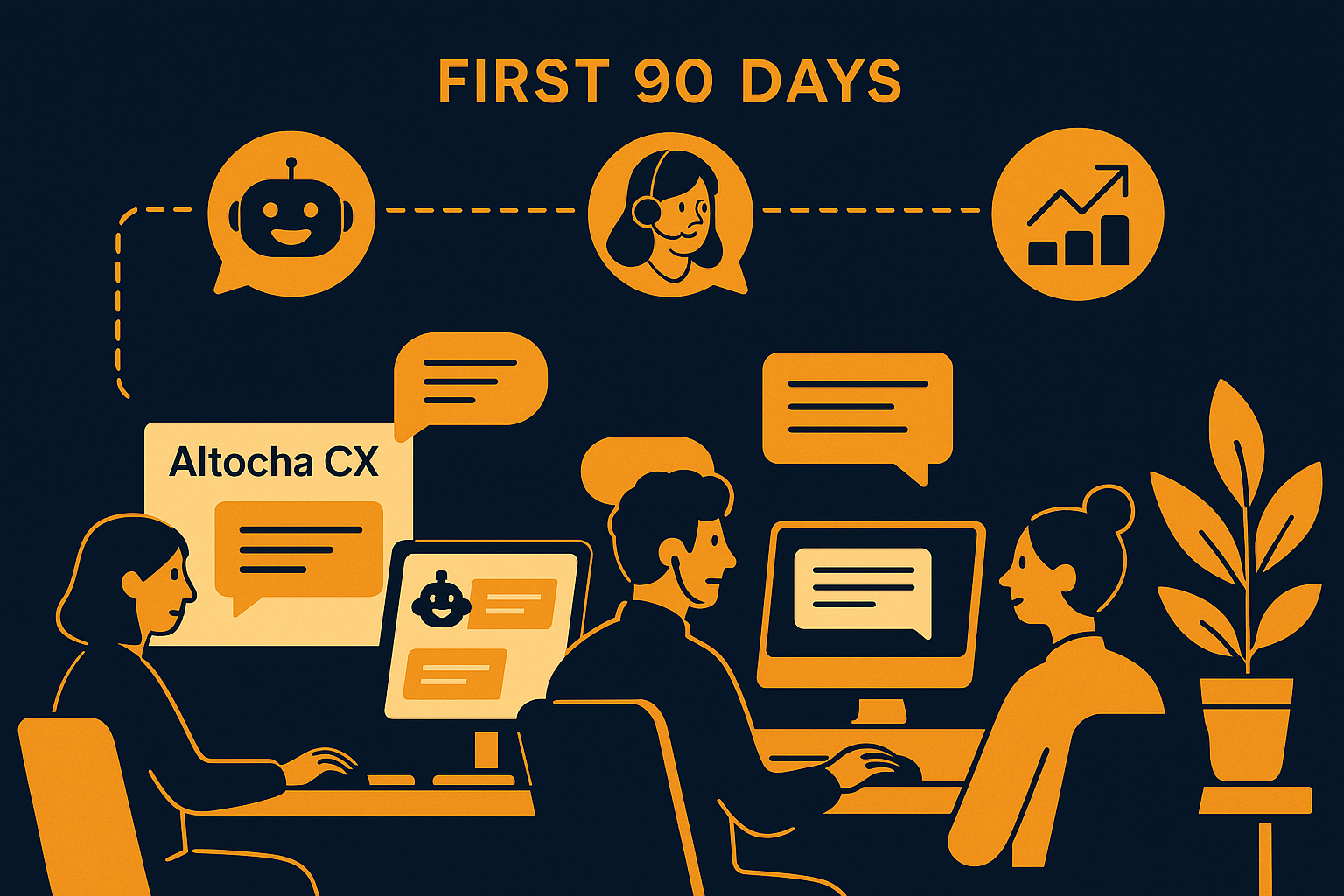
Imagine your support team on day one with AItocha CX, facing a flood of customer inquiries across multiple channels. The volume is daunting, but within weeks, you observe a significant shift: 85% of inquiries are resolved automatically, freeing your agents to focus on complex issues. Understanding what changes occur during these critical first 90 days helps you manage expectations and optimize adoption.
Week 1–2: The Onboarding and Initial Adjustment Phase
Your team’s first interactions with AItocha CX start with familiarization—learning how the AI handles routine questions and how human agents can intervene. During this phase, expect your team to spend time adjusting workflows to incorporate AI responses. The system begins to handle simple inquiries automatically, but agents still oversee most interactions to ensure quality and context are preserved.
It's crucial to configure AItocha CX carefully so it understands your knowledge base and brand voice. Early on, human oversight is heavy as agents monitor conversations and provide feedback to refine AI accuracy. This period sets the foundation for trust between your team and the AI system, ensuring that when the AI escalates a case, the handoff maintains full conversation context, avoiding any customer repetition or frustration.
For example, during these first weeks, your team might notice that AItocha CX occasionally misinterprets atypical queries or complex phrasing. A common mistake is to rely solely on out-of-the-box AI responses without tailoring the knowledge base or training the model with real ticket data. Addressing these gaps early by updating FAQs and training the AI with actual support conversations reduces errors and builds confidence.
Weeks 3–6: Growing Confidence and Increased Auto-Resolution
By the third week, you’ll notice a steady rise in the AI’s autonomous handling of inquiries. As AItocha CX learns from your team’s inputs and conversation trends, the auto-resolution rate approaches 85%. This means a majority of routine problems—such as password resets or order status checks—get resolved without agent intervention, drastically reducing your team’s workload.
During this phase, your agents transition from direct responders to supervisors of AI interactions. They focus on handling complex or sensitive issues while AItocha CX manages simpler tickets. The smooth human handoff functionality becomes critical here; any conversation the AI cannot resolve passes to an agent with full context, preventing customer repeat explanations and smoothing the support experience.
Imagine a scenario where a customer asks a multi-part question involving product compatibility and billing. The AI might resolve the compatibility part automatically but then recognize the billing question requires a person. Because AItocha CX keeps full conversation context during the handoff, the agent receives the entire interaction history instantly, skipping the tedious data gathering and improving response speed.
Weeks 7–10: Workflow Optimization and Agent Empowerment
As your team grows comfortable with AItocha CX's capabilities, you begin optimizing workflows. Agents use the AI not just for auto-responses but also as an assistant that suggests replies, prioritizes tickets, and flags urgent matters. This collaboration increases agent efficiency and morale since they can focus on tasks requiring human judgment while routine inquiries are handled automatically.
Training sessions during this period help agents leverage AI insights, improving overall team performance. Additionally, by analyzing which questions are frequently auto-resolved, you can identify gaps in your knowledge base and update it accordingly. This iterative process helps the AI learn faster and increases the proportion of inquiries it can handle independently.
In practice, you might observe that certain support topics are well covered while others generate frequent handoffs. For example, if your AI consistently escalates refund requests, it might indicate that your refund policy isn't clearly documented or accessible to the AI. Addressing such gaps through enhanced documentation and targeted AI training sessions helps improve automation coverage over time.
Weeks 11–13: Review, Feedback, and Continuous Improvement
Approaching the end of the first 90 days, it’s time to review performance metrics and gather your team’s feedback. Evaluate how well AItocha CX meets your support goals, focusing on the auto-resolution rate and the quality of human handoffs. This reflection enables you to fine-tune AI behavior, update workflows, and enhance customer satisfaction.
Your team’s input is invaluable for continuous improvement. Agents may suggest adjustments to AI response templates or flag recurring issues. By incorporating this feedback, you ensure AItocha CX evolves alongside your support needs. Remember, this period marks the transition from adoption to integration, where AI becomes an indispensable part of your support ecosystem.
A common challenge at this stage is maintaining momentum with AI optimization after initial enthusiasm wanes. Setting up regular review cycles and assigning AI champions within your team helps keep improvements on track. Continuous monitoring of the 85% auto-resolution benchmark ensures your team benefits fully from AItocha CX capabilities.
Preparing for Long-Term Success Beyond 90 Days
The first 90 days set the stage, but sustained success with AItocha CX requires ongoing attention. Beyond this initial period, consider expanding automation to additional support channels or integrating AI insights with your CRM for richer customer profiles. Continuous knowledge base expansion and AI retraining keep responses accurate as products and policies evolve.
For example, integrating AItocha CX with your existing CRM can allow agents to see purchase history or past support issues during handoffs, speeding resolution and personalizing customer interactions. Additionally, proactive engagement features can be introduced to anticipate customer needs, further enhancing support efficiency and satisfaction.
Ultimately, your team’s first 90 days with AItocha CX is a foundation for a smarter, more adaptive support function. By recognizing the phases of adjustment, growth, and refinement, you enable your team to harness AI effectively and sustainably.
Maximizing the Benefits: Practical Tips for Your Support Team’s First 90 Days
To get the most from AItocha CX, consider these practical steps during the first three months:
- Start with clear goals for what automation should achieve in your support workflows.
- Train your agents not only on the tool but also on how to collaborate with AI effectively.
- Regularly review conversation logs to ensure the AI resolves inquiries accurately and escalates appropriately.
- Encourage open communication within your team to identify pain points and successes early on.
- Update your knowledge base continuously to improve AI understanding and response quality.
Implementing AItocha CX is a journey that reshapes your support operations. With careful planning and active team engagement, you’ll see how 85% of inquiries resolved automatically and smooth human handoffs can ease your team's workload and enhance customer experience. For more details on the product’s capabilities, visit the CX product page to explore how AItocha CX fits your support strategy.