Why Private, Per-User Galleries Should Be Your Default Choice
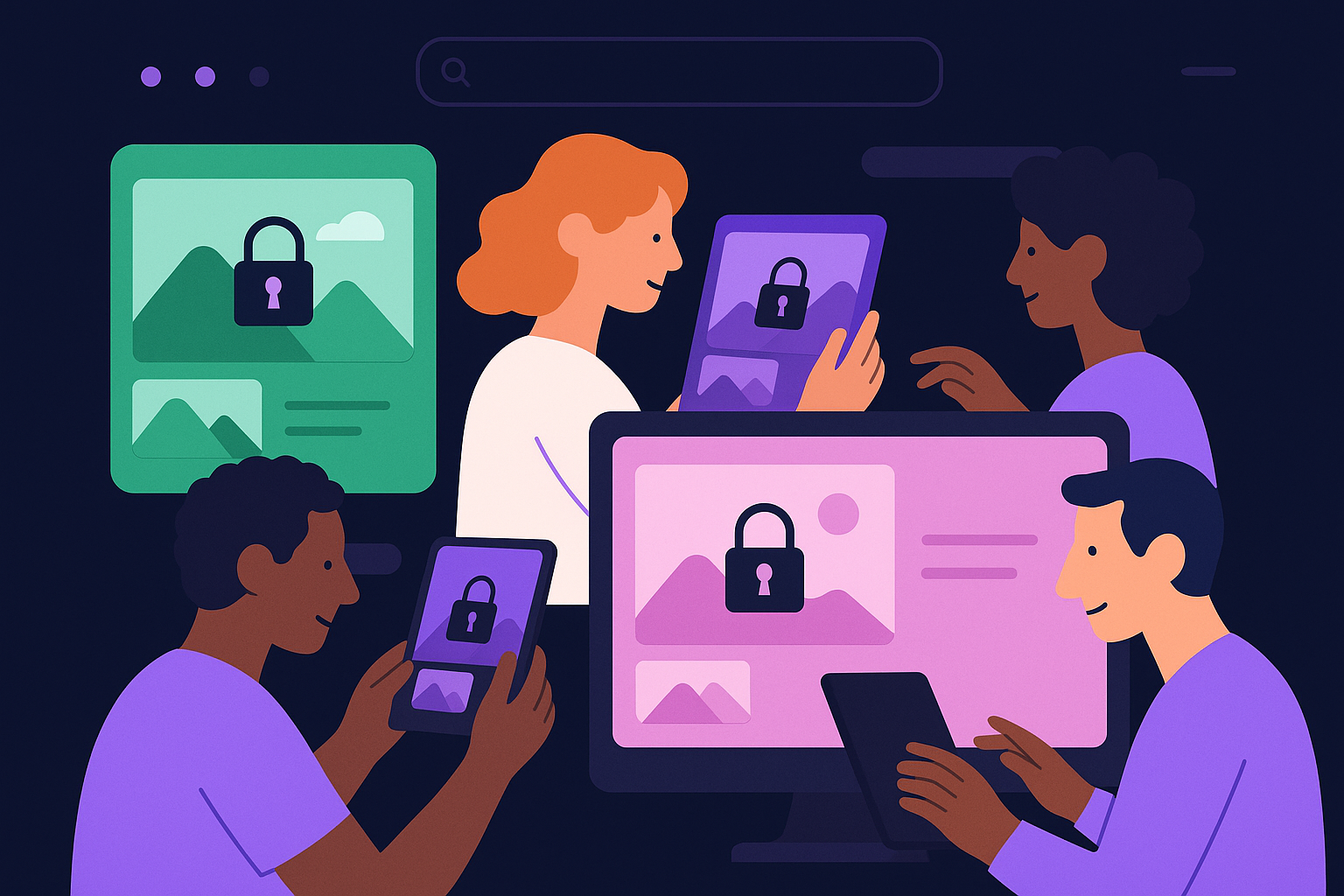
Imagine you’re managing a large collection of photos for different teams in your company. Each team member needs quick access to their own photos without sorting through irrelevant images. This is where private, per-user galleries become invaluable. Instead of toggling privacy settings on and off, making these galleries private by default streamlines the experience and enhances security. Let's delve into why this approach should be standard.
Protecting Privacy by Default
When galleries are private by default, each user’s photos remain visible only to them unless they choose to share. This safeguards personal content from accidental exposure and complies with privacy best practices. In environments where sensitive or proprietary images are involved, such as client projects or internal documents, default privacy minimizes risk. You don’t need to rely on users remembering to adjust settings — protection is baked in from the start.
For example, consider a marketing agency where creatives upload campaign images containing sensitive materials for clients. If galleries were public or shared by default, a team member might accidentally expose a confidential draft. Private galleries remove that risk automatically. Users can consciously decide when and how to share, maintaining control without sacrificing ease of use.
Another common mistake organizations face is treating privacy as an optional feature rather than a fundamental setting. This leads to inconsistent user experiences and accidental sharing. By enforcing private, per-user galleries as the default, you create a consistent security baseline for everyone, reducing the potential for costly privacy errors.
Moreover, private, per-user galleries reduce administrative overhead. IT teams and support staff spend less time handling privacy breaches or confusion caused by shared galleries. Users feel more secure, which can improve adoption rates and trust in the platform. Overall, default privacy aligns with the principle of least privilege, granting access strictly as needed.
Improved Organization and User Experience
Private galleries tailored to each user help maintain order in photo management. Instead of one sprawling, shared gallery where images from multiple contributors accumulate unpredictably, each user’s collection is contained and curated. This organization makes finding photos faster and reduces cognitive load.
Imagine a support team where members upload screenshots and photos related to different customer issues. If all images went into one shared gallery, finding the right photo during a live chat would be frustrating and time-consuming. Private galleries let each support agent organize their images by issue or client, speeding up resolution times and reducing errors.
Additionally, private galleries help new users get oriented quickly. Instead of facing a chaotic, shared pool of images, they start with a clean slate they control. This clarity reduces onboarding friction and boosts confidence when managing media assets.
From a user perspective, it’s less frustrating to interact with a space dedicated to their own images. They can tag, categorize, and manage photos without affecting others’ content. When sharing is necessary, users can selectively export or invite collaborators, maintaining control. This approach fosters autonomy and reduces accidental mix-ups common in communal galleries.
Enhancing Collaboration Without Sacrificing Control
While private galleries emphasize individual control, they don’t hinder collaboration. Users can still share albums or photos selectively when desired. This model supports a flexible workflow where privacy isn’t an obstacle but a foundation. It also makes permissions clearer, as sharing is an explicit action rather than a default state.
In practice, this might look like a product development team member creating a private gallery with design drafts. When feedback is needed, they share a specific album link with stakeholders instead of exposing their entire collection. This targeted sharing reduces noise and maintains confidentiality.
This approach also helps prevent common collaboration pitfalls like oversharing or unintentional access. Teams can set clear expectations: private by default, shared by invitation only. This clarity strengthens accountability and trust among collaborators.
By starting with private galleries, teams avoid the pitfalls of unintended exposure and maintain clarity about who can access what. This clarity reduces confusion and improves security compliance. When collaboration tools are layered on top of privacy-first galleries, users can work together efficiently without compromising data protection.
Adapting to Diverse Use Cases and User Needs
Different users and teams have varying needs for photo access and sharing. Private, per-user galleries accommodate this diversity by allowing each user to manage their own space. Whether you’re a freelancer managing client work or part of a large enterprise team, having a personal gallery by default fits naturally into your workflow.
Consider a photographer working with multiple clients simultaneously. A private gallery for each client or project prevents mix-ups and helps maintain client confidentiality. Alternatively, in a healthcare setting, private galleries ensure patient images are securely compartmentalized, respecting sensitive information regulations.
Similarly, educators using photo galleries for classroom projects can keep student submissions private by default, sharing only with intended recipients. This flexibility supports industries with strict privacy requirements as well as creative fields that benefit from individualized control.
This flexibility means you’re not forced into an all-or-nothing scenario. Users can keep sensitive images private while still sharing less confidential photos as appropriate. It also simplifies onboarding, as new users start with a clear, private workspace rather than navigating complex shared spaces.
Getting Started with AItocha Photos's Private Galleries
To experience these benefits firsthand, consider exploring AItocha Photos, which offers private, per-user galleries as a core feature. Setting up your personalized gallery is straightforward, letting you focus on managing your photos without worrying about inadvertent sharing.
The interface guides you through creating secure galleries with customizable organization options. You can tag photos, create albums, and decide precisely when and with whom to share your content. This empowers you to maintain privacy without sacrificing the ability to collaborate when necessary.
For teams, AItocha Photos includes tools to manage multiple private galleries efficiently, so you can keep your workflow organized at scale. Whether you handle hundreds or thousands of images, private galleries provide a scalable, secure foundation.
By making privacy the default, AItocha Photos helps you maintain control, improve organization, and collaborate with confidence. Whether for personal use or professional projects, private galleries provide a secure and user-friendly foundation for your photo collections.