When to Use AItocha CX Standalone vs. Alongside Your CRM
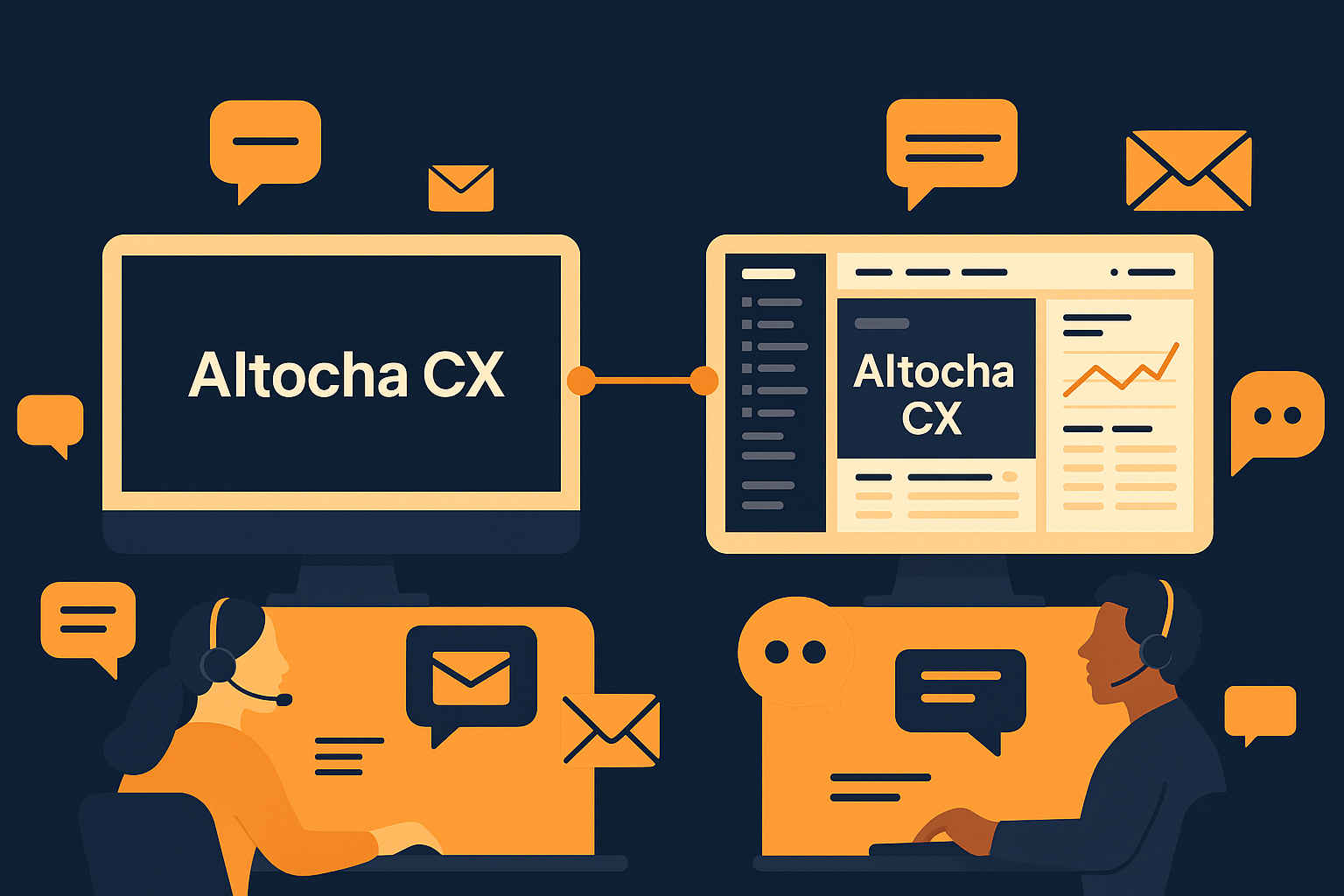
Imagine you're managing a customer support team juggling multiple inboxes and workflows, trying to keep response times low while maintaining high quality. You’ve heard about AItocha CX’s ability to enhance support either as a standalone product or by working alongside platforms like HubSpot or Salesforce. How do you decide which approach fits your team's unique setup?
Understanding the Two Deployment Options
AItocha CX is designed with flexibility in mind. You can run it completely standalone, where it handles support workflows independently, or integrate it alongside your current CRM workflows. Both approaches offer distinct advantages depending on your team's priorities and existing infrastructure.
Using AItocha CX as a Standalone Solution
Choosing to deploy AItocha CX on its own might make sense if your team does not yet have a CRM, or if your existing CRM cannot easily accommodate AI-based automation. Running AItocha CX standalone allows your team to focus purely on customer support without the complexities of integrating into broader sales or marketing workflows.
For example, imagine a support team that needs to quickly implement AI-powered auto-responses and ticket prioritization without reconfiguring their entire CRM setup. AItocha CX can start managing chat, email, voice, and SMS channels directly, providing instant assistance while keeping your agents focused on issues that require human touch.
This approach also offers a simpler onboarding process and can reduce the initial cost and technical effort, since it does not require syncing customer data across multiple platforms. You still gain advanced AI-driven support features, enabling your team to improve first-response times and auto-resolution capabilities.
Integrating AItocha CX with HubSpot or Salesforce Workflows
If your team already relies on a CRM like HubSpot or Salesforce to manage customer relationships and sales pipelines, integrating AItocha CX alongside these workflows can be highly advantageous. This setup allows AItocha CX to complement your existing processes rather than replace them.
By connecting AItocha CX with your CRM, you enable a unified view of customer interactions. Support tickets generated by AItocha CX can automatically update customer records, ensuring sales and support teams have access to the same information. This alignment helps maintain context and continuity across departments.
Additionally, integrations can automate data flows between platforms, reducing manual entry and the risk of errors. Your team benefits from AI-powered support features while continuing to leverage the CRM's broader capabilities such as lead nurturing, marketing automation, and reporting.
Keep in mind that integrating AItocha CX alongside your CRM may require initial configuration and ongoing maintenance to ensure smooth synchronization. However, for teams invested in CRM-driven workflows, this layered approach can enhance overall efficiency and customer experience.
Factors to Consider When Choosing Your Deployment Strategy
- Current CRM Usage: Do you already have HubSpot, Salesforce, or a similar platform actively managing customer data?
- Support Volume and Complexity: Are your support demands high enough to justify integration overhead, or do you need a quick standalone AI boost?
- Team Workflow Preferences: Does your team prefer consolidated tools or specialized platforms for different tasks?
- Technical Resources: Can your IT or operations team support CRM integration, or is a standalone setup more feasible?
- Data Synchronization Needs: How important is it for your sales and support data to stay in sync in real time?
Evaluating these factors will help you make an informed choice that suits your operational style and customer service objectives.
Getting Started with AItocha CX Deployment
If you’re ready to explore AItocha CX, the product is designed to fit both standalone and integrated scenarios, giving you flexibility as your support needs evolve. Visit the CX product page to learn more about setup options, features, and how AItocha CX can support your team’s goals.
Whether you start with a standalone AI support solution or integrate into your existing CRM, AItocha CX aims to help your team manage customer interactions more effectively, saving time and improving satisfaction.