What Happens When AItocha CX Can’t Resolve a Conversation
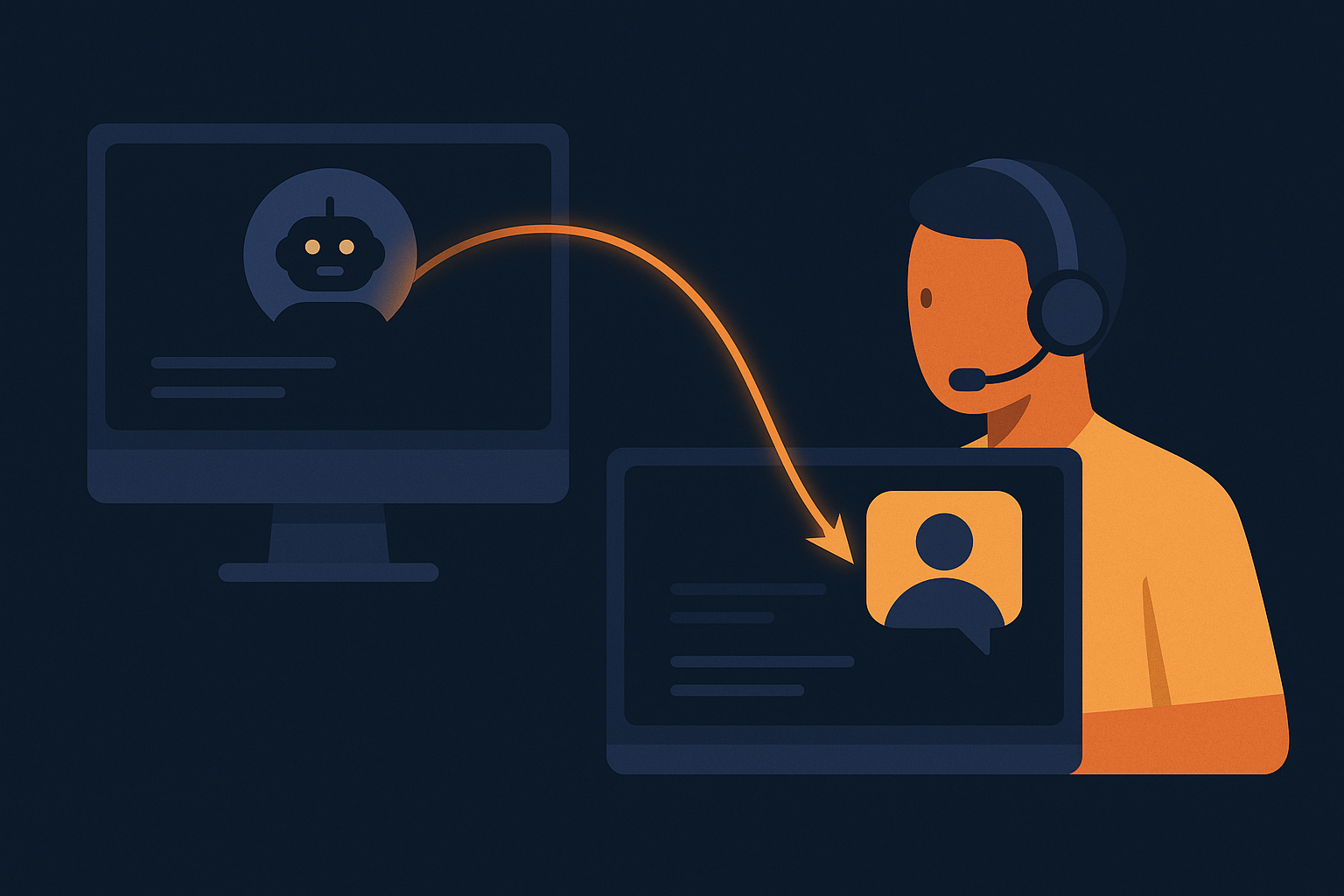
Imagine a busy customer support center where an AI chatbot handles hundreds of inquiries simultaneously. While AI manages most questions efficiently, some conversations require human expertise. What exactly happens when AItocha CX reaches its resolution limits? Understanding this handoff process is crucial for teams aiming to maintain customer satisfaction without losing conversation context or momentum.
Why Conversations Reach AI Resolution Limits
AI-powered chat systems excel at handling routine questions, but there are cases where the AI cannot fully resolve an issue. These include complex technical problems, sensitive account matters, or situations where customer emotions demand human empathy. When AItocha CX encounters such scenarios, it recognizes the need to escalate the conversation rather than risk frustration or miscommunication.
For example, a customer might ask about a highly specific product defect that the AI has not encountered before. Instead of guessing or giving incomplete information, the system flags the conversation for a human agent. This ensures the customer receives accurate assistance without unnecessary back-and-forth. Similarly, if a customer expresses dissatisfaction or urgency, the AI detects these cues and triggers escalation to a human who can provide personalized empathy and solutions.
A common mistake in support teams is relying solely on AI to handle emotional or complex queries, which can lead to customer frustration if the AI responses feel generic or unhelpful. Recognizing and addressing this by setting clear escalation points in AItocha CX helps avoid such pitfalls and keeps the conversation productive.
How AItocha CX Manages the Human Handoff with Full Context
A critical challenge in AI-to-human transitions is maintaining the entire conversation context. AItocha CX addresses this by preserving all dialog history and relevant data so that support agents receive a comprehensive view of the issue without asking customers to repeat themselves.
In practice, this means when a chat transfers to a human agent, the system presents the full transcript and any metadata, such as the customer’s previous purchases or account status. This continued visibility allows agents to avoid redundant questions and focus on resolving the issue efficiently. For instance, if earlier the AI attempted a troubleshooting step, the agent immediately knows where to pick up next, saving time and improving the customer experience.
Maintaining full context also prevents dropped details during high-pressure situations or shift changes. Support agents don’t need to rely on customers repeating information, reducing annoyance and building trust. This continuity also aids agents in personalizing their responses based on prior interactions, which can be a significant differentiator in customer satisfaction.
The Role of Support Teams After the Handoff
Once AItocha CX transfers the conversation, your human support agents take over with a clear understanding of the customer's needs and previous interactions. This enables them to focus on problem-solving and personal engagement rather than information gathering.
In real-world scenarios, human agents often handle complicated queries that require discretion, such as billing disputes or personalized recommendations. They can also reassure customers during difficult interactions, which AI alone cannot fully achieve. Moreover, agents can use their judgment to involve other departments or escalate issues internally if needed, ensuring holistic support beyond the AI’s scope.
A typical example might be a customer asking for an exception to a return policy. After the AI escalates the case, a human agent reviews the conversation and company guidelines before offering a tailored resolution. This process maintains professionalism while honoring company policies and customer expectations.
Benefits of a Structured Handoff Process in Customer Support
Implementing a system where AI and humans collaborate effectively yields several advantages for customer support operations:
- Reduces customer wait times by quickly resolving common queries with AI
- Prevents issues from escalating due to AI misunderstandings
- Maintains conversation continuity through full context preservation
- Empowers support teams to focus on value-added interactions
- Enhances overall customer experience by balancing efficiency and empathy
Consider a scenario where a customer inquires about updating shipping information after placing an order. The AI handles the initial request swiftly, but if the customer then asks for an exception or refund, the conversation is handed off with full context. This handoff avoids repeating details and helps agents provide tailored solutions, demonstrating the practical benefits of a structured process.
Beyond efficiency, this structured handoff minimizes customer frustration that arises when conversations feel disjointed or repetitive. It also helps support teams manage workloads better by letting AI triage simpler issues and freeing agents to devote attention to matters that require nuanced human judgment. The result is a more balanced workload and improved morale among support staff.
Setting Up and Optimizing AItocha CX’s Handoff Feature
To take advantage of smooth human handoffs, your team should configure AItocha CX according to your support environment and customer needs. This includes defining escalation criteria, training AI models with relevant data, and establishing protocols for agents to receive and manage handoffs effectively.
For example, you might set rules that any request involving refunds automatically triggers a human handoff, or that expressions of frustration detected by sentiment analysis prompt immediate escalation. Training your AI with frequent conversation patterns and updating those patterns regularly helps reduce unnecessary handoffs while catching those truly needing human input.
Additionally, preparing agents with training on how to interpret AI-collected context and how to smoothly transition conversations back to customers is vital. This training ensures that human agents build on the AI’s groundwork without awkward gaps or duplicated questions.
Periodic audits of handoff conversations reveal insights into where AI responses can improve or where escalation thresholds may need adjustment. These reviews also highlight agent performance and help identify training needs, making the handoff feature a dynamic part of ongoing support optimization.
If you're interested in learning more about configuring and utilizing these capabilities, visiting the CX product page is a good starting point.