SMS Support Done Right: Consent, Timing, and Customer Expectations
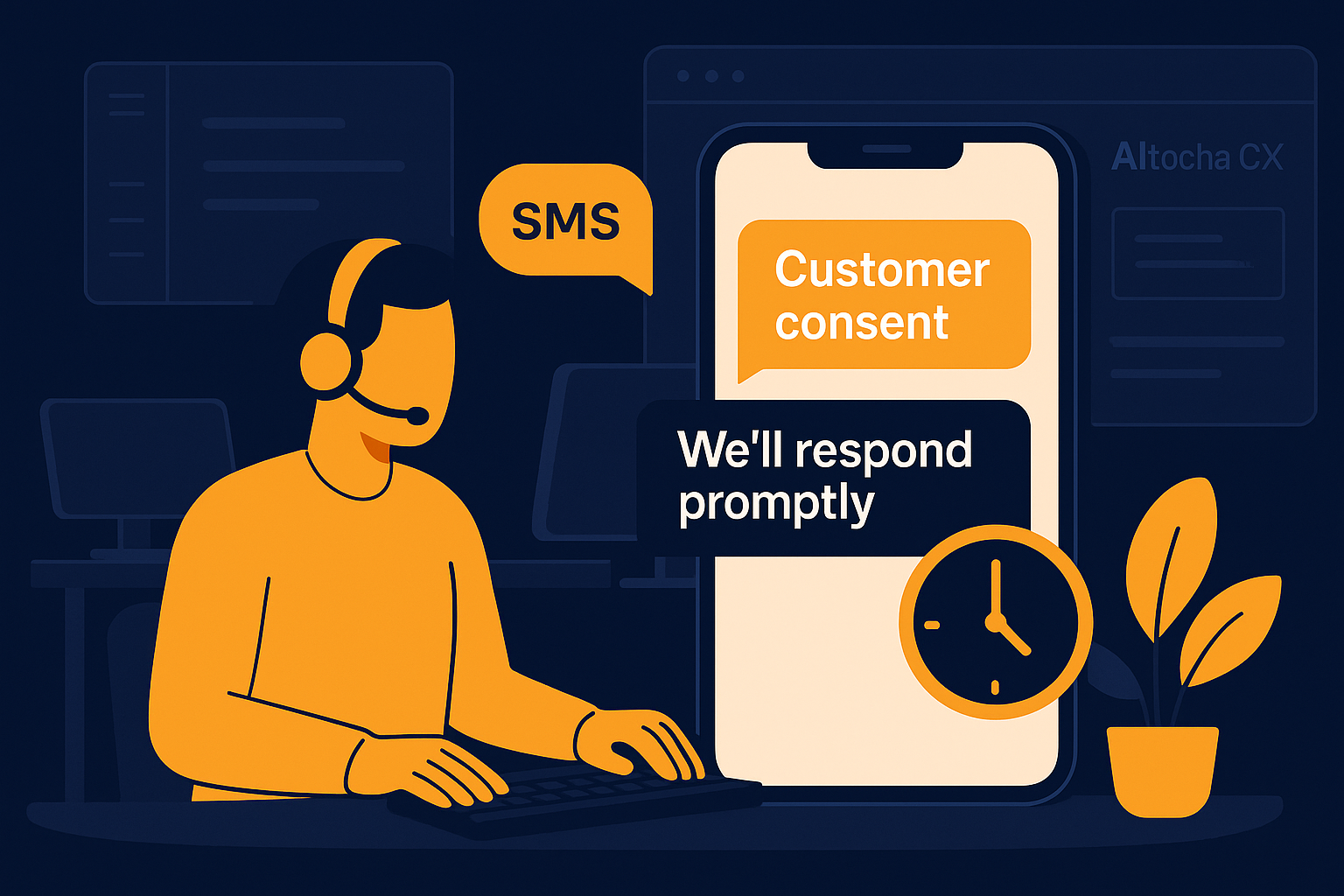
Imagine your support team juggling multiple channels and suddenly adding SMS as an option. SMS offers a direct, personal way to connect, but getting it right requires more than just sending texts. This post dives into the essentials of SMS support—how to secure consent, choose the right timing, and meet your customers' expectations for this increasingly popular channel.
Why Consent Matters in SMS Support
SMS support comes with unique regulations and customer sensitivities. Unlike email or chat, texting feels more immediate and personal, so customers expect clear permission before receiving messages. Without proper consent, you risk damaging trust or facing compliance issues.
Obtaining consent isn't just a legal checkbox; it's a way to respect your customers' communication preferences. Typically, this involves an explicit opt-in where customers agree to receive SMS updates or support messages. Maintaining records of consent helps your team stay compliant and aware of who can be contacted via SMS.
Getting consent right protects your brand and enhances customer experience. It ensures that SMS is a welcome channel rather than an intrusion, setting the stage for productive, valued interactions. For example, if a customer signs up for a service but hasn’t agreed to SMS communication, your support team should avoid sending texts until they opt in. This prevents complaints and helps maintain your sender reputation with carriers.
A common mistake is assuming past consent for emails extends to SMS. Because SMS is often more personal and regulated differently, your team should explicitly document SMS-specific consent rather than relying on general permissions. This extra care helps avoid legal pitfalls and keeps customer relations positive.
Timing Your SMS Support Messages for Maximum Impact
The timing of your SMS messages greatly affects how customers perceive your support. Because texts are usually read almost immediately, sending messages at inappropriate hours can annoy or startle recipients. It's important to align your SMS timing with your customers' time zones and daily routines.
Consider limiting SMS support to reasonable hours—typically daytime and early evening—unless the customer explicitly requests otherwise or you offer urgent notifications. This approach balances responsiveness with respect for personal boundaries. For instance, sending a shipping update SMS late at night might be unwelcome and feel intrusive, whereas a daytime message is more likely to be appreciated.
Automated systems like AItocha CX can help schedule messages smartly and avoid sending texts during inconvenient times. Thoughtful timing ensures your messages are welcomed, not intrusive, building goodwill and improving response rates. Additionally, timing messages to coincide with customer activity—such as following up shortly after a purchase—can increase engagement and satisfaction.
A typical misstep is sending bulk SMS blasts without considering time zones or individual preferences. Implementing dynamic scheduling based on customer location and behavior can prevent negative reactions and keep your SMS support channel effective and respectful.
Meeting Customer Expectations for SMS Support
Customers who choose SMS support expect quick, clear, and helpful responses. Text messaging tends to be more informal than email or phone, so your tone should be concise yet friendly, avoiding overly technical jargon or lengthy explanations.
They also expect resolution without unnecessary back-and-forth. Ensuring your SMS support integrates well with your overall help system helps deliver consistent answers. Customers appreciate when their previous messages and context are remembered automatically during SMS conversations.
Transparency about what SMS support can handle is key. Let customers know which issues are suited for texting and when escalation to phone or email might be necessary. This clarity prevents frustration and helps set realistic expectations. For example, complex troubleshooting might be better over a call, whereas simple inquiries or status updates are ideal for SMS.
Customers also expect timely replies on SMS, often faster than email. Having a system that monitors SMS queue and prioritizes urgent messages ensures your team meets response time expectations. Failure to do so can lead customers to feel ignored or frustrated, particularly when they view SMS as a fast channel.
Practical Steps to Implement SMS Support With AItocha CX
Adding SMS as a support channel is straightforward with tools like AItocha CX, which allows you to manage SMS alongside other channels in one unified inbox. Begin by verifying customer consent during signup or in your communication preferences center.
Next, configure your SMS workflows to respect timing guidelines, using scheduling features or quiet hours settings. This ensures your messages reach customers at appropriate times, improving engagement. For example, you can set automatic pauses on SMS notifications during nighttime hours in the customer's time zone.
- Confirm and document explicit SMS opt-in from customers.
- Set SMS message sending windows aligned to customer time zones.
- Train your team on SMS tone and concise communication.
- Use AItocha CX to keep SMS conversations in context with other channels.
- Regularly review SMS support performance to refine timing and messaging.
By taking these steps, you not only comply with best practices but also deliver SMS support that meets customer expectations and enhances overall experience. For example, using AItocha CX’s analytics can reveal peak times for SMS engagement, helping you fine-tune your timing strategy continuously.
Balancing SMS Support With Other Channels for a Cohesive Experience
SMS is just one part of your broader support ecosystem. Customers often switch between channels depending on their needs and context. Ensuring smooth transitions between SMS, email, chat, and phone is essential to avoid frustration and repeated explanations.
Unified platforms like AItocha CX help your team track conversations across channels, maintaining context and avoiding silos. This holistic view makes it easier to manage customer expectations and deliver consistent support. For instance, if a customer starts on SMS but needs a detailed resolution, agents can smoothly move the conversation to email or phone without asking the customer to repeat information.
Ultimately, SMS support done right respects customer consent, considers timing carefully, and aligns with what customers expect from text communication. By integrating SMS thoughtfully, your team can provide responsive, respectful, and effective support that customers appreciate. Taking the time to implement these practices avoids common pitfalls and strengthens your overall support strategy.