Selfie Prep: Getting the Best Results from Your Training Photos
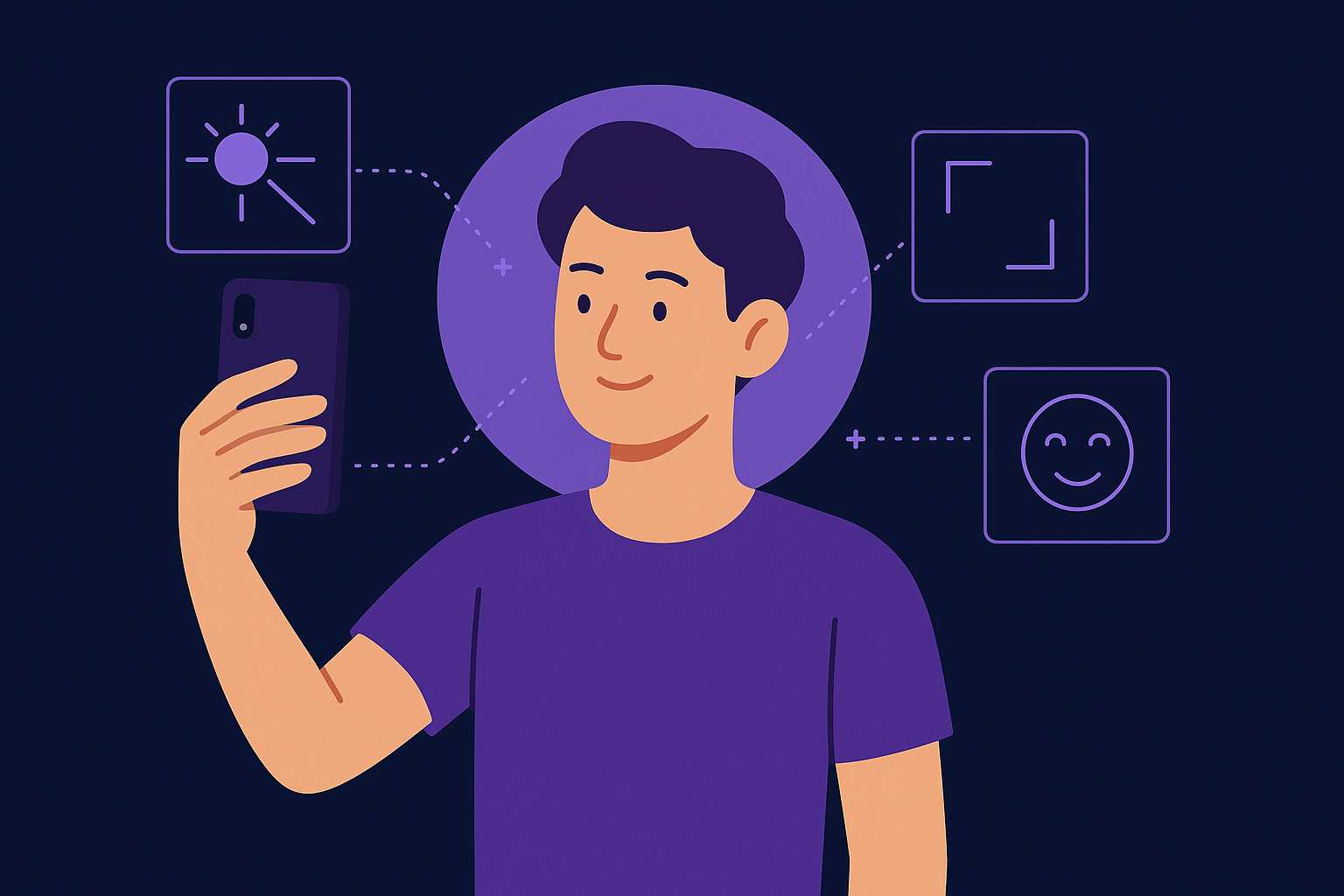
Imagine preparing to train your AItocha Photos model and wondering how to capture the best selfies for the process. Since the system requires 15-30 selfies to create a personalized AI model, each image's quality and variety directly affect your final AI-generated portraits. Careful preparation can help you achieve consistent and natural results, making your AI photos look authentic and flattering.
Why 15-30 Selfies Make a Difference
The recommended number of selfies for training is between 15 and 30. This range balances the need for enough data to capture your unique facial features and expressions without overwhelming the AI model with redundant images. Each selfie contributes to building a nuanced representation of your face, enabling the model to reproduce your likeness accurately across various styles and settings.
Taking too few selfies can limit the model’s ability to generalize, which may result in less realistic or inconsistent outputs. Conversely, while more photos can offer variety, beyond 30 images the benefit plateaus and might add unnecessary time to the training process. For example, if you provide only straight-on images, the model may struggle with side profiles or different expressions later on. Including diverse angles and lighting within those 15-30 images allows the AI to form a more complete understanding of your appearance, reducing the chances of unusual distortions or artifacts in generated photos.
Lighting and Background: Setting the Stage for Quality Photos
Good lighting is critical when preparing your selfies for AI training. Natural, diffused light tends to produce the most flattering and accurate images. Try positioning yourself near a window or outside on a cloudy day to avoid harsh shadows and overexposure. Consistent lighting across your selfies helps the model differentiate actual facial features from lighting artifacts. For instance, harsh overhead lighting can create shadows that obscure details, making it harder for the AI to accurately capture your face.
Your background should be plain and uncluttered to keep the focus on your face. Neutral-colored walls or simple backdrops reduce distractions and prevent the AI from misinterpreting background elements as part of your features. Avoid overly busy or patterned settings that might confuse the model during training. A common misstep is taking selfies in cluttered rooms or outdoors with busy scenery, which can cause the AI to incorporate unintended elements into your model. A simple, consistent background ensures that your face remains the central point of focus for the AI's learning process.
Facial Angles and Expressions: Capture Your Range
To give the AI model a well-rounded understanding of your face, vary your selfies across angles and expressions. Include front-facing shots as well as slight turns to the left and right. This variety allows the model to map your face accurately from different perspectives. For example, capturing a three-quarter face angle alongside a straight-on shot can help the AI recreate your profile more convincingly in generated images.
Don't be afraid to experiment with subtle expressions—smiles, neutral looks, and slight eyebrow raises can help the AI capture personality nuances. Consistency in these expressions across your photo set can also assist in generating images that feel more natural and less artificial. However, avoid overly exaggerated expressions or wearing accessories like glasses or hats inconsistently, as these can confuse the training process. Think of your selfies as a small portfolio showcasing a natural range of your appearance.
Technical Tips: Camera Settings and Framing
Use the highest possible resolution on your smartphone or camera to ensure sharp details in your selfies. Avoid zooming in digitally, as this can degrade image quality. Keeping your device steady with a tripod or stable surface helps prevent blur and ensures consistent framing. For example, placing your phone on a table or using a selfie stick can reduce shake and improve clarity.
- Maintain a centered composition with your face filling about two-thirds of the frame, ensuring facial features are clear and unobstructed.
- Hold the camera at eye level to avoid unflattering angles, such as looking up or down, which can alter your facial proportions.
- Keep your hair and face unobstructed—no sunglasses or hats during training selfies—to allow the AI to learn your full face.
- Use the front-facing camera for convenience but double-check focus and clarity before capturing the photo.
By following these technical pointers, your training images will better represent your natural appearance, leading to improved AI-generated photos. A sharper, well-composed photo makes it easier for the AI to capture fine details like eye shape or smile lines, which are crucial for realistic outputs.
Preparing Your Selfie Session: A Practical Workflow
To make the most of your selfie session, plan it like a mini photoshoot. Start by clearing your background and setting up near a large window or in a softly lit room. Have your device ready with camera settings adjusted for high resolution and stability.
Begin with neutral expressions facing the camera directly, then rotate your head slightly left and right for side angles. After covering these basics, introduce gentle smiles or relaxed expressions. Taking breaks between shots can help you maintain natural looks rather than forced poses. This workflow ensures variety and quality while keeping the session manageable and not overly time-consuming.
Additionally, review your photos as you go to confirm clarity and consistent lighting. If an image looks blurry or the lighting changes significantly, retake it promptly. This proactive approach saves time during the upload and training phase, helping avoid the need to gather more photos later.
Getting Started with AItocha Photos Training
Once you have your set of 15-30 prepared selfies, you’re ready to upload them and begin the training process. The AItocha Photos platform guides you through uploading images, making it straightforward even if you’re new to AI technology. AItocha Photos provides helpful documentation to optimize your results and troubleshoot any issues.
Keep in mind that training your personalized AI model takes a short amount of time and can be updated with new images later to refine or change your AI-generated portraits. For example, if your appearance changes—like a new hairstyle or glasses—you can add new selfies to keep your model current. By investing a bit of effort initially in capturing quality selfies, you set yourself up for a smoother and more satisfying experience with your AItocha Photos creations.