Retraining Your AItocha Photos Model: When and Why It Matters
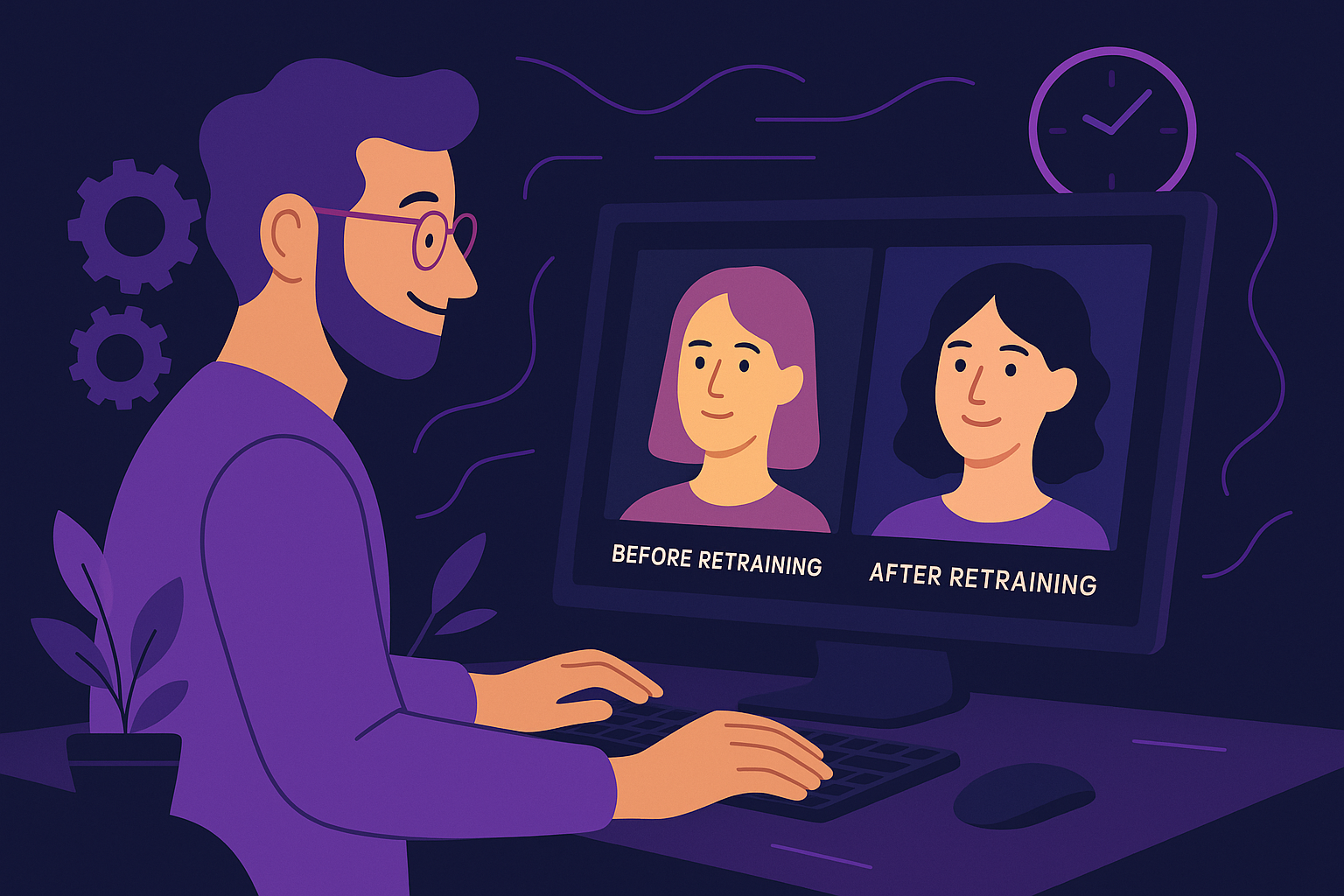
Imagine you’ve been using AItocha Photos for several months to generate personalized portraits for your team or clients. At first, the results align perfectly with your style and expectations. Then, over time, you notice the images start to feel less aligned with your current needs—some details might seem outdated, or your creative direction has shifted. This is a clear signal that it might be time to consider retraining your AI model to keep its outputs fresh and relevant. For instance, if you initially trained your model on formal headshots but now need more casual, lifestyle-style portraits, retraining can help bridge that gap.
Understanding When to Retrain Your Model
Retraining your AItocha Photos model isn’t something to do on a fixed schedule but rather a response to changes in your requirements or data. For example, if your brand aesthetics evolve or you start working with new types of imagery that weren't part of the original training data, retraining can help the model capture those nuances. Additionally, if you observe a decline in image quality or relevance, that’s another indicator to fine-tune the model. Since you can retrain or fine-tune anytime, it's flexible to your workflow and needs.
Regular evaluations of AI outputs can help you monitor when retraining is necessary. Setting up a simple review process, such as monthly checks or after major projects, ensures that your model remains aligned with your goals without unnecessary retraining sessions that waste resources. For example, a marketing team might review portrait outputs before each campaign launch to ensure they match the current campaign’s mood and styling.
Why Fine-Tuning Beats Starting From Scratch
Fine-tuning an existing AI model like the one you have in AItocha Photos is often more efficient than building a new model from the ground up. This approach allows you to leverage the knowledge and features the base model already learned, while adapting it to new data or styles you want to emphasize. For example, if you want to incorporate seasonal themes or specific lighting styles, fine-tuning the model with a curated set of examples can produce targeted improvements. This targeted approach avoids the heavy lifting of retraining an entire model and accelerates the process of adapting to new creative directions.
This targeted retraining approach saves time and cost, because you don’t need to collect massive amounts of data or wait through lengthy training cycles. It also means you can adapt quickly to changing needs without interrupting your creative process for long periods. For instance, if you discover that portraits are consistently too warm or cool in tone, a fine-tuning session with adjusted color profiles can quickly correct this.
Signs Your AItocha Photos Model Needs Updating
- Generated images no longer match your visual brand or style preferences
- New types of photo content or themes aren't represented well in current outputs
- You observe consistent errors or artifacts emerging in generated photos
- External factors such as changing lighting conditions or camera styles affect output quality
- You receive feedback from users or clients indicating the AI images feel dated or off-point
Monitoring these signs helps you decide when to start retraining. For example, if you’ve recently expanded your content scope or changed your creative direction, updating your model ensures it keeps pace with your evolving vision. A common mistake is waiting too long to retrain, which can lead to a backlog of unsatisfactory images and missed opportunities for timely content updates.
How to Plan Your Retraining Sessions Effectively
Effective retraining starts with gathering a representative dataset that reflects the new characteristics you want your AItocha Photos model to learn. This might include new photo styles, lighting conditions, or subject types. Carefully curating this data helps the model focus on meaningful updates without diluting existing strengths. Practically, this means selecting high-quality images that clearly demonstrate the traits you want to emphasize or correct.
Next, schedule retraining sessions to balance model freshness with workflow demands. Since you can retrain anytime, short and frequent fine-tuning sessions may work better for fast-paced environments, while less frequent but more thorough retraining suits more stable projects. For example, a creative agency might schedule retraining monthly, while a small business might update only quarterly or when launching new product lines.
Finally, always validate your model’s outputs after retraining to ensure improvements meet your expectations and no unintended regressions have occurred. Keeping track of version changes and performance metrics supports ongoing quality management. Using side-by-side comparisons and collecting user feedback are practical ways to assess retraining success.
Maximizing Your Experience with AItocha Photos Model Retraining
Retraining your AItocha Photos model is a powerful tool to keep your AI-generated images aligned with your current needs and creative vision. Whether you’re refreshing seasonal portraits, adapting to new brand guidelines, or exploring novel styles, fine-tuning anytime allows you to maintain control over quality and relevance. For example, you might retrain your model ahead of a holiday season to include festive elements and color palettes that resonate with your audience.
To get started, explore the flexible retraining options on the Photos product page. By integrating timely model updates into your routine, you ensure your AI outputs remain as impactful and authentic as the first time you generated them.
Remember, retraining isn’t just a technical step—it’s part of a creative conversation between you and your AI tools that evolves over time to meet your unique vision.