Post-Service Feedback for Auto Shops and Gyms: Building Your Review Count Effectively
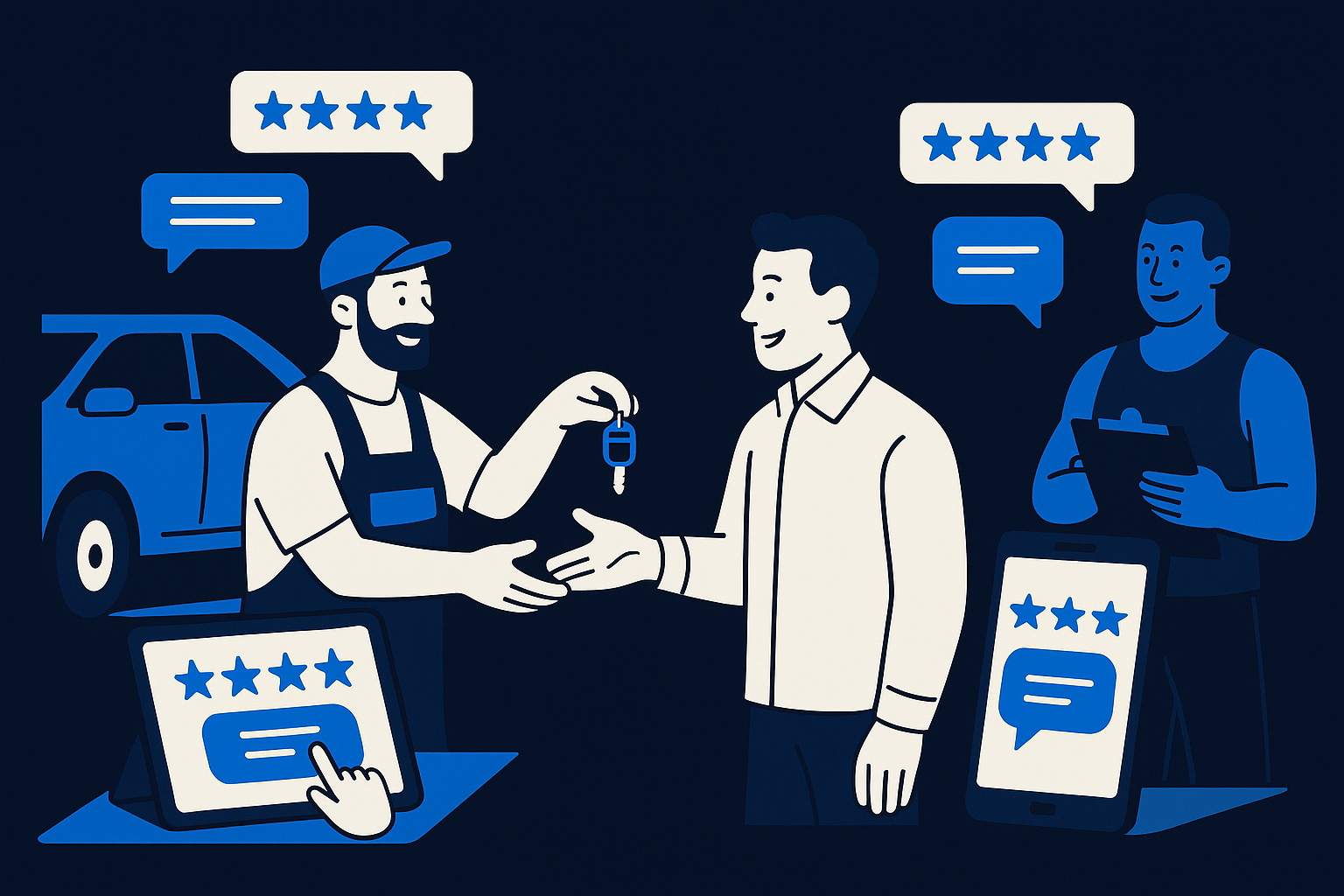
Imagine a busy auto shop wrapping up a vehicle service while simultaneously a gym session ends in the next room. Both businesses strive to gather customer feedback immediately after the experience to enhance their reputation online. Increasing your review count in the competitive local market demands a strategic approach to post-service feedback collection.
Why Post-Service Feedback Matters for Auto Shops and Gyms
Auto shops and gyms operate in sectors where trust and reputation directly influence customer decisions. After a car repair or a workout session, customers are most engaged and likely to share their thoughts. Collecting feedback promptly not only captures impressions while they are fresh but also uncovers actionable insights that help improve service quality. Moreover, frequent customer reviews boost your business’s visibility and credibility on platforms like Google and Facebook, essential for attracting new clients.
By focusing on post-service feedback, you establish an ongoing dialogue with your customers. This real-time feedback loop aids in identifying pain points, recognizing standout employees, and reinforcing positive experiences. It also mitigates negative reviews by enabling your team to address issues privately before they escalate publicly. Using an effective survey tool tailored for this purpose streamlines the process and ensures consistent feedback collection.
Designing Feedback Workflows That Encourage Reviews
Implementing an automated survey sent shortly after service completion is a practical way to engage customers. For example, once a car repair is done or a gym session finishes, your system can trigger a feedback request via email or SMS. The survey should be concise, focusing on key experience areas like timeliness, staff professionalism, and overall satisfaction. Clear rating options with an invitation to leave a public review help bridge feedback with review generation.
AItocha Surveys simplifies this by providing automatic rating-based scoring that groups responses for easy analysis. Your team can use this categorization to prioritize follow-up actions and identify which customers to invite for public reviews. The tool supports sending review invitations to platforms like Google, Facebook, TripAdvisor, Trustpilot, G2, and Capterra. Remember, inviting every respondent to leave a review aligns with platform policies and ensures transparency.
Handling Negative Feedback with Internal Alerts and Prompt Responses
Not every customer will provide positive feedback, but addressing concerns professionally can turn a negative experience into a loyal client relationship. AItocha Surveys automatically triggers internal alerts when lower ratings are received, allowing your team to respond quickly and effectively. This internal follow-up mechanism prevents issues from being overlooked and demonstrates your commitment to customer satisfaction.
Importantly, every respondent who opts in is invited to leave a public review regardless of their rating. This approach is compliant with Google’s guidelines and FTC rules, promoting honesty and transparency. While negative reviews may occur, prompt resolution often leads to updated feedback and shows prospective customers your dedication to quality service.
Optimizing Review Requests to Build Your Online Reputation
Timing and ease of use are crucial when requesting reviews. Surveys sent soon after service capture the customer's sentiments while fresh but should not be intrusive. Providing direct links to review platforms and minimizing steps encourages higher participation rates. For gyms and auto shops, integrating feedback invitations into the checkout or exit process ensures customers expect and accept the follow-up.
Additionally, enabling automated posting to Facebook and Trustpilot streamlines review collection further. While platforms like Google and TripAdvisor require customers to manually submit reviews via provided links, simplifying the process reduces friction. AItocha Surveys supports these workflows, helping you systematically increase your review count and visibility online.
Practical Tips for Using AItocha Surveys in Your Business Workflow
To get started, configure your AItocha Surveys to automatically send post-service feedback requests for each completed auto repair or gym session. Customize your survey questions to reflect unique aspects of your service, and set up internal alerts for low ratings to enable timely responses. Use the analytics dashboard to monitor feedback trends and identify opportunities for improvement.
- Send survey invitations immediately after service completion.
- Include clear rating stars and an open comment section.
- Invite every respondent to leave a review regardless of score.
- Set internal alerts for low ratings to prompt follow-up.
- Utilize automated posting for supported platforms like Facebook and Trustpilot.
Following these guidelines helps ensure a continuous flow of valuable feedback and reviews. For more details on implementing these strategies, explore the Surveys product page to leverage all available features tailored to your needs.