No-Code Workflow Automation for Support Teams: Simplifying Your Daily Tasks
Imagine a support team juggling multiple customer inquiries across email, chat, and social media channels every day. The flood of tickets can quickly become overwhelming, leading to delays and errors. What if your team could automate repetitive tasks and route tickets intelligently without writing a single line of code? That's where no-code workflow automation steps in to simplify your support operations.
Understanding No-Code Workflow Automation
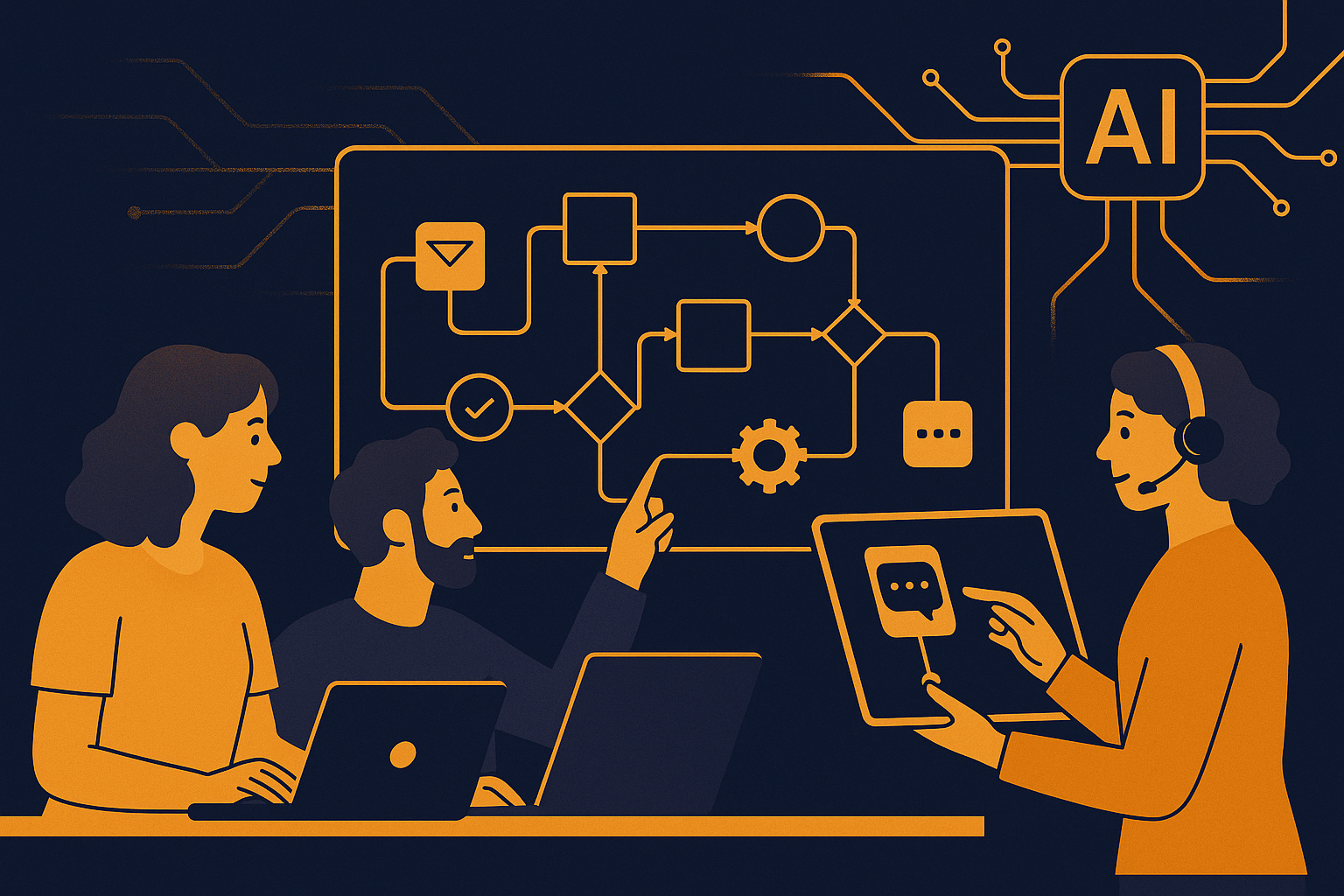
No-code workflow automation allows you to design and implement complex processes visually, using intuitive drag-and-drop interfaces instead of traditional programming. This approach empowers support agents and managers—who may not have technical backgrounds—to build custom automations tailored to their team's unique needs. For example, you can create workflows that automatically categorize tickets, assign them to the right specialists, or send follow-up messages without manual intervention.
By removing the barrier of coding, your team can iterate and refine workflows rapidly, responding to changing customer demands or business priorities. This flexibility also reduces reliance on IT departments, accelerating deployment and minimizing risks associated with miscommunication between technical and support teams. In practice, this means that a manager noticing a spike in a specific issue can quickly set up a rule to prioritize those tickets, ensuring faster turnaround without waiting for technical support to build a solution.
Benefits of No-Code Automation for Support Teams
When your support team leverages no-code workflow automation, several advantages become clear. First, it cuts down the time agents spend on repetitive, low-value tasks, freeing them to focus on complex issues that require human empathy and judgment. Second, automations increase consistency by ensuring standard procedures are followed across all customer interactions, reducing errors and improving quality.
Additionally, no-code tools foster collaboration between support, operations, and management by providing a transparent view of workflows. Everyone can understand how tickets move through the system, identify bottlenecks, and suggest improvements without technical jargon. These benefits translate into faster response times, higher customer satisfaction, and more engaged support staff. For instance, a team can collectively review an automation that routes tickets incorrectly and adjust it within minutes, rather than engaging in time-consuming back-and-forth with IT teams.
How to Get Started with No-Code Automation in Support
Starting your journey with no-code automation involves identifying repetitive tasks in your current support processes. Common candidates include ticket triage, status updates, and escalations. Once you map these routines, you can use visual workflow builders to model each step—defining triggers, conditions, and actions—without needing programming skills.
Platforms like AItocha CX provide user-friendly interfaces that let your team drag and drop elements to create flows intuitively. You can test and deploy workflows incrementally, monitoring their impact and adjusting as needed. This iterative approach ensures you build automations that align closely with your team's real-world needs and customer expectations. For example, you might start with automating acknowledgment emails for new tickets and then expand to more advanced routing rules based on issue type or customer priority.
Common Workflow Automations That Support Teams Use
Here are some typical no-code workflow automations your support team can implement to boost efficiency:
- Auto-tagging incoming tickets based on keywords to prioritize urgent issues
- Routing tickets to agents with specific skills or availability
- Sending automated acknowledgments and status updates to customers
- Triggering reminders for pending escalations or SLA breaches
- Generating summary reports for team performance and customer trends
Each of these automations reduces manual overhead and helps maintain high service standards. For instance, auto-tagging can instantly flag tickets mentioning "payment failed," allowing your billing experts to jump in without delay. Similarly, sending automated updates keeps customers informed, reducing their need to follow up and lowering ticket volume. By automating reminders, you help agents meet deadlines and honor SLAs consistently, improving reliability.
Integrating No-Code Automation with Existing Tools and Processes
No-code automation works best when it fits naturally into your existing support ecosystem. Many platforms, including AItocha CX, offer integrations with popular helpdesk, CRM, and communication tools. This means you can trigger workflows based on data from various sources and update records automatically, creating a unified experience for your team and customers.
For example, when a customer responds to a survey, an automation can create a follow-up ticket if the feedback is negative. Or, when a ticket escalates, the system can notify managers through chat apps instantly. These connected workflows prevent information silos and help your team act promptly. Additionally, because no-code tools avoid custom coding, you can modify or replace integrations easily as your toolset evolves.
Why AItocha CX Is a Solid Choice for Your No-Code Support Automation
If you’re exploring platforms to implement no-code automation, you might consider AItocha CX. This product offers a straightforward visual interface designed specifically for support teams. It allows you to build, test, and refine workflows quickly, integrating smoothly with your existing channels and tools.
With AItocha CX, your team can focus on creating automations that make daily work less manual and more effective. To learn more, visit the CX product page and see how no-code workflow automation can fit your support environment. Built for ease of use, it supports scaling as your team grows and your support needs become more complex. By adopting such tools, you gain the agility to adjust workflows without IT bottlenecks, helping your team stay aligned with customer expectations and operational goals.