Lead Scoring for Support Teams: Turning Tickets into Pipeline
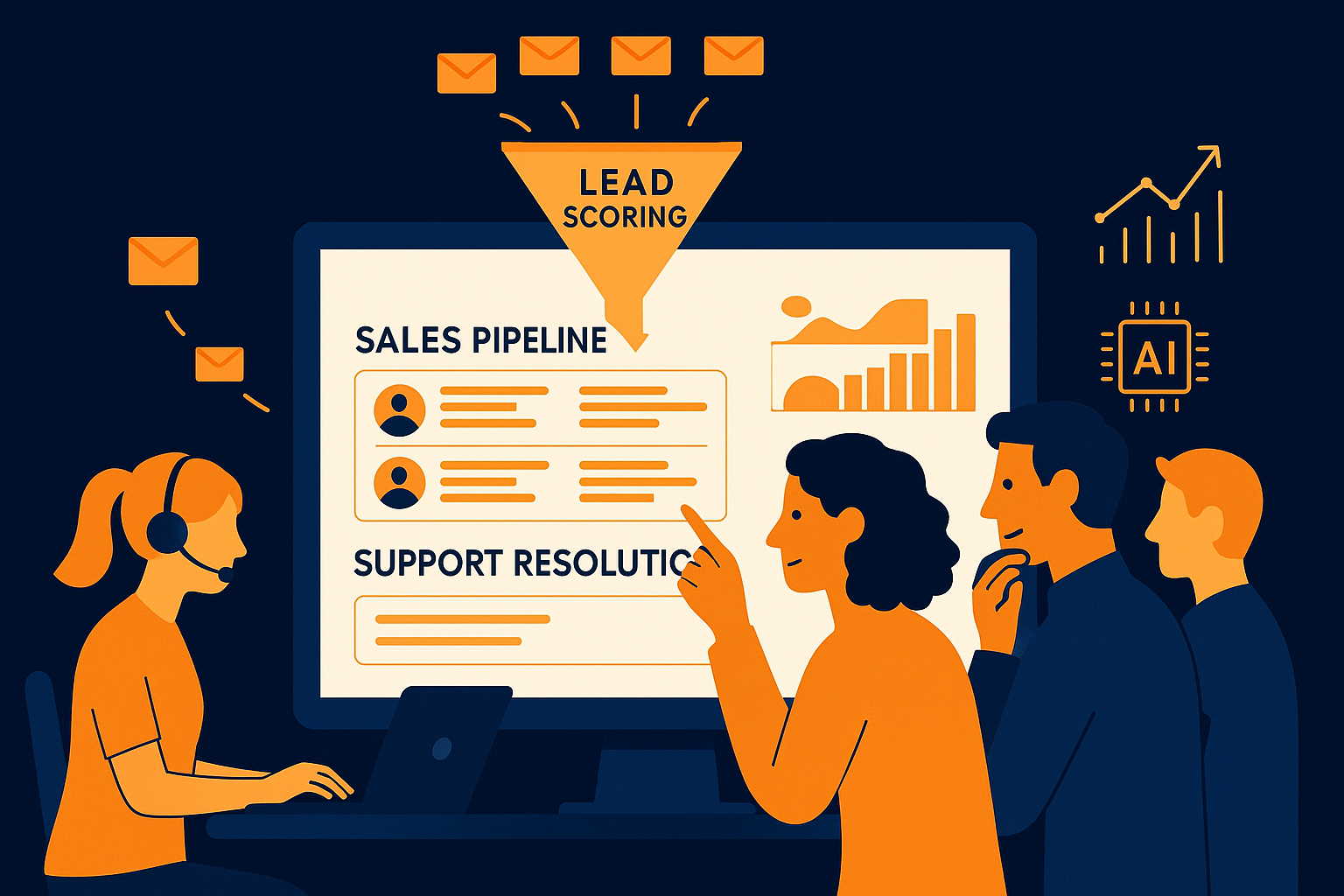
Imagine your support team managing hundreds of tickets daily, each representing a customer interaction with potential beyond mere problem-solving. What if your team could identify which tickets carry real sales opportunities, turning routine support into a strategic pipeline? This is where lead scoring for support teams becomes crucial.
Understanding AI Lead Scoring in Support Contexts
AI lead scoring applies machine learning algorithms to evaluate and rank incoming support tickets based on their likelihood to convert into sales. Instead of treating all tickets equally, the AI analyzes patterns such as customer behavior, ticket content, and historical data to assign a score indicating the opportunity's potential value. This helps your support team prioritize tickets that can drive revenue rather than just resolving issues in the order they arrive.
By integrating AI lead scoring within your support workflow, you reduce guesswork and ensure your resources focus on interactions with the highest impact. This approach not only improves efficiency but also aligns support efforts with broader business goals, transforming the support desk from a cost center into a pipeline contributor.
Leveraging Contact Profiles to Enhance Ticket Insights
Contact profiles aggregate customer information such as past interactions, purchase history, preferences, and even sentiment trends. When these profiles are linked to support tickets, your team gains a comprehensive view of the customer behind each request. This context enables better decision-making when prioritizing and handling tickets, especially those flagged by AI lead scoring as high-potential leads.
For example, a customer with a history of product upgrades or frequent purchases might generate a support ticket that the AI scores highly as a sales opportunity. Access to their contact profile allows your agents to tailor conversations, suggest relevant upsells, and foster stronger relationships, effectively turning support interactions into personalized engagement moments.
Integrating Lead Scoring into Your Support Workflow
Successfully turning tickets into a sales pipeline requires thoughtful integration of lead scoring into your existing support processes. Start by training your support team to recognize and act on scored tickets, ensuring they understand the criteria and the value of these leads. Adjust workflows so high-scoring tickets receive prioritized attention and are routed to agents skilled in sales conversations or upselling.
Additionally, incorporate automation for alerting and escalating promising leads to sales teams when appropriate. This collaboration between support and sales helps close the loop, making sure valuable opportunities don’t slip through the cracks. The result is a more cohesive customer journey where support and sales functions work in concert.
Practical Benefits of AItocha CX for Lead Scoring
The AItocha CX platform offers tailored AI lead scoring capabilities alongside rich contact profiles, designed specifically for support teams aiming to convert tickets into pipeline. Its algorithms analyze ticket data and customer context to generate actionable lead scores, giving your team clear direction on where to focus.
By leveraging AItocha CX, your team gains a practical tool that integrates smoothly with existing support systems. Imagine having a dashboard where tickets are not only organized but prioritized by their sales potential, backed by detailed contact information. This empowers agents to engage more effectively and contribute directly to revenue growth without disrupting their core support duties.
Steps to Implement Lead Scoring with AItocha CX
Getting started with AItocha CX takes about five minutes, making it accessible for teams of any size. Begin by connecting your support channels to the platform, allowing AI to start analyzing incoming tickets immediately. Then, enrich your contact profiles by syncing customer data from your CRM or other sources to provide the necessary context for scoring.
- Configure AI lead scoring parameters based on your business priorities.
- Train your support agents on interpreting lead scores and engaging with high-potential tickets.
- Set up workflows to route and escalate tickets as needed.
- Monitor scoring results and adjust criteria to improve accuracy over time.
With these steps, your support team can begin transforming everyday tickets into meaningful pipeline contributions. Regular evaluation ensures the system adapts to changing customer behaviors and business goals, maintaining its effectiveness. Ultimately, this approach helps your team balance excellent support with strategic revenue generation.