Integrating AItocha Surveys with Mailchimp and Segment for Smarter Marketing
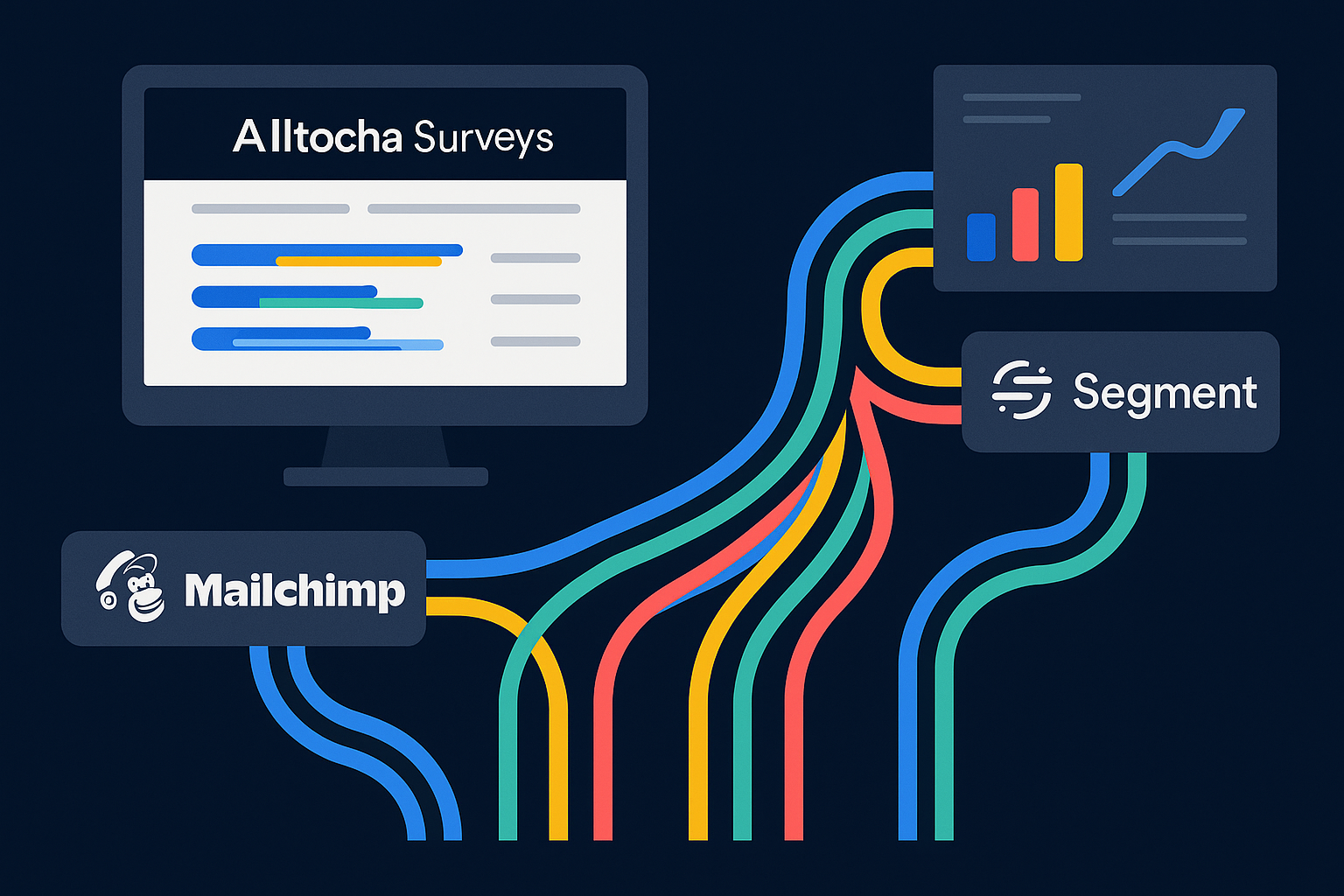
Imagine receiving real-time customer feedback and instantly seeing it reflected in your marketing campaigns. With AItocha Surveys integrated into your marketing stack via Mailchimp and Segment, this scenario becomes a practical reality. This article explores how routing survey responses through these platforms can sharpen your marketing strategies and improve customer engagement.
Understanding the Power of Survey Data in Marketing
Survey responses provide a direct window into your customers’ experiences, preferences, and pain points. When leveraged correctly, this data informs targeted marketing efforts that resonate more effectively with your audience. Instead of relying on assumptions or delayed feedback, integrating survey data allows your team to react promptly to customer needs, adjusting messaging and offers accordingly.
For example, if a product receives consistently low satisfaction scores, your marketing team can quickly craft communications addressing common concerns or highlight improvements. Conversely, high satisfaction ratings might prompt campaigns encouraging referrals or reviews. This responsiveness is key to maintaining customer trust and loyalty.
However, the value of survey insights truly multiplies when they are routed into your existing marketing tools. This integration ensures that feedback does not remain siloed but contributes actively to segmentation, personalization, and campaign optimization. Mailchimp and Segment stand out as two platforms that facilitate this dynamic flow of information, making survey data actionable within familiar marketing workflows.
How AItocha Surveys Connects with Mailchimp and Segment
AItocha Surveys offers built-in integrations with Mailchimp and Segment, enabling you to funnel survey responses directly into these platforms. This connection allows for automatic syncing of respondent data and their feedback, ensuring your marketing audience profiles stay up-to-date and enriched with qualitative insights.
For instance, when a customer completes a post-purchase survey, their rating and comments can be immediately added to their profile in Segment. Marketers can then use this enriched data to trigger personalized email campaigns through Mailchimp. This tight integration reduces manual data entry and lets your team focus on crafting relevant messages.
With Mailchimp, survey responses can trigger tailored email campaigns based on customer satisfaction levels or specific feedback themes. Segment acts as a customer data hub, collecting survey data alongside other user interactions to provide a comprehensive view of your audience. This unified data stream empowers your marketing stack to deliver more relevant content and improve conversion rates.
Benefits of Routing Survey Responses into Your Marketing Stack
Routing survey responses into Mailchimp and Segment offers several tangible benefits that enhance marketing effectiveness. First, it enriches customer profiles with fresh, context-rich data beyond standard demographics, including satisfaction ratings and feedback categories. This depth supports smarter segmentation strategies, helping you target audiences with greater precision.
For example, you could segment customers who rated a recent service 4 or 5 stars and send them review invitations or loyalty program offers. Conversely, those who submitted lower ratings might automatically receive follow-up communications that offer assistance or address concerns, fostering better customer retention.
Second, it enables timely and automated campaign responses. For example, a low rating in a survey can trigger a follow-up email to address concerns, while high ratings may prompt review invitations or upsell offers. Lastly, integrating this feedback streamlines analytics by allowing you to correlate marketing performance directly with customer sentiment and preferences, guiding continuous improvement.
This streamlined approach reduces the risk of missed opportunities or delayed responses, helping your marketing efforts stay aligned with evolving customer needs and feedback trends. It also provides a single source of truth for customer data, improving decision-making and campaign effectiveness.
Implementing AItocha Surveys with Mailchimp and Segment: Step-by-Step Guide
Getting started with AItocha Surveys and connecting it to Mailchimp and Segment is straightforward. Begin by creating your survey and enabling the Mailchimp or Segment integration in the survey settings. This setup ensures that every new respondent's data and their answers flow into the connected platform automatically.
- Create your survey targeting the customer segments you want to engage.
- In AItocha Surveys, navigate to the integrations section and authenticate your Mailchimp or Segment account.
- Map survey response fields to the appropriate audience or traits fields in Mailchimp or Segment.
- Test the integration by submitting a survey response and verifying the data appears correctly in the marketing platform.
- Configure automated workflows or campaigns in Mailchimp or Segment that leverage the survey data for personalized outreach.
- Monitor performance and refine your approach based on campaign results and ongoing survey insights.
A common mistake is to skip the testing step, which can lead to incomplete or inaccurate data syncing. Taking the time to verify the integration prevents frustration and ensures your marketing workflows trigger as expected.
Additionally, consider setting up alerts for low survey ratings to respond swiftly to dissatisfied customers. This proactive approach can turn negative experiences into positive outcomes, protecting your brand reputation.
Best Practices for Maximizing Survey Data in Your Marketing Stack
To get the most from routing your survey responses into Mailchimp and Segment, consider these best practices. First, maintain a clear strategy for how survey data will be used within your marketing efforts. Avoid data overload by focusing on key metrics like star ratings or specific feedback categories that align with your goals.
For example, you might prioritize tracking customer satisfaction scores and comments related to product quality, which directly influence your promotional messaging. This focused approach helps avoid diluting insights with less actionable data.
Second, respect your customers' consent and privacy preferences when syncing data. AItocha Surveys operates with consent-based review invitations, ensuring compliance with relevant guidelines. Third, regularly review your automated workflows to confirm they remain relevant and effective, adjusting triggers and messaging as customer behavior and feedback trends evolve.
In practice, this might mean updating your segment criteria seasonally or after major product updates to reflect changing customer sentiments. Staying agile with your marketing automation ensures your communications always feel timely and relevant.
By thoughtfully integrating survey responses into your marketing stack, you close the feedback loop and make data-driven decisions that enhance customer relationships and business outcomes.