Inside the 20-30 Minute Training Window of AItocha Photos
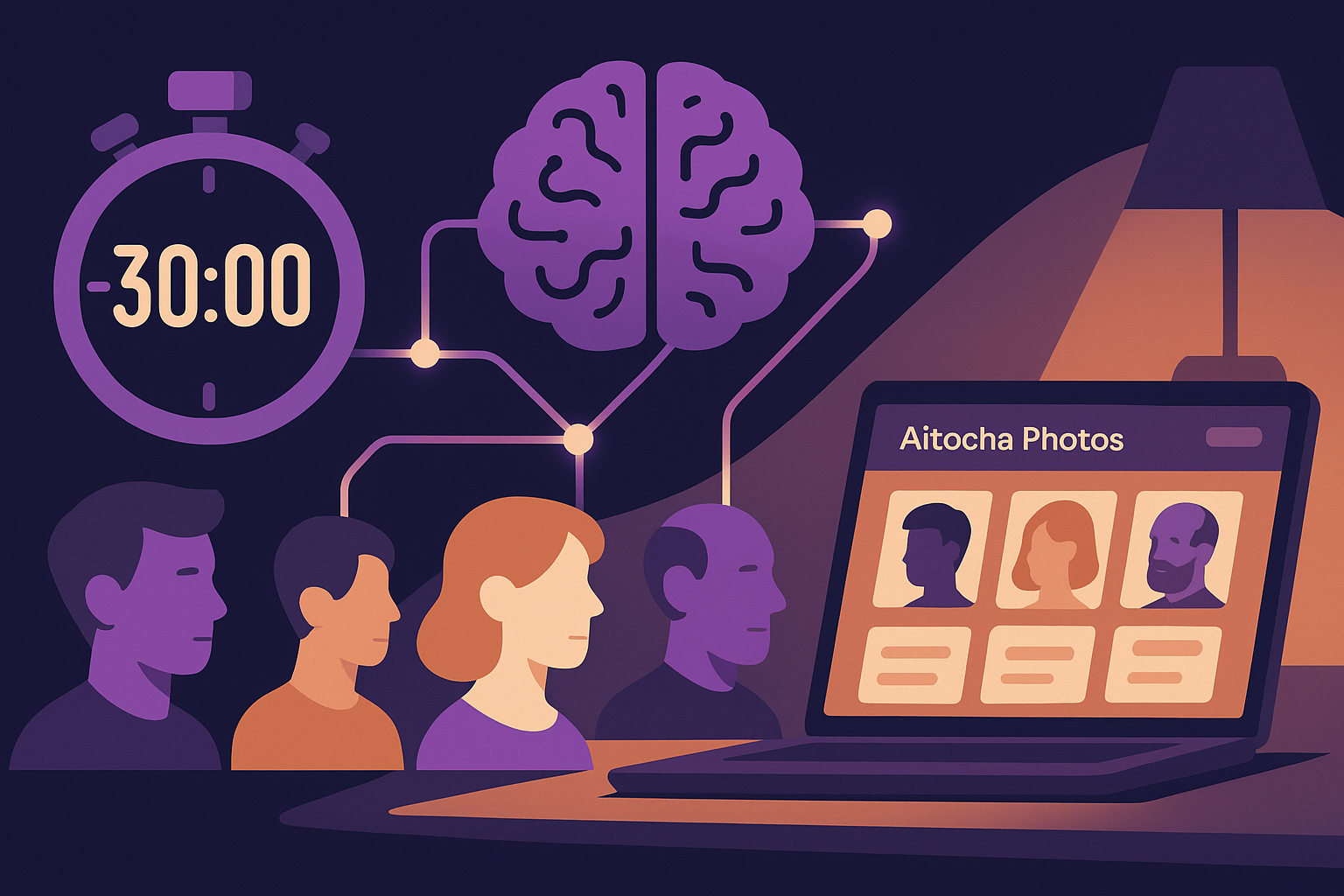
Imagine starting with just a handful of personal photos and, within the span of a typical TV show episode, ending up with a customized AI model ready to generate new images that capture your unique likeness. That roughly 20-30 minute window is when all the magic happens with AItocha Photos. Understanding what takes place in this period gives you a clearer picture of how quickly and efficiently your AI model begins to learn and adapt.
The Initial Upload and Data Preparation Phase
Your training journey begins the moment you upload your selected images into the system. These photos serve as the foundation for the AI model's learning process. During this phase, the software analyzes each image to extract key features such as facial structure, lighting conditions, and background elements. This step is crucial because it converts raw photo data into a format that the AI can effectively work with.
This preparation also involves filtering out any inconsistencies or poor-quality data that could hinder model accuracy. For example, images with heavy motion blur or extreme lighting might be flagged and excluded to prevent the model from learning inaccurate representations. If you’ve ever tried training on a mix of casual photos and selfies with drastically different angles, this filtering ensures only the most consistent inputs shape your model. By streamlining your inputs upfront, the AItocha Photos platform ensures that only the most relevant and clear information shapes your AI model, setting the stage for a more precise training outcome.
Model Training and Feature Learning
Once your data is ready, the core training process kicks off. Over the course of 20 to 30 minutes, the AI system iteratively adjusts its internal parameters to learn how to recreate images that closely match your personal style and appearance. This includes understanding nuances like facial expressions, skin tone, and even subtle lighting effects captured in your photos.
During this iterative learning, the model runs multiple cycles through the dataset, refining its predictions each time. For instance, if the initial outputs show minor inconsistencies in how the AI depicts your smile or eye shape, subsequent iterations focus more on those details to improve fidelity. This training phase balances efficiency and accuracy to deliver a model that can generate realistic images without requiring the extensive time investment traditional AI training often demands. It’s a careful calibration that leverages your limited photos to build a flexible yet precise representation.
Real-Time Quality Checks and Adjustments
While the training progresses, AItocha Photos continuously evaluates the model’s outputs to ensure quality standards are met. This involves automated checks that detect anomalies, inconsistencies, or deviations from expected results. For example, if the AI attempts to generate a photo where facial proportions look distorted or colors appear unnatural, the system flags these issues immediately.
If necessary, the system fine-tunes the model on the fly, adjusting learning rates or focusing more closely on challenging features. This adaptive process is akin to a virtual coach guiding the training to avoid common pitfalls like overfitting or biased representations. These real-time adjustments help maintain the balance between creative flexibility and fidelity to your source images, minimizing the risk of generating unrealistic or unflattering portraits. This dynamic monitoring is a subtle but vital part of making the most of a relatively short training window.
Finalizing the AI Model and Preparing for Generation
As the 20-30 minute mark approaches, the training process moves toward completion by consolidating its learned features into a stable AI model. This final step optimizes the model’s ability to generate new photos quickly and accurately on demand, ensuring your future images stay consistent with your identity. Think of it as the AI wrapping up its studies and readying its toolkit for future creativity.
At this point, your trained model is packaged and made ready for use within the AItocha Photos platform. This preparation includes setting up metadata and user-specific configurations that personalize the experience further. For example, the system might tag your model with preferred styles or lighting conditions based on your training images, enabling smoother control during photo generation. The result is an AI model that understands your unique appearance and is primed to create tailored images whenever you want.
What You Can Expect During Your Training Window
From your perspective, this entire process fits comfortably into a brief moment — about 20 to 30 minutes. During that time, you might see progress bars or receive updates about the training status. It’s an efficient workflow designed to minimize wait times without sacrificing the quality of your personalized AI model.
- Upload and preprocess your images
- AI model iteratively learns distinguishing features
- Dynamic quality checks fine-tune results
- Final model optimization and packaging
- Model ready for personalized photo generation
This short training window also means you can experiment with different photo sets or styles quickly. For example, if your initial model doesn’t quite capture your preferred look, you can adjust your inputs and retrain without a major time commitment. That flexibility invites creativity and personalization beyond traditional photo shoots or static image collections.
By the end of this window, your AItocha Photos model is ready to help you create new images that stay true to your style and preferences. If you want to dive deeper, visiting the Photos product page provides more details about the capabilities and options available after training.