HubSpot and AI Support: What Actually Syncs and Why It Matters
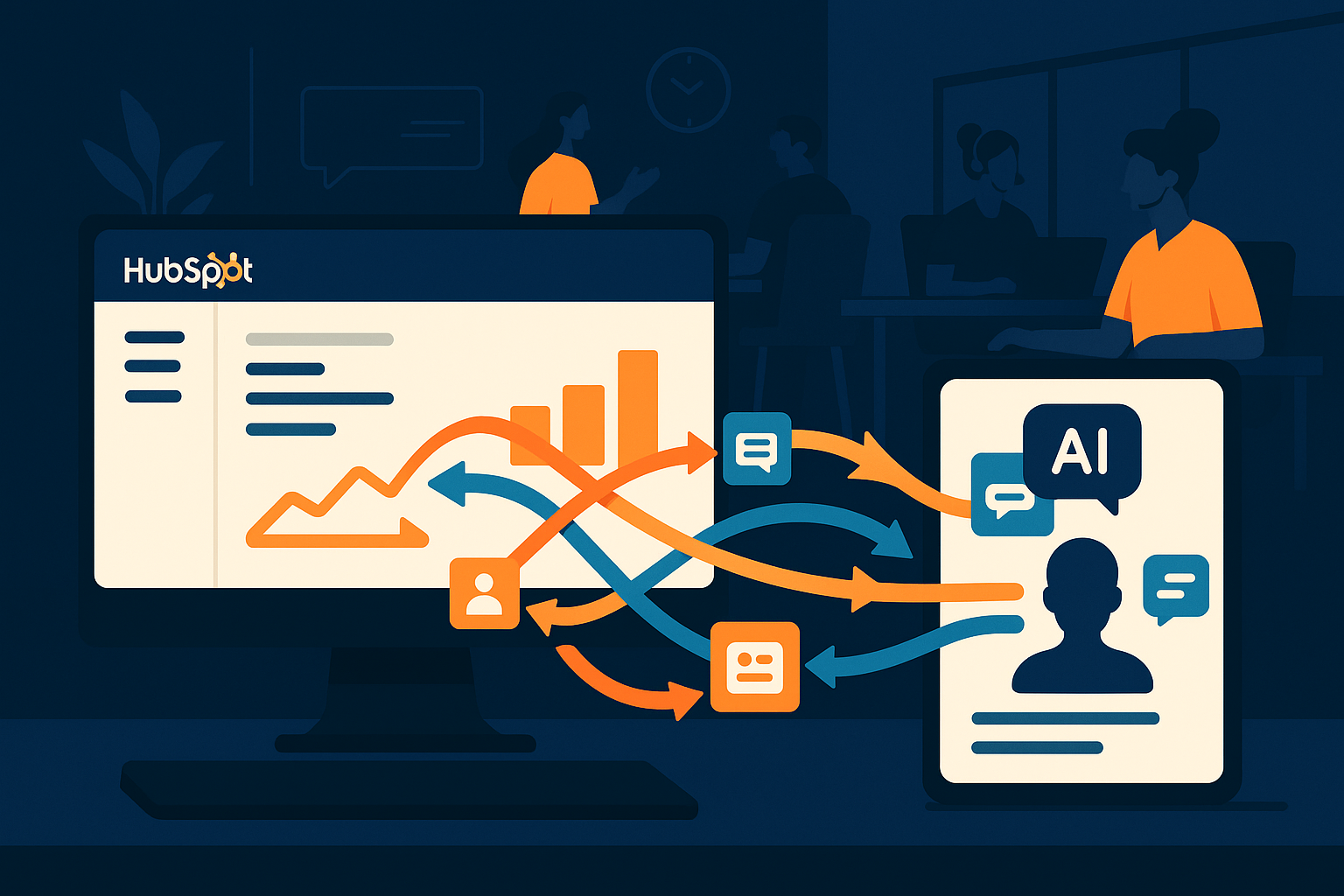
Imagine your customer support team juggling multiple inboxes and data sources while trying to keep customer records accurate and up-to-date in HubSpot CRM. This scenario is common in many organizations. Integrating AI support with HubSpot promises efficiency, but what actually syncs between these systems, and why does that synchronization matter? Understanding the scope and limits of this integration helps teams leverage their tools effectively and avoid data silos or redundant work.
Understanding HubSpot CRM Sync with AI Support
At its core, HubSpot CRM sync with AI support tools involves connecting customer data, interactions, and ticketing information between platforms. This connection ensures that your team has a unified view of customer conversations and histories, no matter where they occur. Typically, the sync includes contact details, communication threads, and support tickets, helping to keep records consistent across systems. However, not all data types or AI-generated insights transfer automatically. Being aware of what syncs is vital to avoid gaps in information or duplicated efforts.
For example, AItocha CX, an AI support product, integrates with HubSpot CRM to synchronize customer contact information and support tickets in real-time. This synchronization ensures that any update on one side reflects promptly on the other, allowing your support agents to access current details without switching platforms. However, AI-generated analytics or coaching insights may remain within the AI tool unless explicitly built to sync back into HubSpot. Recognizing this boundary helps set realistic expectations for your team's workflows.
Why Real-Time Sync Matters for Customer Experience
When customer information and support interactions sync in real-time, your team avoids frustrating delays or inconsistencies. This timely data exchange means agents can view the most recent tickets and customer notes directly within HubSpot CRM, empowering them to respond faster and with greater context. Especially in fast-moving support environments, this immediacy reduces the risk of duplicated outreach or missed follow-ups.
Moreover, real-time syncing supports better collaboration between marketing, sales, and support teams. Since HubSpot CRM is often the central repository for customer data, keeping it updated from AI support tools means your entire organization benefits from a single source of truth. This alignment enables personalized customer journeys and more informed decision-making across departments.
Limitations to Be Aware of in HubSpot and AI Support Integration
While syncing contact and ticket data is standard, not all AI support functionalities integrate deeply with HubSpot CRM. Some AI-driven features, like automated coaching suggestions or advanced sentiment analysis, might stay confined within the AI support platform. This limitation can create blind spots if your team expects all insights to be visible in HubSpot.
Additionally, certain custom fields or data types in HubSpot might require configuration to sync properly with AI tools. Without proper setup, data mismatches or sync errors can occur, leading to stale or incorrect information. Careful planning during integration helps prevent these issues and keeps your customer data accurate and actionable.
Maximizing the Value of HubSpot and AI Sync with Practical Tips
To make the most of your HubSpot and AI support integration, consider these practical steps:
- Identify which data points are essential to sync and verify they are covered in your setup.
- Regularly audit synced data to catch inconsistencies early and adjust mappings as needed.
- Train your support team on where to find information—whether in HubSpot or the AI tool—to prevent confusion.
- Leverage HubSpot's automation features to trigger workflows based on synced AI support data.
- Use the AItocha CX platform’s capabilities to complement HubSpot CRM efficiently, ensuring your team benefits from both systems working together.
By focusing on these areas, you help your team avoid common pitfalls and improve the customer support experience through better data alignment and workflow integration. The sync between HubSpot and AI support is more than a technical link—it’s a foundation for smarter, more responsive service delivery.
Why You Should Care About What Syncs Between HubSpot and AI Support
Knowing exactly what data syncs between HubSpot CRM and AI support tools influences how your team designs processes and manages customer interactions. If you assume more data flows than actually does, you might miss critical updates or invest time searching for insights in the wrong place. Conversely, understanding these syncing boundaries helps you tailor your use of both platforms to complement each other effectively.
For example, ticket statuses and contact details sync reliably, your team can rely on AItocha CX’s advanced AI functionalities for coaching and auto-resolution without worrying about duplicating data entry in HubSpot. This clarity reduces friction and enhances productivity.
Ultimately, the value of integrating AI support with HubSpot lies in the smarter, faster, and more informed customer interactions that result. Getting the sync right is the first step to making that a reality for your support team.