How to Get an AI Chat Widget Live in an Afternoon
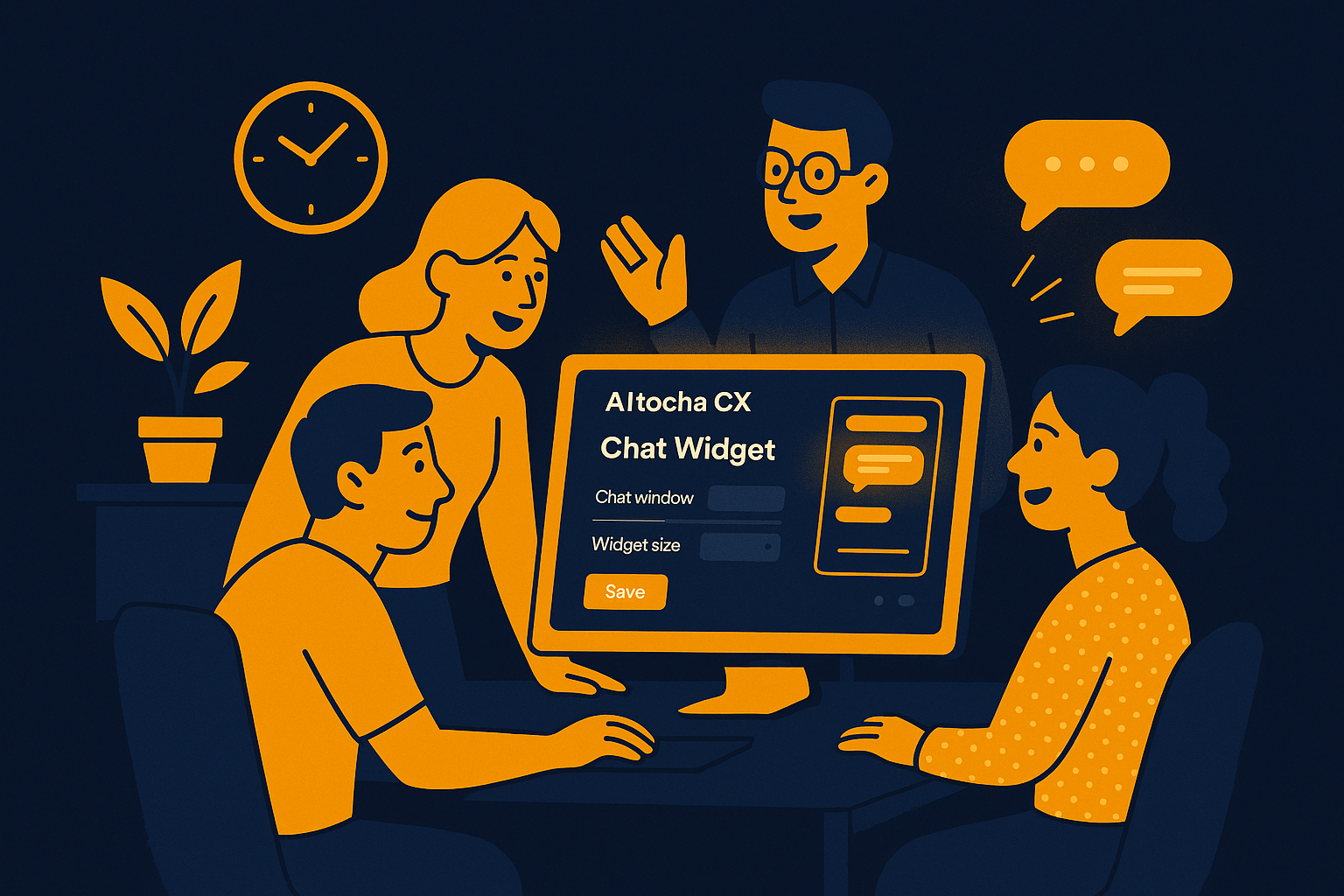
Imagine that it’s just before lunch, and your support team suddenly realizes they need a better way to handle incoming customer questions — fast. What if you could have an AI chat widget live on your website by the end of the afternoon? This isn’t just a hypothetical; with the right tools, deploying an AI chat widget can take as little as five minutes to set up, allowing you to be live and operational quickly without a heavy IT lift.
Why Speed Matters in Deploying AI Chat Widgets
When customer inquiries start flooding in, response speed becomes critical. Waiting days or weeks to implement a chat solution can result in lost sales opportunities and frustrated visitors. By getting an AI chat widget up and running swiftly, you ensure your customers receive timely assistance, and your team gains valuable breathing room to focus on more complex tasks.
Speedy deployment also means you can test and iterate faster, adjusting the AI’s responses based on real customer interactions. This agile approach helps improve the quality of support and customer satisfaction over time.
Step-by-Step Guide to Going Live with Your AI Chat Widget in an Afternoon
Setting up an AI chat widget might sound technically daunting, but with a self-serve platform, you can complete the process in roughly five minutes. Here’s how you can make it happen within a single afternoon:
- Choose a user-friendly AI chat widget solution that offers quick setup without requiring CRM integration.
- Sign up for the service and access the widget creation dashboard.
- Customize the chat widget appearance to match your brand colors, logo, and greeting message.
- Configure basic AI responses or load existing FAQs to help the AI understand common customer questions.
- Generate the installation code snippet provided by the platform.
- Add the code snippet to your website’s HTML, typically in the footer or through a tag manager.
- Test the widget functionality on your website to ensure it responds as expected.
- Train your team on how to monitor conversations and handle handoffs when necessary.
Following these steps, your AI chat widget will be live, ready to engage visitors, and easing your support workload by afternoon.
What Makes a Quick Setup Possible?
Not all AI chat widgets are created equal. Many require integrations with existing customer relationship management (CRM) platforms or complex backend systems, which can delay deployment by days or weeks. However, some solutions are designed to work standalone, eliminating dependencies that slow you down.
By choosing a self-serve platform that works independently, you cut through the technical complexity. You don’t need to worry about syncing data with another system or managing complicated workflows before you can get started. This streamlined approach is key to going live in an afternoon.
The five-minute setup often involves intuitive interfaces that guide you through each step, from customizations to deployment. You can preview your chat widget in real-time, reducing guesswork and making sure it fits your website’s look and feel without coding expertise.
Tips for Maximizing Your AI Chat Widget Impact Quickly
Launching the widget fast is only the first step. To make the most of it, consider these practical tips:
- Prepare a concise knowledge base or FAQ that the AI can use to answer common questions accurately.
- Set up alerts or dashboard notifications so your team can jump in when a conversation needs human attention.
- Periodically review chat transcripts to identify gaps in AI responses and adjust accordingly.
- Leverage chat analytics to understand peak interaction times and optimize staffing.
- Make sure your website visitors know the chat widget is there by placing it prominently and using inviting language.
By combining a rapid launch with ongoing optimization, your AI chat widget becomes a valuable asset that supports your customers effectively from day one.
Getting Started with AItocha CX
If you’re ready to deploy an AI chat widget quickly, consider exploring AItocha CX. This platform offers a straightforward, self-serve setup process that takes about five minutes and doesn’t require any CRM integration. You can have your chat widget live on your site by this afternoon, ready to engage customers and provide timely support.
With AItocha CX, the focus is on speed and simplicity without sacrificing the power of AI-driven customer interactions. Start your setup today and see how quickly you can improve your customer experience.