Demystifying Personal AI Model Training with AItocha Photos
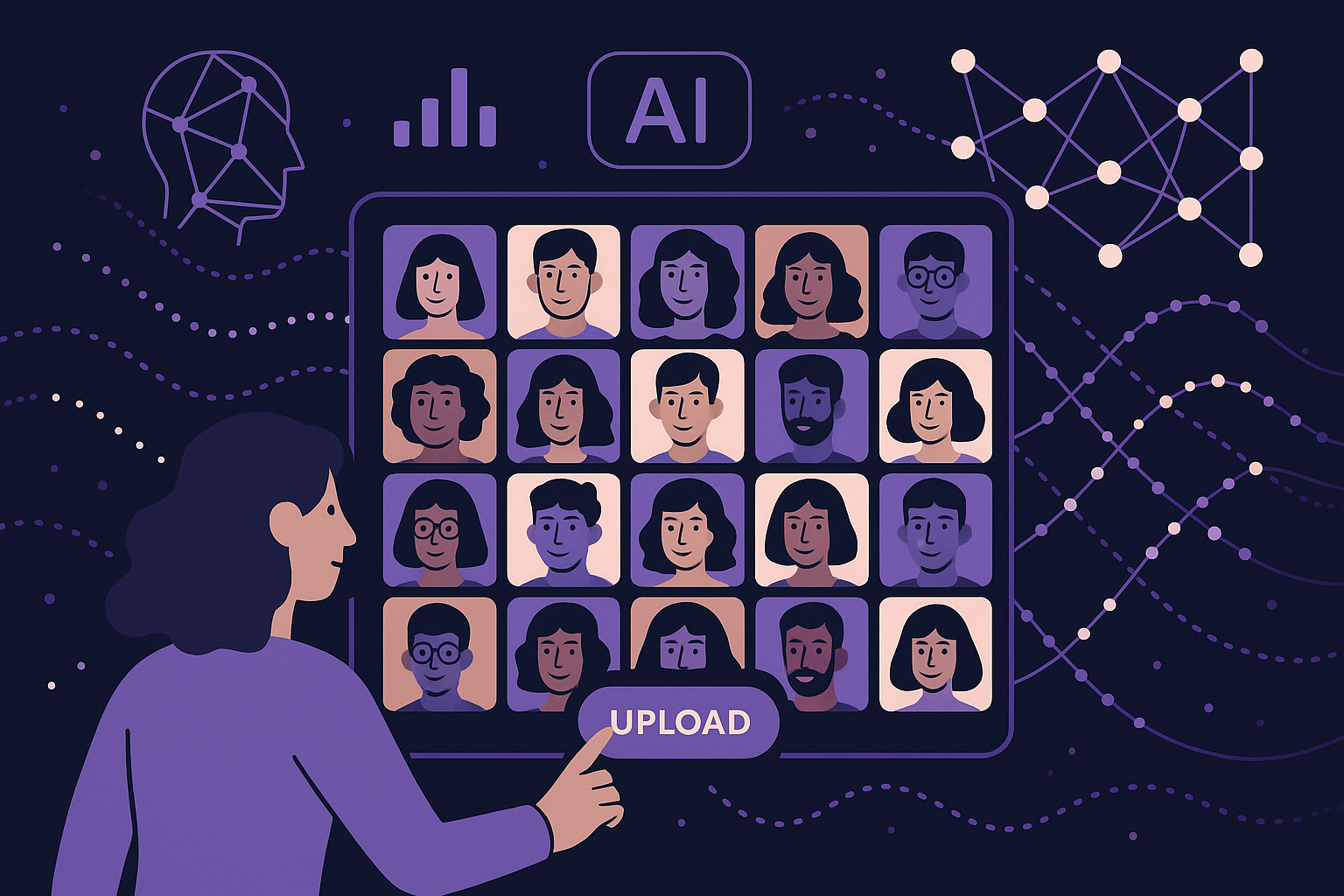
Imagine you want personalized AI-generated photos that truly represent you—capturing subtle expressions and your unique look. But how does the system learn to do that? At AItocha Photos, the process starts with a simple but powerful input: your selfies. These images serve as the foundation for training a personal AI model tailored specifically to you. In this article, we break down how this training actually works, what it requires, and what happens behind the scenes to make it all happen smoothly.
Collecting Your Selfies: The Foundation of Personal AI Training
The first step in personal AI model training is gathering a set of selfies that represent your face accurately. Typically, this involves providing between 15 and 30 diverse selfies. Why this range? Fewer than 15 might not capture enough variation in lighting, expressions, or angles, which can limit the model's ability to generalize. More than 30 often offers diminishing returns relative to the added effort.
These selfies should show you in different poses, expressions, and lighting conditions to help the AI understand the nuances of your appearance. For example, you might include a few photos with natural daylight, some with indoor lighting, smiling and neutral expressions, and angles from straight-on to slight profile. This variety helps the AI model better grasp your unique features from multiple perspectives.
A common mistake is submitting too-similar photos, such as several nearly identical selfies taken in the same setting with the same expression. This limits the model’s ability to learn variability and can result in less dynamic or natural outputs. Taking time to select a well-rounded set of images leads to smoother and more personalized results. This collection stage is crucial because it sets the quality and accuracy of the model’s eventual outputs.
Training Time: What Happens During the 20 to 30 Minutes
Once you provide the selfies, the actual training process begins. This typically takes around 20 to 30 minutes. During this time, the AI system analyzes the images to create a personalized model that understands your facial structure, skin tone, and subtle idiosyncrasies.
Under the hood, the AI uses sophisticated neural networks that are fine-tuned based on your selfies. The training involves multiple iterations where the model adjusts to minimize differences between its predicted representations of your face and the actual images you provided. This iterative refinement ensures that the AI learns both broad and detailed features unique to you, which later enable it to generate authentic images.
During training, the system also learns to distinguish you from other faces in its broader dataset. This helps avoid mixing your features with unrelated facial traits, ensuring the model remains true to your identity. If the training encounters any inconsistencies, such as blurry images or extreme angles, it can flag or exclude those photos to maintain quality.
Balancing Data Privacy and Model Accuracy
A common question is how your data is handled during training. Given that personal images are sensitive, systems like AItocha Photos prioritize privacy by securely processing your selfies. The training occurs in controlled environments that prevent unauthorized access to your images or model data.
Moreover, the process is designed to focus on extracting the essential features needed for modeling rather than retaining raw images beyond what’s necessary. This balance allows for accurate model training while respecting your privacy, so you can trust that your personal data isn’t being misused or stored indefinitely.
In practice, this means your selfies are encrypted during transfer and temporarily stored only as long as needed for training. After training completes, many systems delete the original files or store only anonymized feature data. These measures reduce risks and comply with data protection standards, giving users confidence in the safety of their personal information.
From Model to Photos: How Your Personal AI Model is Used
After training, your personal AI model becomes the core engine that generates new photos resembling you. When you request an AI-generated image, the system uses this model to synthesize a face that matches your learned features but can vary in style, background, or expression as desired.
Because the model is trained specifically on your selfies, the results look authentic and personalized. This tailored generation distinguishes AItocha Photos from generic photo generators and gives you control over the style and context of your AI photos—making it feel like your own digital portrait studio.
For instance, you might want a professional headshot or a fun casual portrait, all based on the same underlying model that understands how your face looks from multiple angles and in different light. This flexibility is only possible when the AI has been carefully trained with your personal data, rather than relying on generic or stock face models.
Common Challenges and Tips for Best Results
While personal AI model training is designed to be straightforward, users sometimes face challenges that can affect the quality of the final images. One common issue is inconsistent selfie quality, such as images with poor lighting, motion blur, or heavy filters. These can confuse the model during training and lead to less accurate representations.
To address this, it's best to review your selfie set before uploading, removing any photos that are too dark, pixelated, or heavily edited. Additionally, including a balanced mix of expressions and angles helps the AI create a more versatile model. Avoiding overly similar photos prevents the AI from overfitting to a narrow set of features, which can limit realism in generated photos.
Another tip is to be patient during the 20 to 30-minute training window. Interrupting the process or trying to rush it may cause incomplete model learning, resulting in less faithful image generation. Allowing the system to complete its full training cycle ensures the best possible outcome.
By understanding these practical aspects, you can optimize your experience with personal AI model training to get authentic, high-quality photos that feel truly yours.
Getting Started and What You Need to Know
If you're curious about how personal AI model training can enhance your photo experience, it's helpful to know what’s involved upfront. To recap, you'll need around 15 to 30 selfies to provide a solid base for the AI to learn from. The training itself takes about 20 to 30 minutes, a brief wait for a personalized model that can generate a wide range of images.
- Collect 15-30 varied selfies showing different angles and expressions
- Upload your selfies securely to begin training
- Wait approximately 20-30 minutes for model training to complete
- Use your personal AI model to generate customized photos
- Enjoy images that authentically reflect your appearance and style
For anyone interested in exploring this process, visiting the Photos product page provides detailed guidance and support to help you get started with personal AI model training. Remember, the quality of your selfies and the brief training period are key to unlocking personalized AI-generated images that truly feel like you.