Ensuring True Data Separation with Multi-Tenant Support for Agencies
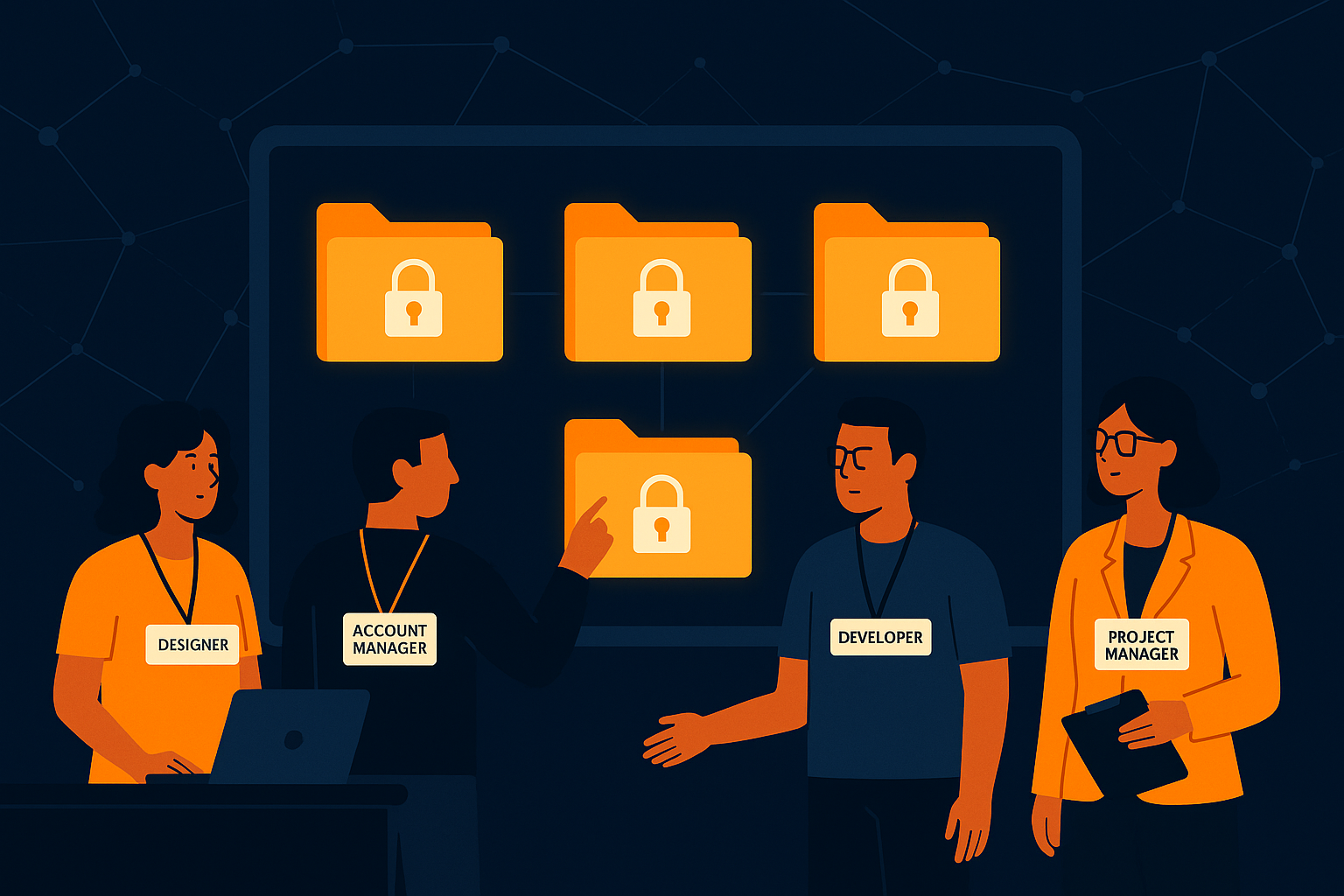
Imagine your agency managing support for five different clients, each with sensitive data and unique access needs. Without proper separation, a simple mistake could expose one client’s information to another, undermining trust and risking compliance. Multi-tenant support is not just a convenience—it’s a necessity in such scenarios to keep client data truly separate while providing your team with efficient tools.
Why Multi-Tenant Support Matters for Agencies
When your agency handles support for multiple clients, the ability to isolate each client's data within a single system is vital. Multi-tenant architectures allow you to manage multiple client sites or brands without mixing their data. This separation ensures that each client’s conversations, tickets, and analytics remain private and distinct, preventing accidental cross-access or data leakage. Beyond privacy, this structure simplifies compliance with data protection regulations, as you can prove data isolation between entities.
Without multi-tenant capabilities that guarantee data isolation, agencies risk data breaches that can damage reputations and lead to legal consequences. Moreover, having isolated data makes custom reporting and performance tracking client-specific, enhancing your ability to deliver tailored insights. For your team, it means working within clearly defined boundaries, reducing confusion and mistakes.
Consider a scenario where your agency supports both a healthcare provider and a retail company. Each industry has distinct compliance requirements and data sensitivities. With multi-tenant support, you can confidently ensure that private health information stays within the healthcare client’s isolated site, while retail data remains separate. This prevents accidental data crossover, which could otherwise lead to costly compliance failures.
Role-Based Access Control: Defining Who Sees What
Data isolation alone isn't enough. You also need precise control over who on your team can access which client’s information. Role-based access control (RBAC) is the tool that lets you assign permissions based on roles, ensuring team members see only what they are authorized to handle. For example, a support agent working with Client A’s tickets should not be able to access Client B’s data.
RBAC simplifies management by letting you create roles such as 'Client Manager,' 'Support Agent,' or 'Supervisor,' each with specific permissions. This minimizes risks of accidental data exposure, enforces accountability, and supports audit requirements. As your agency scales, RBAC keeps your operations organized and secure without requiring complex manual oversight.
In practice, RBAC allows your agency to tailor access dynamically as team members shift responsibilities. Suppose an agent moves from supporting Client X to Client Y; adjusting their role permissions ensures they lose access to Client X’s data and gain access to Client Y’s, without manual data migration or risk of lingering permissions. This agility is key to maintaining security and operational efficiency.
A common mistake agencies make is giving broad access during onboarding and forgetting to restrict permissions later, which can lead to data leaks. Implementing RBAC enforces the principle of least privilege—team members see only what they need to do their jobs—reducing such risks effectively.
How AItocha CX Implements Data Isolation and RBAC
AItocha CX is built with multi-site support that enforces strict data isolation between client accounts within the same platform. Each client’s data lives in a separate silo, so your agents access only the relevant inboxes, tickets, and histories tied to their roles and client assignments. This design prevents cross-client visibility while allowing centralized management for your agency’s administrators.
Complementing this, AItocha CX offers robust role-based access control, letting you configure user permissions down to fine details. You can define who can view, respond to, or manage tickets per client site, and even tailor access at the feature level. This layered security approach ensures that your team’s access matches their responsibilities perfectly, reducing risks and improving operational clarity.
For example, your agency might set up a role that allows junior agents to respond only to tickets, while supervisors have permissions to review reports and change routing rules for a specific client site. AItocha CX’s interface makes assigning and modifying these roles straightforward, which is essential when managing multiple clients with different teams and workflows.
Moreover, the platform’s audit logging features complement RBAC by keeping detailed records of who accessed what data and when—critical for compliance audits and internal investigations. This capability helps your agency maintain transparency and traceability across client accounts.
Practical Benefits for Your Support Team and Clients
- Clear separation eliminates accidental data exposure between clients.
- Role-based permissions streamline task assignments and reduce errors.
- Easier compliance with data privacy and audit requirements.
- Customizable access supports diverse client needs and team structures.
- Efficient multi-site management saves time and reduces complexity.
- Detailed audit logs support transparency and accountability across teams.
With these benefits, your support team can focus on delivering quality assistance without worrying about data mix-ups or permission mishaps. Clients gain confidence knowing their sensitive information is handled securely and separately, reinforcing your agency’s professionalism and trustworthiness. This trust can become a competitive advantage when pitching to new clients who prioritize data security.
Additionally, having a well-structured multi-tenant and RBAC system reduces overhead in training and supervision. Agents quickly understand which clients they support and what data they can access, minimizing onboarding time and mistakes. For your agency, this translates into smoother operations and happier clients.
Implementing Multi-Tenant Support with AItocha CX
Getting started with AItocha CX for your agency means embracing a platform designed with multi-tenant needs in mind. Setup involves defining client sites within the system and configuring roles that match your team’s workflow. The platform’s interface makes it straightforward to assign agents to specific clients and control permissions accordingly.
In practice, you might begin by importing client data into separate sites and defining roles such as 'Client A Support Agent' or 'Client B Supervisor.' From there, you assign team members to these roles, ensuring they only interact with their designated client’s tickets and data. This initial configuration is a one-time investment that pays off in secure, efficient ongoing operations.
As your agency grows or client needs evolve, AItocha CX lets you adjust access controls and add new client sites without disrupting existing workflows. This flexibility supports scaling your services and onboarding new clients without compromising data security. The platform’s design minimizes the administrative burden while maximizing control.
By prioritizing data isolation and role-based access control, you ensure your agency’s operations remain secure and organized as you scale. This foundation lets you focus on responsive, personalized support that keeps clients satisfied and your reputation intact. If your agency juggles multiple client accounts, investing time to properly implement these controls pays dividends in risk reduction and operational efficiency.