Defining a "Resolved" Ticket: How Your Metrics Shift with Different Interpretations
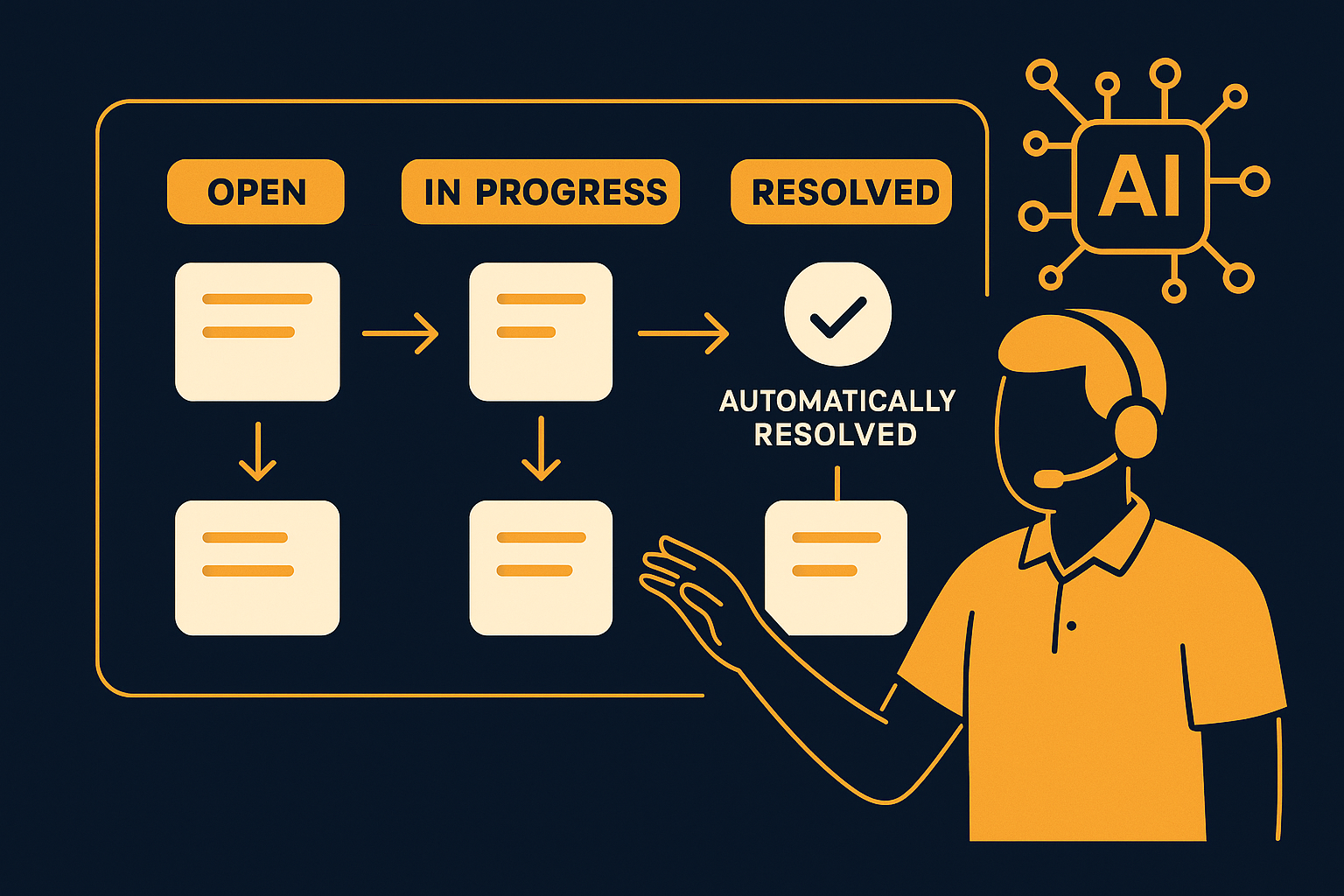
Imagine your support team handles hundreds of tickets daily, and you discover that 85% of inquiries are resolved automatically. But what does "resolved" really mean in this context? The definition you use for a resolved ticket can dramatically alter your support performance metrics, affect team workload assessments, and change how your success is perceived.
What Constitutes a "Resolved" Ticket?
At its core, a "resolved" ticket typically means a customer issue has been fully addressed. Yet, in practice, this can vary widely across organizations and tools. Some define resolution as any ticket closed by the system or an agent, while others require explicit customer confirmation or follow-up satisfaction surveys. The ambiguity in this definition leads to different counts that can either inflate or understate the effectiveness of your support team.
For instance, your support software might mark a ticket as resolved once an agent sends a final message, assuming the problem is solved. However, the customer might not respond or might reopen the issue later. Alternatively, some teams use a time-based metric, closing tickets automatically after a period of inactivity, which may or may not reflect actual resolution. These variations highlight the importance of agreeing on a definition that aligns with your customer engagement style and business goals.
A common mistake is relying solely on system status without considering customer context. For example, a ticket marked as resolved due to inactivity might simply indicate the customer was unable to respond promptly, not that their problem is solved. To avoid this, teams often implement rules for ticket reopening or use follow-up checks to confirm true resolution.
How AI Automation Impacts Resolution Metrics
When AItocha CX automatically resolves 85% of inquiries, it streamlines the support process by handling routine questions without human intervention. However, automatic resolution doesn’t always equate to complete customer satisfaction or issue closure from the customer's perspective. Some tickets may be marked resolved by AI after providing an answer, yet customers might have follow-up questions or unresolved concerns.
Consider a customer asking for store hours. The AI chatbot instantly replies with the accurate schedule and closes the ticket. From a metrics standpoint, this ticket counts as resolved. But if the customer then asks about holiday hours or policies, a new ticket might open, or the issue remains unresolved from their viewpoint. Hence, while AI automation improves efficiency, it can complicate how resolution rates reflect actual customer experiences.
In practice, some organizations implement escalation workflows where the AI flags tickets for human follow-up if the conversation continues beyond a certain threshold, ensuring complex issues are not prematurely closed. This hybrid approach balances the high volume of automatically resolved tickets with quality control to maintain customer satisfaction.
The Role of Customer Confirmation and Feedback
Including customer feedback in defining resolution adds an important dimension. A ticket might be closed automatically, but without customer confirmation, it’s unclear if the issue was truly resolved to their satisfaction. Some organizations require positive feedback or a confirmation click before marking a ticket resolved.
For example, after a support interaction, a customer might receive a prompt asking if their issue was resolved. Only upon an affirmative response does the system record the ticket as closed. While this method may reduce the raw resolution numbers, it provides more actionable insights into service quality and highlights areas where support or AI responses need improvement. Without this confirmation, teams risk relying on misleading resolution statistics that ignore customer sentiment.
Implementing such feedback loops requires thoughtful timing and phrasing to encourage responses without causing frustration. If done well, these confirmations can serve as valuable data points for coaching agents, refining AI responses, and prioritizing product improvements based on real customer experience.
Implications for Your Support Team’s Metrics and Workflow
How you define a "resolved" ticket influences support team performance metrics and decision-making. A broader definition that includes automatic resolutions can make teams appear more efficient but might mask underlying customer needs. Conversely, a stricter definition requiring customer confirmation can highlight gaps in service or AI capabilities but may increase apparent ticket volume.
- Inflated resolution rates may reduce urgency to address recurring issues.
- Stricter definitions can increase workload but improve quality insight.
- Metrics aligned with customer experience promote better team training and AI tuning.
Take the example of a team using AItocha CX. If they consider all AI-closed tickets as resolved, their resolution rate might soar to 85%. But if they factor in customer feedback or require agent review post-automation, the rate could adjust downward, revealing opportunities to refine AI responses or escalate complex queries sooner. This impacts not only how your team measures success but also shapes your staffing and training decisions.
Additionally, teams might adjust SLAs and internal goals based on the resolution definition to ensure expectations match the reality of support delivery. For example, a team focusing on true customer-confirmed resolutions might set longer response or resolution windows to allow for follow-ups and surveys, impacting how success is tracked and rewarded.
Navigating Definitions to Align Metrics with Reality
Because definitions significantly affect your reported resolution rates, it's critical to tailor the criteria to your specific support environment. Some teams benefit from a hybrid approach—using AItocha CX's automatic resolutions as a first step, followed by agent verification or customer confirmation to finalize the ticket status. This layered method balances efficiency with accuracy and prevents overestimating success.
In practice, you might implement a workflow where the AI closes simple queries immediately, while more nuanced issues trigger alerts for agent follow-up. Customers could receive satisfaction surveys post-interaction to validate resolution. Tracking these combined signals helps your team act on real pain points and avoid the trap of inflated metrics that don't translate into improved customer satisfaction.
It's also important to regularly review and adjust your resolution criteria as your AI capabilities evolve and customer expectations change. What counts as resolved today might differ in six months as automation improves or your support approach shifts. Keeping your metrics aligned with reality ensures continuous improvement and avoids complacency.
Ultimately, the definition you choose will shape your support narrative and influence strategic decisions. Understanding these nuances empowers your team to interpret data correctly and improve both customer experience and operational efficiency. If you'd like to see how AItocha CX supports flexible resolution tracking and automation, visit the CX product page. AItocha CX offers tools to customize resolution workflows and integrate customer feedback smoothly.