Conditional and Branching Logic in Surveys: A Simple Guide
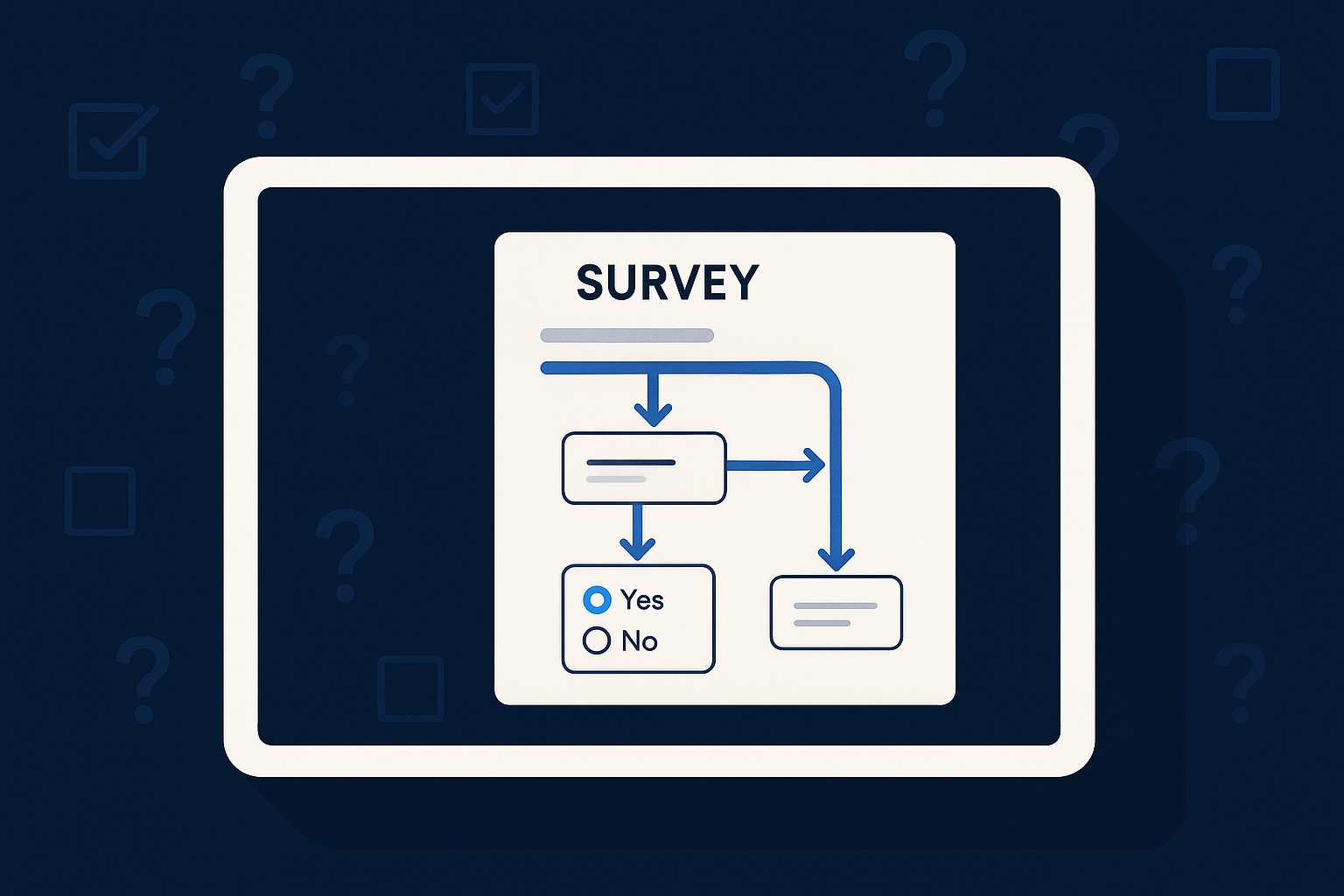
Imagine sending a customer satisfaction survey where every respondent sees only the questions relevant to their experience. Instead of a one-size-fits-all questionnaire, your survey adapts dynamically as answers come in, guiding participants down tailored paths. This personalization is made possible by conditional and branching logic in surveys, a feature that can transform how you collect and analyze feedback.
What Is Conditional and Branching Logic in Surveys?
Conditional logic in surveys refers to the capability to display or skip questions based on previous answers. Branching logic builds upon this by directing respondents to specific sections or questions relevant to their responses. Together, they allow you to create multi-field, conditional forms that are responsive and efficient. Instead of overwhelming participants with every possible question, you can streamline the experience, making it shorter and more relevant.
Using conditional and branching logic effectively means your survey becomes a conversation that adapts to each respondent’s input. For instance, if someone indicates they are dissatisfied with a product, the survey can branch to detailed questions about what went wrong, while satisfied respondents might be asked about features they liked. This approach saves time for respondents and improves the focus of your analysis.
Setting up these logical flows can be complex in some tools, but with AItocha Surveys, you can define conditions clearly in an intuitive interface, making it accessible even if you’re not a developer.
These techniques not only improve the respondent's experience but also help ensure that the data you collect is more precise and actionable. You avoid irrelevant data points and focus on areas that truly matter to each participant.
Benefits of Using Conditional Logic in Your Surveys
When you apply conditional and branching logic, you create surveys that feel personalized and professional. Respondents are less likely to abandon the survey midway because they encounter only questions that apply to them. This targeted approach increases completion rates and the quality of responses.
Another benefit is that you save respondents from survey fatigue. Instead of wading through irrelevant questions, they encounter a focused set of queries tailored to their experiences or characteristics. For example, a product survey might only ask hardware-specific questions if the respondent owns a device model that supports them. This not only respects their time but also improves the reliability of the data you collect.
By collecting more relevant data, you also make your analysis simpler and more precise. For instance, you won’t have to filter out responses to questions that weren’t applicable, reducing noise in your dataset. This can be especially valuable when combining data from different customer segments or product lines.
- Higher response rates due to relevance
- Cleaner, more useful data collection
- Shorter surveys that respect respondents' time
- Ability to capture detailed insights based on specific answers
- Reduced respondent frustration and confusion
Overall, these benefits can lead to more trustworthy feedback and better decision-making for your team, helping you prioritize improvements and investments based on precise insights.
How to Set Up Conditional and Branching Logic with AItocha Surveys
Creating surveys with multi-field and conditional branching forms in AItocha Surveys is designed to be user-friendly. You begin by defining your questions and then specifying the conditions that determine which question appears next depending on each answer.
In practice, you might start with a question like "Have you used our new feature?" If the answer is "Yes," the survey will branch to detailed questions about that feature’s usability and value. If "No," it will skip those and move to broader satisfaction questions. This logic is set up using simple dropdowns and condition builders that require no programming knowledge.
It’s important to test your survey flow thoroughly to verify that all branches work as intended and respondents are not led to dead ends or unnecessary loops. AItocha Surveys provides a preview mode where you can simulate different answer paths, ensuring a smooth experience for every respondent.
Using this approach, you can build complex surveys without writing code or managing complicated workflows. AItocha Surveys handles the logic behind the scenes, making it easier to maintain and update your questionnaires over time.
Common Use Cases for Conditional Surveys
Conditional and branching surveys are ideal in many contexts where one-size-fits-all questionnaires fall short. Here are some scenarios where these features shine:
- Customer satisfaction surveys that adapt based on products or services used
- Employee feedback forms that branch by department or role
- Event feedback that adjusts questions depending on attendance or session participation
- Market research surveys that explore different topics based on demographics
- Technical support follow-ups that dig deeper into specific issues reported
To illustrate, imagine a support team juggling five different product lines. A survey using conditional logic can ask which product the customer contacted about, then branch to questions specifically designed for that product’s common issues. This targeted feedback provides insights that are immediately actionable for each product team, rather than mixing all feedback together.
Similarly, HR departments can use branching surveys to tailor questions to employee roles. A manager might receive questions about team leadership, while individual contributors get questions about collaboration and workload. This differentiation leads to more meaningful data and better targeted improvements.
Best Practices and Tips for Effective Conditional Logic
While conditional logic adds power to your surveys, it’s important to apply it thoughtfully. Start by mapping out your survey flow on paper or with a diagram tool to visualize how respondents will move through the questions.
Avoid overly complicated branching structures that may confuse respondents or make it difficult to manage the survey. For example, deeply nested conditions or circular paths can cause unexpected behavior. Keeping your logic straightforward improves maintainability and the respondent experience.
Testing is critical. Use preview features to walk through every possible path yourself or with colleagues before launching. Watch out for dead ends or questions that don’t logically follow from previous answers. This reduces frustration and ensures you gather reliable data from all respondent types.
In addition, clearly communicate the purpose of your survey and how responses will be used. Even well-designed logic can feel intrusive if respondents don’t understand why they are being asked certain questions. Transparency builds trust and encourages honest answers.
By following these principles, you can harness the full potential of multi-field and conditional/branching forms offered by AItocha Surveys, resulting in smarter, more efficient surveys that deliver high-quality feedback suited to your business needs.